

AI video for photographers: portfolio reels and BTS
Turn photo shoots into motion. The 2026 AI video playbook for photographers and studios: portfolio reels, behind-the-scenes, and motion add-on revenue from existing clients.
A photographer's portfolio in 2026 doesn't move and they lose the booking. It's that direct. Couples shopping for wedding photographers spend 4.2 minutes on average on a portfolio with motion content versus 47 seconds on a stills-only site, per The Knot's 2026 vendor analytics. Brand clients shopping commercial photographers now expect the deliverable package to include motion — even if they originally booked stills.
The good news: photographers already have everything needed to dominate AI video. The bad news: most are still treating motion like an entirely separate service that requires a videographer. This guide walks through the workflow studios are using inside Versely to turn existing photo shoots into portfolio reels, behind-the-scenes content, and a motion add-on line that adds 18 to 35 percent to average client invoice value.
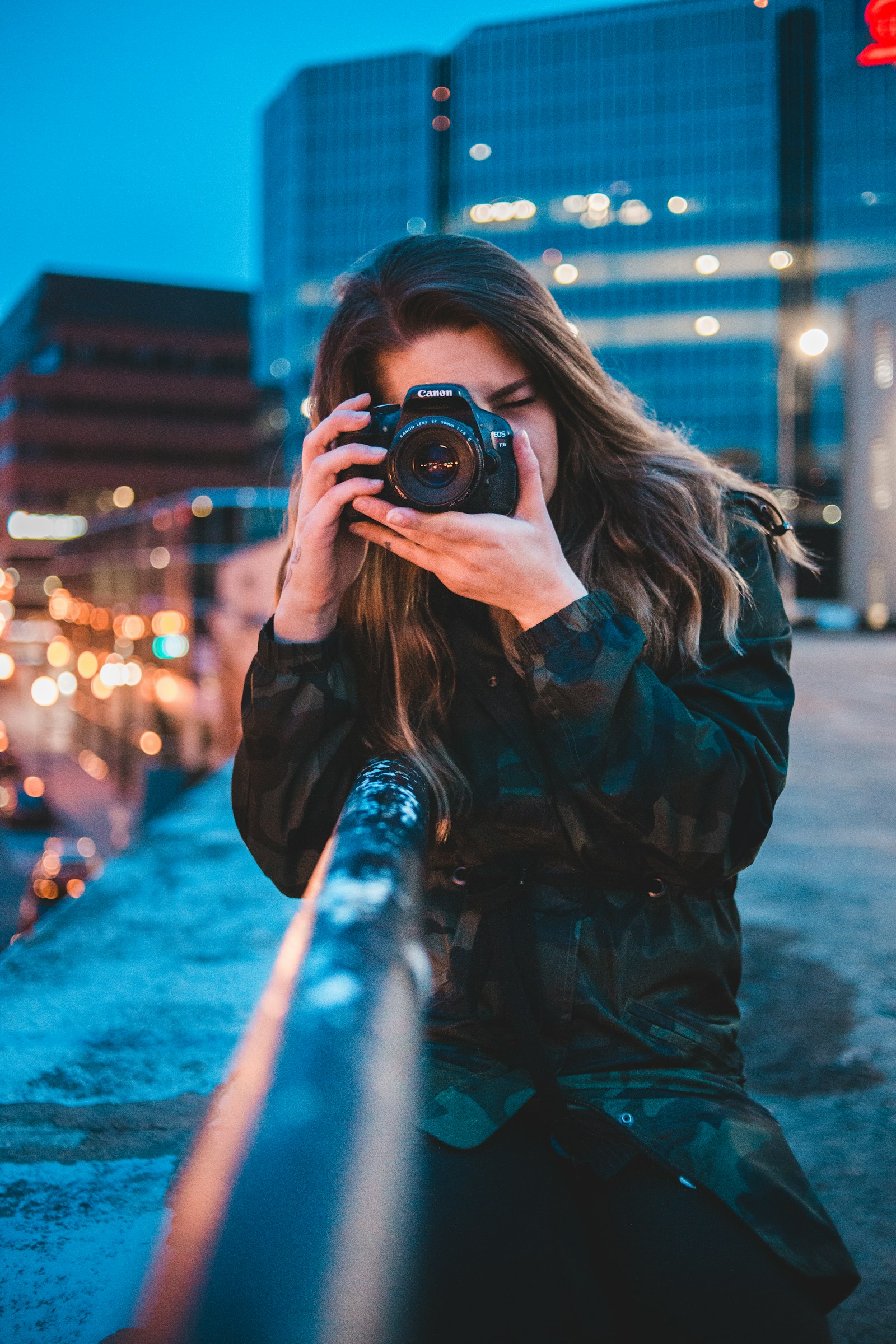
Why photographers were always going to win at AI video
You already have the assets, the eye, and the client trust. Image-to-video models like Kling 2.5 and Runway Gen-3 are designed to take a single still and produce cinematic, on-brand motion from it — and they perform better on intentional, well-composed input than on amateur snapshots. Your stills are exactly the kind of input these models are tuned for.
The only thing you don't yet have, in most cases, is the workflow to turn that into shipped client deliverables and a productized motion add-on. That's what this post fixes.
The four motion deliverables every photo studio should productize
Before you generate, decide what you're actually selling. Studios that try to "offer motion" without productizing it end up doing one-off favors. Studios that win in 2026 sell these four:
- The portfolio reel — a 30 to 60 second motion piece for your own marketing, refreshed quarterly.
- The client highlight reel — a 20 to 45 second motion deliverable, sold as a $300 to $900 add-on per shoot.
- The behind-the-scenes reel — content for your social, used to attract more bookings.
- The motion-portrait single — a 5 to 10 second living-portrait of a single hero shot, sold as a $75 to $200 individual add-on.
Each one has a different production loop and a different price point. Stack them and you have a motion service line.
The Versely stack for photo studios
| Deliverable | Versely tool | Recommended model |
|---|---|---|
| Single image to motion (living portrait) | AI Video Generator (image_to_video) | Kling 2.5, Runway Gen-3 |
| Multi-image cinematic reel | AI Video Generator | Kling 2.5, VEO 3.1 |
| Behind-the-scenes b-roll fillers | AI B-Roll Generator | Hailuo, VEO 3.1 Fast |
| Story-driven engagement / wedding teaser | Story to Video | Wan 2.5, Kling 2.5 |
| Studio brand intro avatar | UGC Video Generator | VEO 3.1 |
| Voice clone for narrated portfolio | AI Voice Cloning | ElevenLabs v4 |
| Mood music bed | n/a | Lyria, Suno v5 |
| Brand-style cover art for reels | Text to Image | Flux 1.2 Ultra, Midjourney v7 |
The image-to-video workflow that respects your work
This is the part most photographers get wrong on the first try: they upload a portrait into a video model with a vague prompt like "make it move" and end up with the subject's face melting into uncanny territory. The model isn't broken. The prompt is.
Here's the workflow that produces motion you'd actually be proud to send a client:
- Pick the right stills. Not every photo wants to move. The best candidates have intentional negative space, a clear subject, soft directional light, and at least one element that would naturally have motion (hair, fabric, light, water, foliage).
- Write the motion intent in physics terms. Don't say "make it cinematic." Say "soft camera dolly-in 4 inches over 5 seconds, subtle wind through hair from camera-left, no facial expression change." The more specifically you describe physical motion, the less the model will hallucinate.
- Constrain what shouldn't move. "Subject's face stays static, jewelry remains exact, no change to garment pattern." Constraints prevent the uncanny.
- Generate at 5 seconds first. Always test at 5 seconds before committing credits to longer outputs. You'll know within one generation if the still is going to move well.
- Use Runway Gen-3 for portraits, Kling 2.5 for editorial, VEO 3.1 for environments. Each model has a different strength. Match it to the still.
Done right, a single living portrait runs 25 to 50 credits and takes under 5 minutes.

The motion add-on: how studios are adding 25 percent to invoices
The single most profitable change a photo studio can make in 2026 is adding a motion package as a standard upsell on every shoot. The math is straightforward and the conversion rate is high because clients are already in buying mode.
Here's the productized package most of our studio customers are running:
Motion Add-On Package — $450 (typical pricing for portrait, family, brand shoots)
- 1 hero living-portrait (5-8 seconds, the client's favorite shot brought to life)
- 1 reel highlight (25-40 seconds, top 8-12 stills cut to a Lyria music bed, branded intro/outro)
- 3 vertical social cuts (8-15 seconds each, formatted for Instagram Reels and TikTok)
- Delivery in client's gallery alongside stills, 48-hour turnaround
Production cost in Versely credits: 350-500 per package. Net margin: 75-85 percent on a $450 add-on. Studios pricing this on every shoot are converting 35-55 percent of clients into the upsell because the deliverable is concrete and the price is anchored against their already-paid stills package.
For wedding photographers, scale the package up: $900-$1,400 for an extended highlight reel, multiple living portraits, and a cinematic engagement teaser.
Five photographer workflows with example prompts
Workflow 1: Living-portrait hero. Take your favorite portrait from a shoot. Runway Gen-3 image-to-video prompt: "Subtle camera push-in over 6 seconds, soft window light unchanged, gentle wind catching subject's hair from camera-left, eyes blink naturally once at second 3, facial features and skin texture exact, no changes to wardrobe or jewelry."
Workflow 2: Editorial fashion reel. Take 8-12 stills from a fashion shoot. Run each through Kling 2.5 with motion prompts that match each pose's energy. Cut to a 30-second Lyria score. Prompt example: "Slow zoom-out on standing pose, fabric drift from below, golden-hour rim light unchanged, 4 seconds."
Workflow 3: Wedding engagement teaser. Use story-to-video with the couple's engagement stills as anchor frames. Prompt: "3-act story from engagement session: couple walks through [autumn vineyard], shares quiet moment by [a stone wall], laughs at [a private joke]. Cinematic, soft golden light, 45 seconds, 16:9."
Workflow 4: Studio behind-the-scenes. Generate b-roll filler that matches your real BTS clips. Hailuo prompt: "Photographer adjusts a softbox in a studio, hands close-up, soft tungsten light from camera-left, 6 seconds, 16:9." Use to fill gaps in real BTS footage.
Workflow 5: Branded portfolio intro. Your face or trained avatar with voice clone for a 12-second studio brand intro. Pin it to the top of your portfolio site. "Hi, I'm [name] and I make pictures that move." Use VEO 3.1 avatar plus voice cloning.
The client-deliverables loop
For studios productizing motion, the per-shoot workflow looks like this:
- Cull and edit stills as normal. Don't change your photo workflow.
- Pick 8 to 15 motion-candidate stills from the gallery. Look for the qualities discussed above.
- Batch-generate living portraits in Kling 2.5 or Runway Gen-3. 5 to 8 seconds each.
- Assemble the highlight reel in Versely's timeline. Add intro/outro brand cards, music bed from Lyria, soft cross-fades.
- Export three formats. 1080p horizontal for client preview, 9:16 vertical for their socials, 1:1 square as bonus.
- Deliver inside the existing client gallery. Most studio gallery platforms (Pixieset, Pic-Time, ShootProof) now accept video natively.
End-to-end production time per package: 60 to 110 minutes once your template is built.
Six mistakes to avoid
- Animating every still in a gallery. Curate ruthlessly. 8 to 12 motion clips in a 30-second reel is the right density. Animating 30 stills produces a frantic, uncinematic mess.
- Letting the model invent details. Specify what stays static. The model will respect "subject's face exact, garment pattern unchanged" if you tell it.
- Generic music beds. Lyria can generate a track tuned to the exact tempo and mood of the shoot. Use it instead of stock library cues.
- Selling motion as "an extra" instead of a productized package. Vague upsells get vague conversion rates. Concrete packages with a hero deliverable convert at 4 to 5x the rate.
- Vertical-only delivery. Even though socials are vertical-first, clients still want a horizontal cut for their websites and email signatures. Always export multiple ratios.
- Ignoring weddings as a motion category. Wedding photographers who don't offer motion are leaving the largest single revenue lift on the table. Couples will pay 30 to 50 percent more for a hybrid stills + motion package.

FAQ
Will my clients know the motion is AI-generated?
If the source still is yours and the motion is subtle and physically realistic, most clients won't notice and won't care. We recommend a one-line note in your contract that the motion deliverable uses AI image-to-video tools to animate your photographs. Most clients see this as a feature.
Does AI video work on group shots and weddings with multiple people?
Yes, but with caveats. Image-to-video models handle 1 to 3 subjects well. Larger groups (8+ people) sometimes produce facial drift on background subjects. For groups, prompt strict constraints ("no facial movement on any subject") and keep clips to 4 seconds.
Can I use AI motion on commercial brand shoots?
Almost always yes, but check the brand's contract. Some commercial brands (especially in cosmetics, food, and pharma) require explicit approval for AI-modified deliverables. If the contract is silent, get written approval before delivering.
What resolution does the output produce?
Kling 2.5 and Runway Gen-3 default to 1080p. VEO 3.1 outputs up to 4K. For client deliverables, 1080p is standard. For commercial use, request 4K from VEO 3.1 if your client distributes on broadcast or large-format displays.
What's the realistic learning curve for a photographer new to AI video?
Most photographers are producing client-quality motion within 3 to 5 hours of focused practice. The hardest part is calibrating prompt specificity. The how-to-make-viral-short-form-videos-with-ai guide covers prompting fundamentals that apply directly.
Productize motion before your competitors do
Every photographer reading this post is sitting on a portfolio of stills that wants to move. The studios productizing a motion add-on right now are quietly raising their average invoice by 20 to 35 percent and locking in a competitive moat that purely-stills studios cannot easily close. Open Versely's AI video generator, pick three of your favorite client stills from last month, and generate a sample reel this afternoon. Show it to your next client. The upsell will sell itself.