

How to Make a SaaS Demo Video with AI (2026)
Build a high-converting SaaS demo video with AI in 2026: screen capture, AI b-roll fillers, narration, hotspots, the right length and where to embed for max conversion.
A great SaaS demo video does one job: it collapses the time between "I'm curious" and "I get it." Every second past that is a chance for the prospect to bounce. In 2026, you can build a demo that converts better than a sales call — using AI for everything except the screen recording itself — in under three hours.
Target for this workflow: a 90-second hero demo plus three 30-second feature loops, all produced in an afternoon for under $30 in tooling. Embed locations and the data on which length wins are at the bottom.

Step 1: Brief the demo around a single "aha" moment
Most SaaS demos fail because they try to walk through the product. The product walkthrough belongs in onboarding. The demo's job is to land one aha moment and end on a CTA.
Run this brief before you record a single pixel:
Demo brief
- ICP: <one persona, one company size>
- Job-to-be-done: <single sentence>
- Aha moment: <the 1 thing that makes the prospect say "oh">
- Time-to-aha: under 30 seconds
- Primary CTA: <start trial / book demo / view pricing>
- Secondary CTA: <docs / case study>
- Length target: 90s hero + 3x 30s feature loops
- Distribution: pricing page, landing page, in-app empty state, ad
The aha moment is the only thing that matters. If you can't write it in one sentence, you don't have a demo — you have a feature tour.
Prompt template for scripting the narration:
You are writing a 90-second SaaS demo voiceover for <product> aimed
at <ICP>. The single aha moment is: <aha sentence>. Structure:
HOOK (5s) -> PROBLEM (15s) -> AHA DEMO (40s) -> PROOF (15s) ->
CTA (15s). Constraints: 220 words max, sentence length under 14
words, second-person, no jargon, no feature lists. Output as
timestamped sections.
Step 2: Script the screen capture and storyboard the b-roll
Two parallel tracks: the screen recording plan (what gets captured live) and the b-roll plan (what AI fills in around it).
Sample script for a fictional analytics SaaS called "Lumen":
HOOK (0-5s): Your dashboard is lying to you. Here's how to know. PROBLEM (5-20s): Most teams ship features and watch a vanity metric tick up. The metrics that move revenue are buried four clicks deep. AHA DEMO (20-60s): With Lumen, you point it at your warehouse, pick the outcome you care about, and it ranks every event in your product by how much it actually moves that outcome. [Screen capture: connect → pick outcome → ranked event list appears.] PROOF (60-75s): Teams at [brand], [brand] and [brand] cut their feature backlog in half in the first month. CTA (75-90s): Connect your warehouse, get your first ranked list in 90 seconds. Free, no card.
The screen capture covers the AHA DEMO block — 40 seconds of clean, deterministic clicks. Everything else is voiceover-driven, with AI b-roll filling the visual gap so it doesn't look like a single static screen for 90 seconds.
Storyboard the b-roll alongside the script. Each line of voiceover gets one visual.
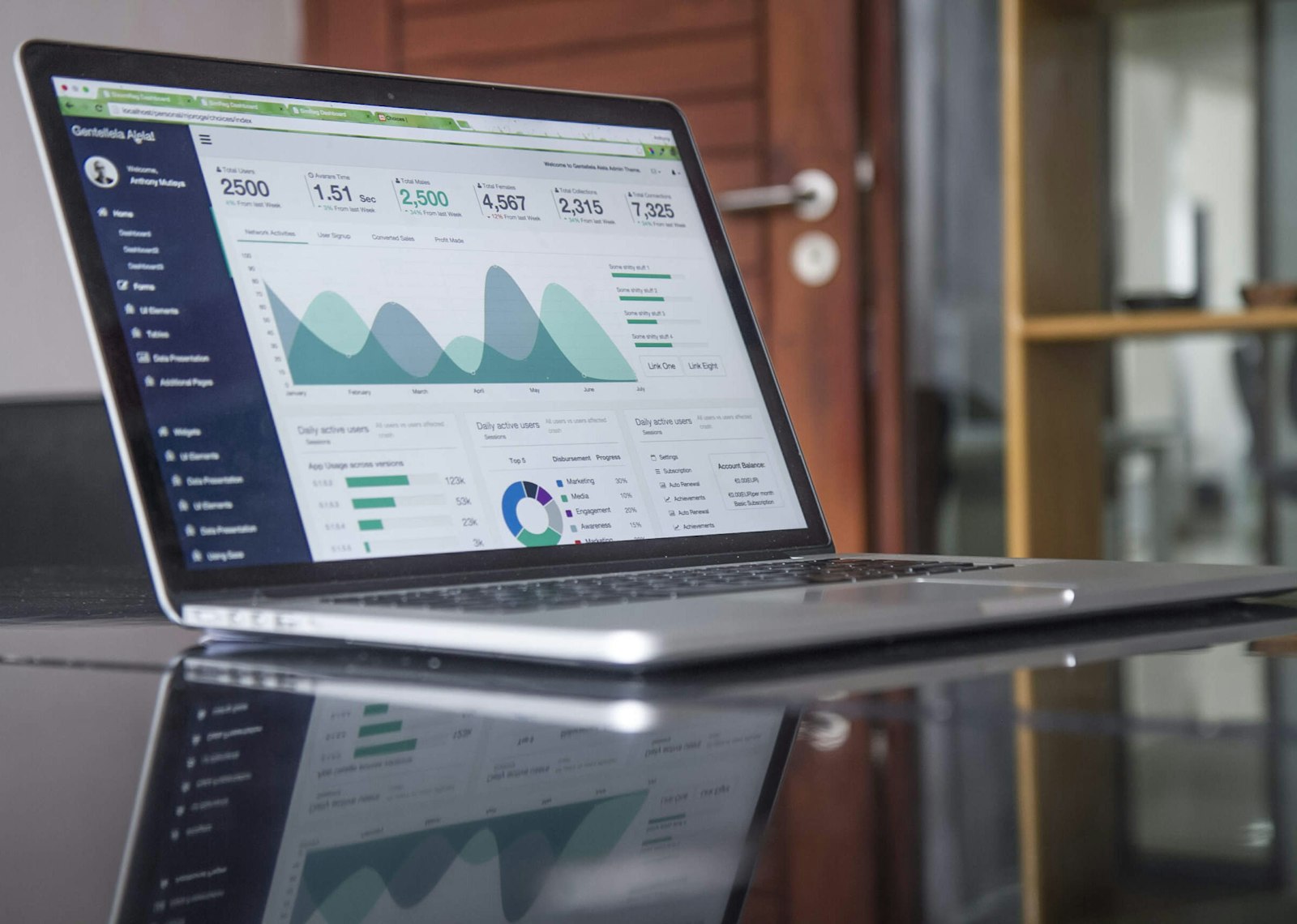
Step 3: Capture the screen and generate the AI b-roll fillers
Screen capture rules (the 40s aha block):
- Record at 2x your final resolution (e.g. 4K for a 1080p export). You'll want headroom for cinematic zooms in post.
- Hide everything: bookmarks bar, dock, notifications, every sidebar that isn't required.
- Cursor follows a pre-planned path. Use a tool that smooths cursor motion — jittery cursors are the #1 demo tell.
- Add a 0.3s pause between every click. The viewer's eye needs time to parse.
- Capture the click action twice: once at full speed, once at 0.5x. The 0.5x cut goes on the moment the aha lands.
AI b-roll for everything else — this is where most demo videos die. Don't fill the non-demo seconds with the same screenshot. Generate purpose-built b-roll:
- HOOK: text-to-image with Flux 1.2 Ultra for an arresting still, animated with Kling 3.0 image-to-video for a 5-second push-in. Topic: "a dashboard with the wrong metric highlighted."
- PROBLEM: AI b-roll generator with VEO 3.1 for a cinematic shot of a team at a whiteboard, then Wan 2.7 for an over-the-shoulder shot of someone navigating four levels deep into a UI.
- PROOF: Generate stylized "logo wall" stills with Ideogram 3 (best in class for in-image typography in 2026). Animate with subtle parallax.
- CTA: A clean product hero shot, generated with Midjourney v7 and animated with Hailuo for a soft camera pull-back.
Sample prompts:
HOOK — Flux 1.2 Ultra:
"Cinematic close-up of a laptop screen showing a SaaS dashboard,
one chart line highlighted in red while others fade, dramatic
moody lighting, shallow depth of field, photorealistic."

PROBLEM — VEO 3.1:
"Over-the-shoulder shot of a product manager scrolling through
nested settings menus on a laptop, late evening office light,
slow zoom into the screen, frustration on the face partially
visible, 24fps cinematic."

PROOF — Ideogram 3:
"Clean grid of 9 fictional B2B SaaS logos on a white background,
even spacing, soft drop shadow, subtle gradient, designed for a
trusted-by section, 16:9."
For the moments where the screen capture has a dead beat (e.g. a loading state), cut to a 1-second AI b-roll insert. The viewer's eye stays alive, and the demo never feels static.
Step 4: Voiceover and lip sync (when there's a face)
Two voice options that both work:
- Clone the founder's voice with AI voice cloning using ElevenLabs v3. The founder records 60 seconds once, then narrates every demo update for the lifetime of the product. This is the right call for early-stage SaaS — the founder voice converts better than a stock VO.
- License a polished VO persona from the ElevenLabs v3 library when you're past 100 employees and want consistency across a product surface.
If your hero shot includes a generated talking head (e.g. an AI presenter intro for the hook), run AI lipsync so the mouth matches the cloned voice exactly. Mismatched lipsync in B2B kills trust in under 2 seconds.
Pacing for SaaS demos:
- 165-180 wpm. Slower than short-form, faster than corporate.
- Cut every 4-5 seconds during voiceover sections. Cut on every click during the screen capture.
- 0.5s silence before the CTA. Same psychology as the loop pause in short-form — the silence is what makes the eye refocus on the CTA button.

Step 5: Hotspots, captions, music and a thumbnail that earns the play
Hotspots are the demo-specific superpower. When the cursor lands on the moment of aha, drop a soft-pulse circle around the UI element for 0.6 seconds. Don't draw it the entire time — just at the moment of click. Subtle = professional. Loud = explainer-video energy.
Captions. Burn them in for the silent autoplay surfaces (LinkedIn, Twitter, in-product empty states). Bottom third, two-line max, sentence-case (not the all-caps short-form style). 60% of B2B prospects watch demos with sound off the first time.
Music. Generate a clean, low-energy bed with AI music generator using Lyria for instrumental — soft synth pads, no drums, -22dB under the voice. Drums in a SaaS demo read as commercial; you want editorial.
Thumbnail. The thumbnail is the entire conversion event on a pricing page. AI thumbnail generator with a clean product-screen-plus-text-overlay format. Test 3 variants. The winner usually has a single number or specific outcome in the overlay ("Connect in 90 seconds", "Cut your backlog in half").
Step 6: Final cut, then embed everywhere your prospect already is
Stitch the screen capture into the script. Drop the AI b-roll between the voiceover beats. Layer the music bed at -22dB. Burn captions. Drop hotspots on click moments. Export.
Two exports, every time:
- 16:9 1080p for landing pages, pricing, in-product, YouTube.
- 9:16 1080x1920 for LinkedIn vertical, Reels, Shorts, in-app mobile empty states. Re-frame the screen capture (don't just letterbox).
Embed locations that actually convert (ranked by conversion lift in 2026 SaaS data):
- Pricing page, above the plan grid. Single biggest lift. The video answers "what does this actually do" right where the buying decision happens.
- In-product empty state. When a new user lands in an empty workspace, autoplay the 30s feature loop relevant to their first action.
- Landing page hero. Replaces the static hero image. Keep autoplay on, muted, looping the 5s hook only — the full play is one click.
- Sales follow-up email. Personalized loom-style intro + the 90s hero demo embedded. Highest reply rate of any sales asset in 2026.
- LinkedIn paid ad. The 9:16 vertical cut, hook frame frozen as the thumbnail, 30s max in feed.
Skip the homepage hero unless you're a developer tool. Generic SaaS homepages convert better with text + a still product shot than with autoplay video — the video belongs on the pricing page.

FAQ
What's the right length for a SaaS demo in 2026?
Hero demo: 60-90 seconds. Feature loops: 20-30 seconds each. Long-form deep dive: 4-6 minutes, gated. The 3-minute "explainer video" length that dominated 2018-2022 is dead — completion rates fall off a cliff after 90 seconds for unauthenticated traffic. Build short for top of funnel, long for activated users.
Should I use an AI avatar instead of a real founder?
For early-stage (under $1M ARR), no. The founder's actual voice — even cloned — outconverts a polished AI avatar by a wide margin. Authenticity is your moat. For mature SaaS with a brand presenter persona, a high-quality AI avatar with AI lipsync is fine and consistent across video updates. The middle ground (mid-quality avatar) is the worst of both worlds.
How do I keep the demo updated as the product changes?
Modular structure. Build the demo as 6-8 named scenes (HOOK, PROBLEM, FEATURE A, FEATURE B, PROOF, CTA). When a feature ships, you re-record only the affected scene and re-stitch. The voiceover, b-roll and music stay constant. Cloned voice means you can re-narrate the changed scene in the same voice without scheduling a recording session.
Should the demo show real data or staged data?
Staged data, every time. Real data is messy, distracting and a privacy minefield. Build a demo workspace with deliberate, clean numbers that make the aha moment land in one glance. The numbers in your demo are part of the script — write them like you'd write a line of dialogue.
Where do I host the video file?
Self-host on a fast video CDN (Mux, Cloudflare Stream, Bunny). Do not embed YouTube on the pricing page — the YouTube player loads recommendations and a "watch on YouTube" link that pulls prospects out of the funnel. YouTube is a distribution channel, not a player.
The compounding asset
A SaaS demo video is the single most-watched asset in your marketing stack — every prospect, every investor, every applicant watches it. Treat it like a product, not a marketing project. Ship v1 in an afternoon, instrument completion and conversion, and re-cut the bottom 30% of scenes every quarter.
Start with AI video generator for the hero shot, AI b-roll generator for the connective tissue, and AI voice cloning for narration that doesn't age out. For a tighter teardown of the under-60-second variant, see how to make a 60-second AI product demo. For the model selection logic per shot, the best AI video generation models for 2026 is the companion piece.
Build the demo. Embed it everywhere your prospect already is. Recut quarterly.