

AI video for yoga and fitness class previews
How yoga and fitness studios use AI video for class previews, instructor reels, transformation stories, and 7-day challenge launches in 2026.
A boutique fitness studio in 2026 lives or dies on Instagram Reels and TikTok. MindBody's spring 2026 operator survey shows that studios posting at least four short-form videos per week add an average of 14 new memberships per month, while studios posting fewer than two add an average of three. The gap is now too wide to ignore. The problem is that most studio owners cannot film, edit, and ship that volume of content while also teaching classes and running ops.
This is where AI video stops being a novelty and starts being the difference between a studio that fills its 6am class and one that does not. The Versely workflows below are how solo studio owners and 12-location franchises alike are producing class previews, instructor reels, and challenge launches without hiring a content team.

What studio video actually needs to do
Studio video is not lifestyle content. It has three specific jobs and if you confuse them, you waste budget and burn your audience.
- Make a stranger want to try a specific class on a specific day. Not "fitness inspiration." A specific Tuesday 6pm Vinyasa with a specific instructor.
- Make an existing member feel seen and stay. Retention is the unsexy lever that pays the rent.
- Convert a free intro offer into a recurring membership. This is where the 7-day challenge launches and the post-class transformation stories live.
If you build your content calendar around those three jobs and not around vague "brand awareness," your video output starts paying back inside 30 days.
The Versely stack for studios
Match the model to the deliverable. A cinematic VEO 3.1 sweep of an empty studio is gorgeous and useless. A 9-second class preview with the instructor's actual face, voice, and a real schedule on screen will fill the class.
| Studio deliverable | Versely tool | Recommended model |
|---|---|---|
| Weekly class preview reel | AI Video Generator | Kling 3.0 + ElevenLabs v3 |
| Instructor intro reel (one per teacher) | UGC Video Generator + AI Lipsync | Hailuo + ElevenLabs v3 |
| 7-day challenge launch sequence | Story to Video | VEO 3.1 + Suno v5.5 |
| Transformation story (with disclaimer) | AI Movie Maker | Kling 3.0 + Lyria |
| Schedule reveal video (Sunday-night staple) | AI Video Generator | PixVerse V6 |
| Studio b-roll (no film crew) | AI B-Roll Generator | Wan 2.7 + LTXV2 |
| Reels and Shorts thumbnails | AI Thumbnail Generator | Flux 1.2 Ultra |
| Hero image for new program landing page | Text to Image | Midjourney v7 |
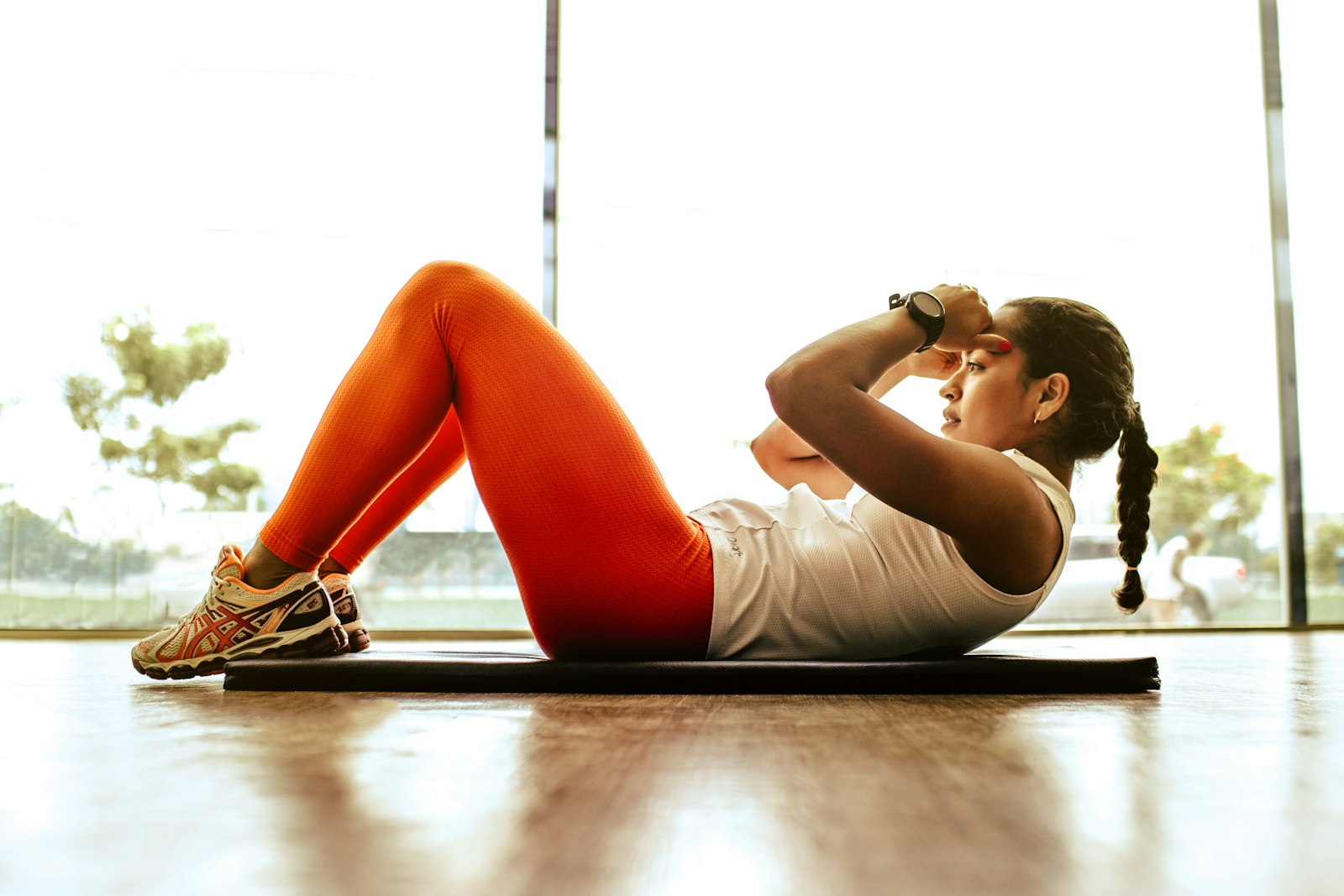
The weekly class preview workflow
This is the highest-ROI loop a studio can run. Five minutes of work, one video, ships every Monday morning.
- Pull the week's schedule. Pick the three classes you most want to fill. Usually a new format, a 6am slot, and a Saturday class.
- Write a 12-word hook per class. Example: "Tuesday 6pm Vinyasa with Maya. 60 minutes. All levels. Heated to 88." Specifics out-convert vibes.
- Generate three short clips with Versely AI video generator. Use Kling 3.0 with prompts like "warm-lit yoga studio, soft morning light through tall windows, single mat in foreground, no people, slow dolly in." Five seconds each.
- Add the instructor's voice with voice cloning. Each instructor records a 60-second sample once. After that, you can generate any class preview voiceover in their voice on demand. This is the trick that makes the videos feel personal even though you are producing them at scale.
- Stitch with story-to-video. Add a Lyria music bed at -20dB so the voiceover stays primary.
- Export vertical first. 1080x1920 for Reels, TikTok, and YouTube Shorts. Skip the horizontal cut, your studio audience is on a phone.
- Schedule for Monday 7am local. This is when prospective members are looking at their week.
For a deeper look at vertical-video pacing, see our how to make viral short-form videos with AI guide.
Instructor reels at scale
Every instructor at your studio should have a 20-second intro reel. New members watch instructor reels before they book their first class more often than they watch class previews. This is the bio-page equivalent of a dating app profile, and most studios still leave it blank.
The workflow takes 15 minutes per instructor:
- Have the instructor record a 60-second voice sample (used for cloning) and a 30-second on-camera intro (used for avatar training).
- Train the avatar in UGC Video Generator.
- Write a 5-line script per instructor: name, format taught, teaching philosophy, what a first-time student will feel, CTA.
- Generate the video with Hailuo for the talking-head and ElevenLabs v3 for the voice.
- Apply AI lipsync to keep mouth movement clean.
Now you can re-render that instructor's reel for any new format, any new schedule block, any seasonal challenge, without re-filming. A 12-instructor studio gets 12 high-quality reels in an afternoon, then infinite variants forever.
The 7-day challenge launch
Challenge launches are how studios fill the slow months. The structure is the same whether it is a January reset, a spring HIIT challenge, or a summer mobility series.
Day 1 (announcement): A 30-second hype reel with VEO 3.1 cinematic studio shots, a Suno v5.5 custom track, and the founder on camera describing the challenge. End with the signup link.
Days 2 through 4 (objection handling): Three short reels addressing the most common reasons people do not sign up. "I'm too out of shape." "I can't commit to 7 days." "I've never done yoga." Each reel features a different instructor's voice clone.
Day 5 (social proof): A transformation story reel from a previous challenge participant, with explicit written consent, with an on-screen disclaimer "results vary, your experience may differ."
Day 6 (urgency): A "12 spots left" reel generated with the same template as Day 1 but with new copy. Voice clone makes this trivial.
Day 7 (last call): A final reel with the founder, recorded once, lipsync-adapted to a new closing line.
Run this seven-day sequence and a 200-member studio will typically add 22 to 35 challenge signups, of which 40 to 60 percent convert to recurring memberships. The math is hard to argue with.

Transformation stories without legal exposure
Transformation content is the most powerful and the most legally fraught format in fitness marketing. The FTC's 2026 endorsement guides require:
- Real participant, real results, written consent on file.
- Visible disclaimer in the first 3 seconds: "results vary."
- No implied medical claims. "I lost 18 pounds and feel stronger" is fine. "Cured my back pain" is not.
- If the participant was compensated (free membership, gift card, etc.), disclose it.
The AI part is the production, not the story. Use AI Movie Maker to storyboard the participant's narrative, generate the b-roll with Kling 3.0 (studio shots, mat shots, sunrise running shots, never the participant's body), and overlay the participant's actual voiceover. Their face, their voice, their words. AI just makes the production cinematic.
Six workflows with example prompts
- Sunday schedule reveal (15s). Prompt: "minimalist boutique fitness studio, weekly schedule overlay, soft amber lighting, slow pan across mats." Use PixVerse V6 for the camera move. Voiceover with cloned founder voice.
- Instructor spotlight (20s). Prompt: "warm portrait of yoga instructor in studio, late afternoon light, slow zoom in, no text, no logos." Hailuo for the visual. Voice clone for the script.
- 6am class fill reel (12s). Prompt: "sunrise through studio window, single mat in foreground, steam rising from a coffee cup, slow dolly in." Kling 3.0. End with "tomorrow at 6 with Maya. 4 spots left."
- New format launch (30s). Prompt: "high-energy fitness studio, neon accent lighting, kettlebell rack in focus, dynamic side-to-side motion." VEO 3.1 with a Suno v5.5 custom track.
- Membership renewal nudge (10s). Cloned founder voice: "Your membership renews Friday. Here's what's coming next month." Static Flux 1.2 Ultra image animated with PixVerse V6.
- Studio anniversary celebration (45s). Use AI Movie Maker to weave together five short cinematic scenes. End with founder on camera.
For a complete content production loop covering planning to distribution, see our AI content creation 2026 complete playbook.
Mistakes to avoid
- Generic "fitness motivation" reels. They get views, they do not fill classes. Always tie the video to a specific class on a specific day.
- Showing AI-generated bodies. Never let the model invent a participant's transformation body shot. Use real participants with consent, or skip the body shot entirely.
- Overproduced cinematic reels with no CTA. A beautiful Kling 3.0 sweep of an empty studio is decoration. Always end with class name, time, and a booking link.
- Forgetting the schedule overlay. The single most-watched information in a studio reel is "when is the class." Make it large, make it readable, leave it on screen for 4+ seconds.
- One voice for every reel. Use the actual instructor's voice for their classes. Members can tell the difference, and the personalization drives bookings.
- Skipping the disclaimer on transformation reels. A missing "results vary" disclaimer can trigger FTC scrutiny and a platform takedown. Build it into your template.

FAQ
How many videos per week should a studio actually post?
Four to six on Instagram Reels and TikTok, two to three Stories per day, and one longer-form (60 to 90 second) format video per week on YouTube Shorts. The Versely AI video generator makes this volume realistic for a single owner.
Can I clone my instructors' voices without their explicit consent?
No. Voice cloning a person without written consent violates most state biometric privacy laws and the right of publicity in nearly every state. Have each instructor sign a one-page consent form before you train their voice. Versely retains the consent metadata with the voice clone.
What's the right length for a class preview reel?
12 to 18 seconds for Reels and TikTok. Longer than 20 seconds and the completion rate drops sharply. The hook needs to land in the first 1.5 seconds.
Should I use AI b-roll of my actual studio or generate generic studio scenes?
Use real footage of your actual studio whenever possible. Members recognize the space and trust it. Use AI b-roll for transition shots, mood scenes, and seasonal variants you cannot easily film, like a studio at sunrise when you are not open.
How do I handle a transformation story when the participant later asks to remove it?
Honor the request immediately. Take the video down across all platforms, archive your consent record, and keep a takedown log. This is both an ethical and a legal best practice under most state privacy frameworks.
Pick one workflow this week
If your studio has no AI video pipeline yet, do not try to launch all six workflows above. Pick one: the Monday morning class preview reel. Generate it once with Versely AI video generator, schedule it on Reels and TikTok, and watch the bookings come in for those three classes.
Run that loop for four weeks. Once it is automatic, layer in instructor reels, then the seven-day challenge launch. By the end of the quarter, you will have a content engine that fills classes without filling your calendar with shoots.