

Try every style on the same clip
Press a style to switch. Turn the sound on to hear how the words follow the voice.
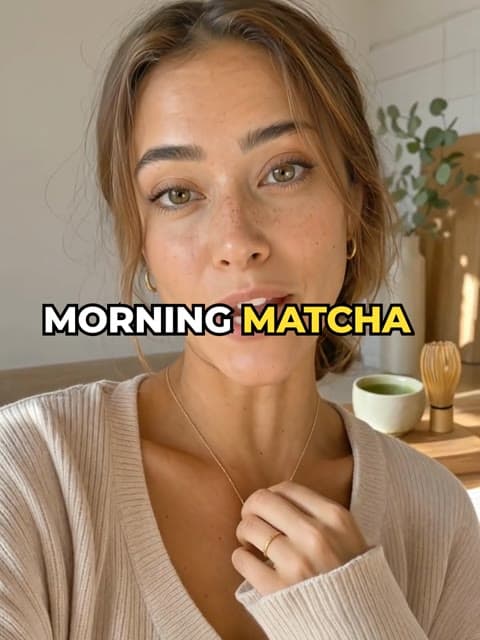
Loud
On a box
Calm
Loud captions
8 styles. Big, bouncy words for hooks and fast talking.
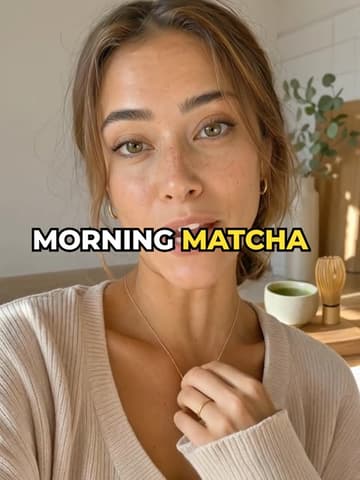
Bold pop
Heavy white caps, black outline, the spoken word pops in yellow.
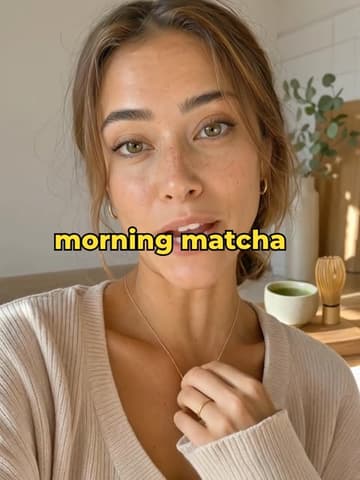
Karaoke
The whole line shows; words fill with colour as they're said.
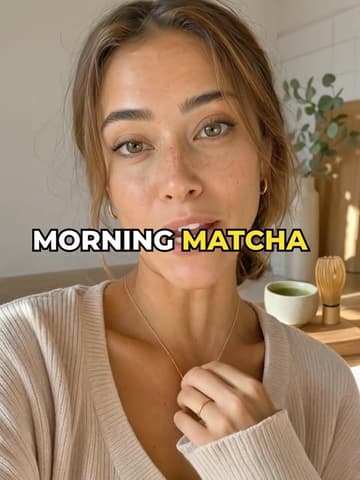
Typewriter
Words appear one by one, as they're said.
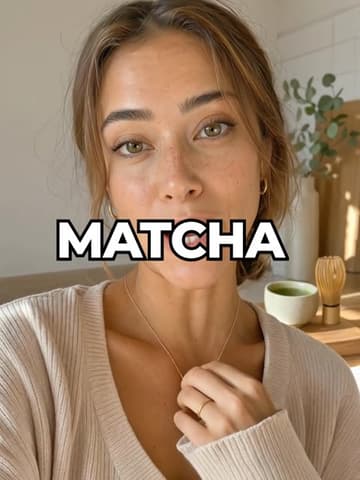
One word
One huge word at a time, punched in. High energy.
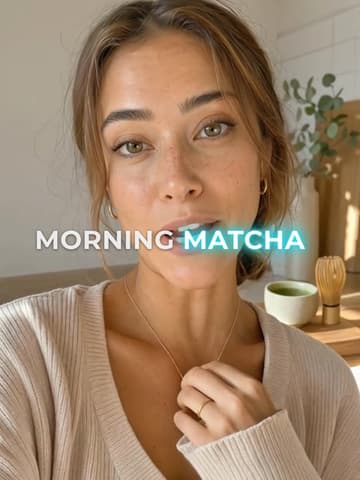
Neon
Geometric caps with a coloured glow on the spoken word.
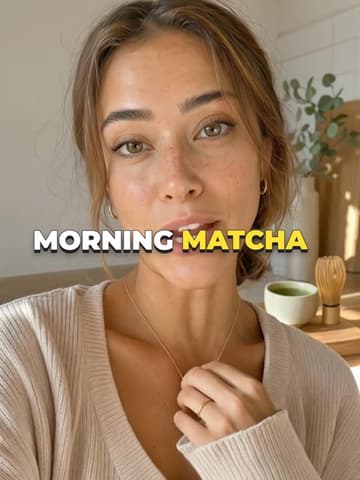
3D pop
Chunky caps with a stacked 3D shadow; the spoken word jumps.
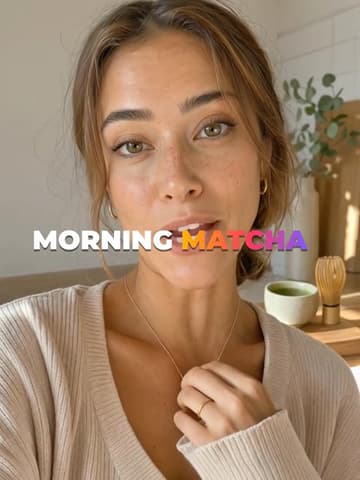
Gradient
Bold caps; the spoken word glows in a sunset gradient.
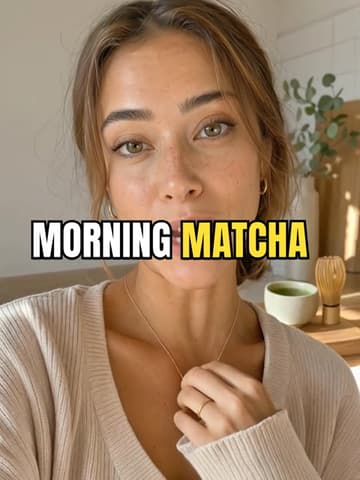
Beast
Huge condensed caps in three colours, punched in. Maximum energy.
Captions on a box
11 styles. Words on a card, pill or label, readable on any background.
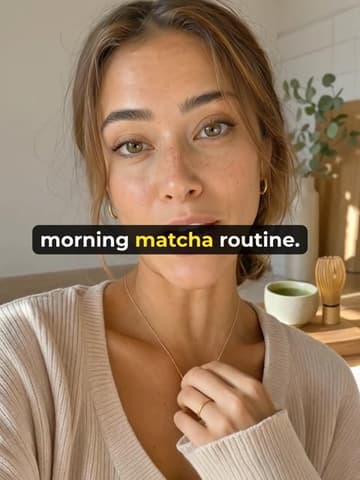
Boxed
White words on a rounded black card. Reads on any background.
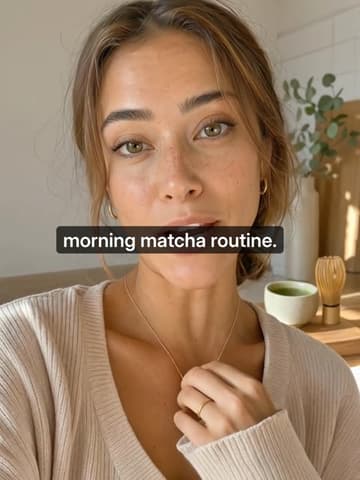
Subtitle
Classic subtitles on a dark box. Calm, and easy to read for long videos.
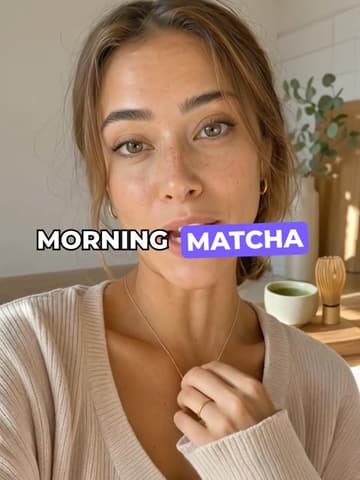
Highlight
The spoken word sits on a tilted colour pill.
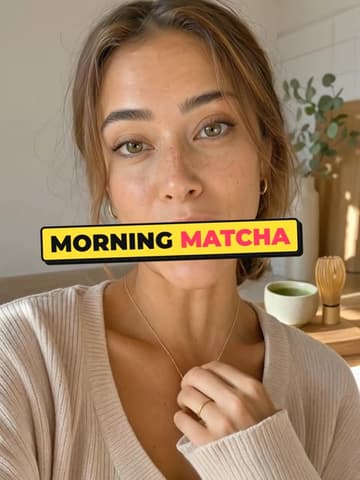
Comic
Black on a tilted yellow panel with a hard shadow.
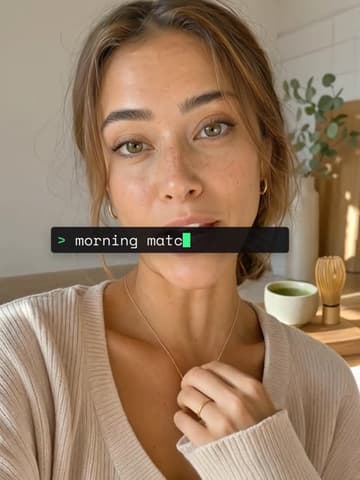
Terminal
Mono on a dark strip, typed on. Tech.
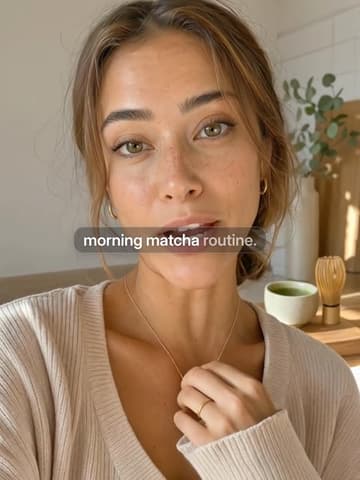
Soft glass
Sans on a see-through pill. Clean, modern.
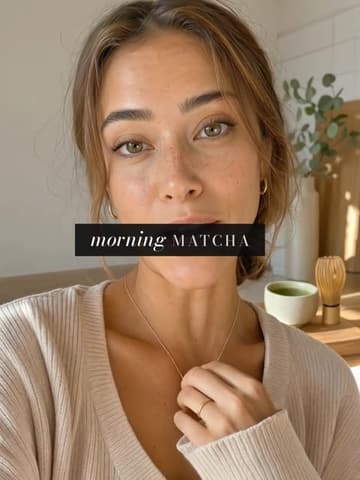
Magazine
Fashion caps on a black band, the key word in italic.
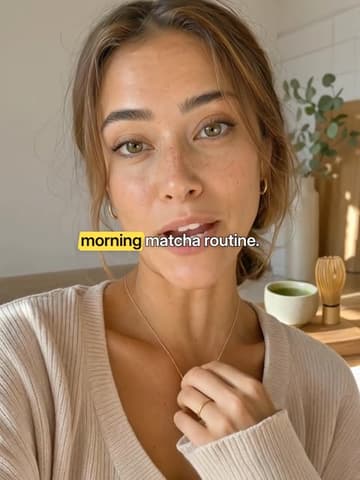
Highlighter
A highlighter swipes the key word. Tips, explainers.
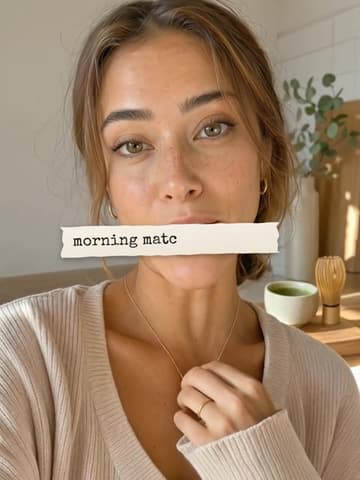
Paper
Typewriter on torn paper, typed on. Stories, journals.
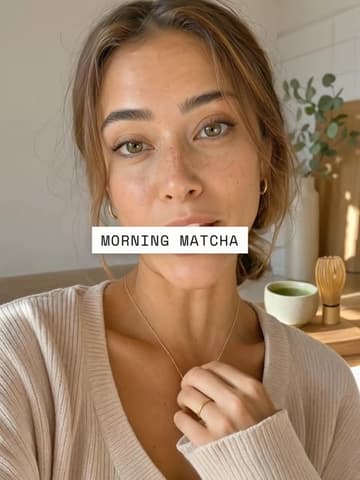
Label
Mono caps on a white label. Minimal, polished.
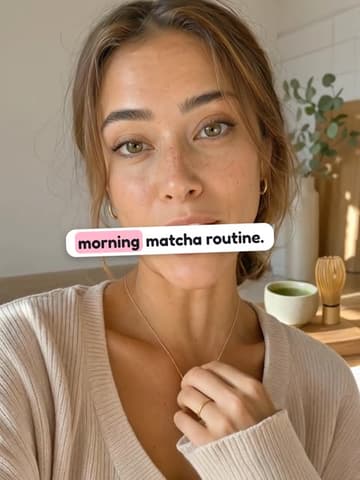
Sticker
Rounded words on a white sticker, the key word on colour.
Calm captions
12 styles. Quiet type for vlogs, tutorials and anything editorial.
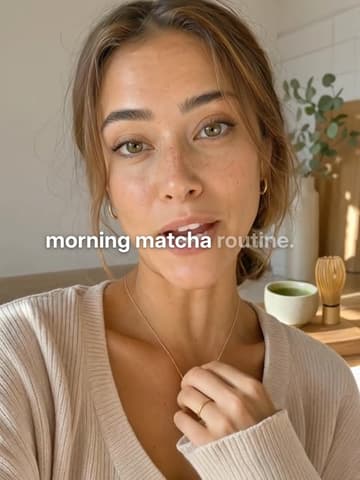
Clean
Sentence case, soft shadow, words light up as they are spoken.
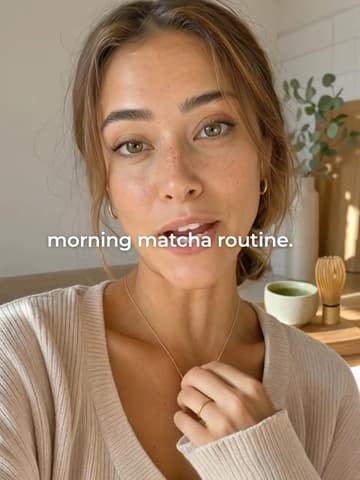
Minimal
Quiet lowercase that rises in. For calm, aesthetic edits.
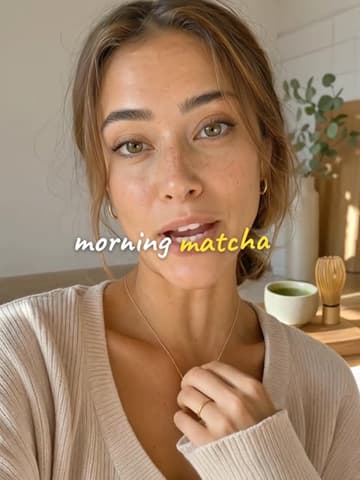
Handwritten
Lowercase handwriting with a soft shadow. Vlogs and diaries.
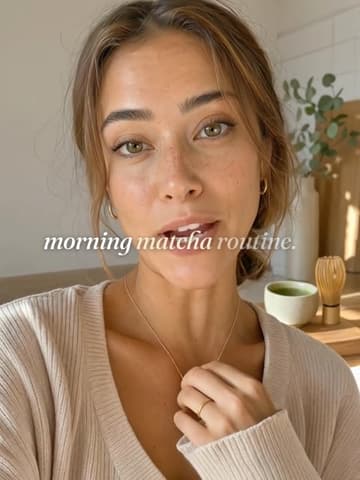
Serif
Italic editorial serif. Fashion, beauty and calm storytelling.
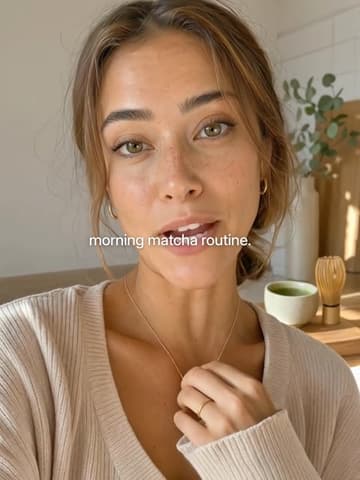
Quiet
Small sentence-case sans, soft shadow. The calm default.
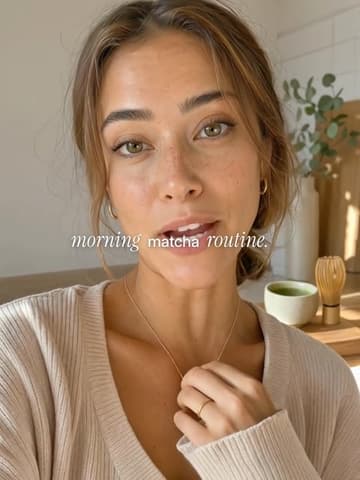
Editorial
Serif italic, the spoken word in sans. Fashion, beauty.
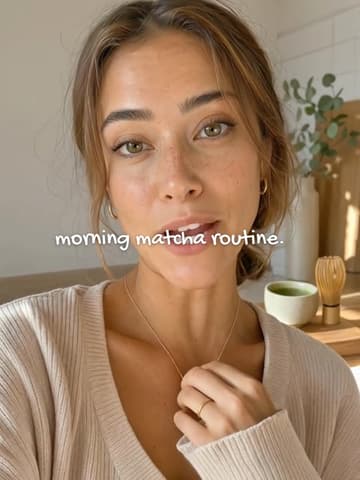
Notebook
Lowercase handwriting, the odd bold word. Vlogs, diaries.
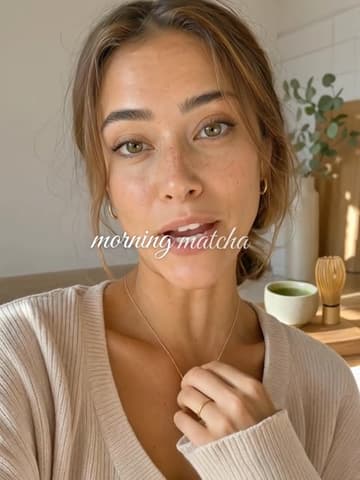
Script mix
Script with small bold words. Lifestyle.
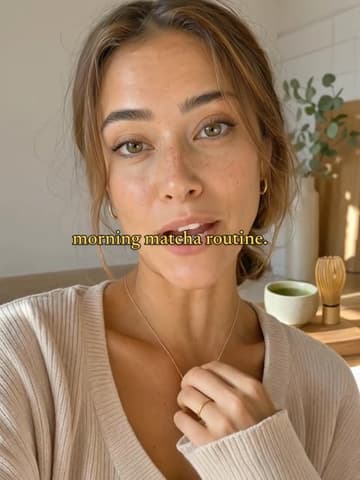
Cinema
Soft yellow film subtitles in a serif. Stories, travel.
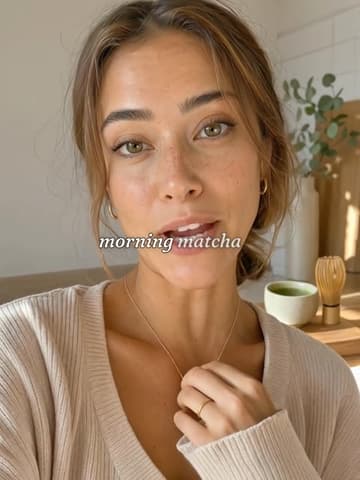
Lyric
Soft serif lines; each word comes into focus as it's said.
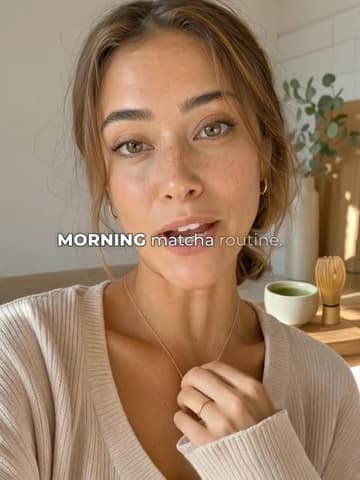
Duo
Light words, the key word in bold caps. Clean, modern.
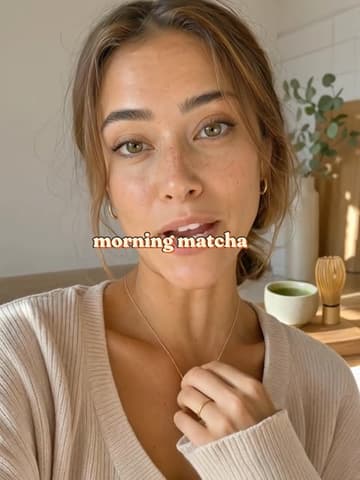
Retro
Soft 70s serif in cream with a warm shadow.
Best caption styles for TikTok, Reels and Shorts
No one style suits every clip; it depends on the footage and how fast you talk. These 6 are a good place to start.
Hooks and talking heads
Bold pop
Heavy white caps, black outline, the spoken word pops in yellow.
It reads over any shot and pulls the eye to each word as it is said, which is what holds the first two seconds.
Long videos and interviews
Subtitle
Classic subtitles on a dark box. Calm, and easy to read for long videos.
The least tiring style to read for minutes at a time, so people follow an interview to the end.
Bright or busy footage
Boxed
White words on a rounded black card. Reads on any background.
The black card keeps white words readable over sky, snow or a white kitchen.
Vlogs and diaries
Handwritten
Lowercase handwriting with a soft shadow. Vlogs and diaries.
It reads like your own notes, which suits personal clips. Keep each line short.
Fashion and beauty
Editorial
Serif italic, the spoken word in sans. Fashion, beauty.
It looks like a magazine page, so it feels polished without shouting.
Challenges and big energy
Beast
Huge condensed caps in three colours, punched in. Maximum energy.
The loudest style in Caption Studio. Right for challenges, giveaways and reactions; too much for anything calm.
TikTok-style captions
“TikTok-style captions” usually means bold words that appear in time with the voice, a few at a time, with an outline or a colour change so they read over any shot. In Caption Studio that is the Loud group: Bold pop pops the word being said, Karaoke fills the line with colour as it is said, Typewriter adds the words one by one, One word shows one huge word at a time and Beast is the loudest of all. Every style here is timed to the speech, so it needs a clip with a voice or a voiceover.
How to choose a caption style
Contrast first
11 of the 31 styles put the words on a box, pill, band or label, so what is behind them matters less. The rest rely on an outline or a shadow: fine on most footage, weaker over a white wall or a bright sky.
Keep clear of the app
TikTok, Reels and Shorts lay the account name, the post caption and the buttons over the bottom and right edge of a vertical video. Caption Studio puts any style at the bottom, middle or top of the frame; check a frame in the safe-area overlay before you export.
Loud or calm
The 8 loud styles animate the word being said with a pop, a colour or a glow, which pulls the eye on hooks and fast talking. Calm styles barely move, which is easier to watch over a long video. Every style shows a few words at a time and starts a new line at each sentence and pause.
Case and font
The 11 all-caps styles read as loud; sentence case and lowercase read as calm. Handwriting and script (Handwritten, Notebook, Script mix) feel personal but are slower to read, so keep those lines short.
Caption fonts in these styles
The 31 styles draw in 13 fonts. Versely’s caption engine carries the font files itself, so the preview and the exported video use the same type. The fonts guide covers the ones with their own page.
- Montserrat12 styles
- Inter8 styles
- Fraunces3 styles
- Space Mono2 styles
- Anton1 style
- Bodoni Moda1 style
- Caveat1 style
- Fredoka1 style
- Gochi Hand1 style
- Great Vibes1 style
- Instrument Serif1 style
- Newsreader1 style
- Special Elite1 style
Premium caption styles
30 more styles, each on its own sample clip. The 9 animated ones, including Backdrop with a big word behind the speaker, cost 16 credits a minute; the 21 basic ones cost 8. They need a free account and render when you export.
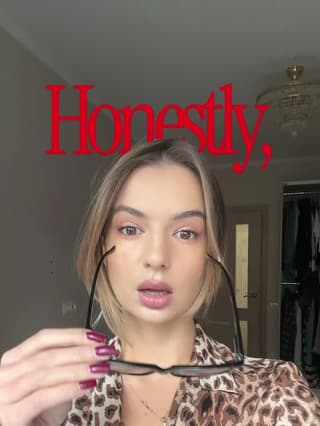
Backdrop
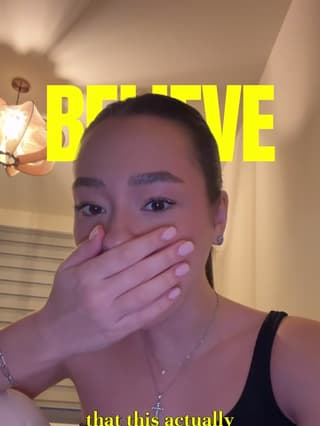
Backdrop 2
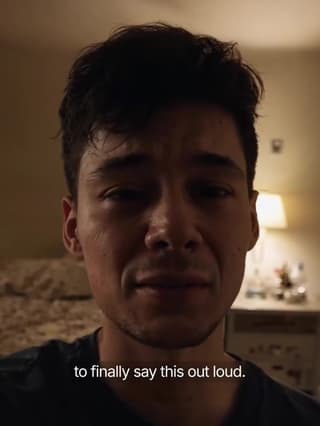
Glass
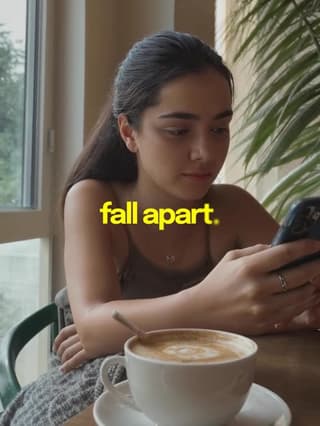
Whisper
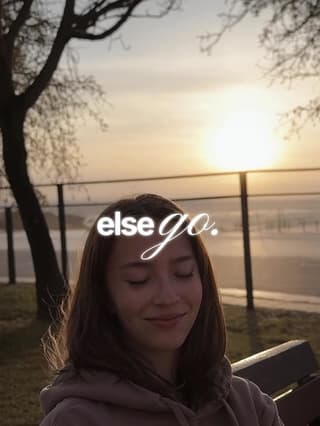
Glide
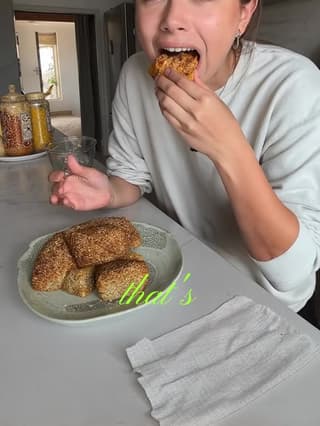
Glide 2
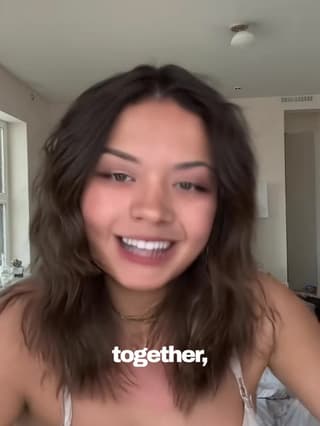
Fusion
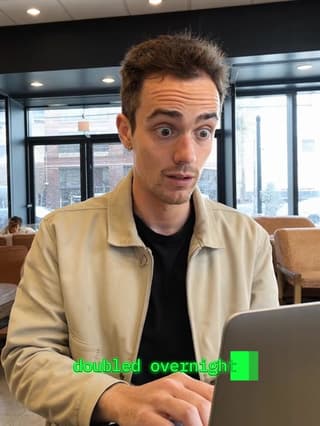
Terminal
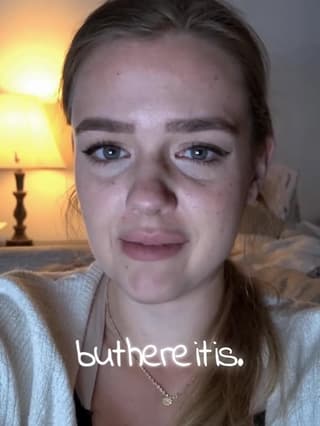
Handwritten
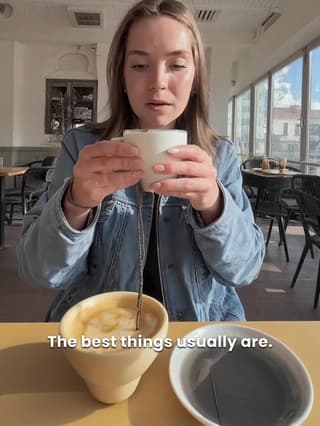
Simple
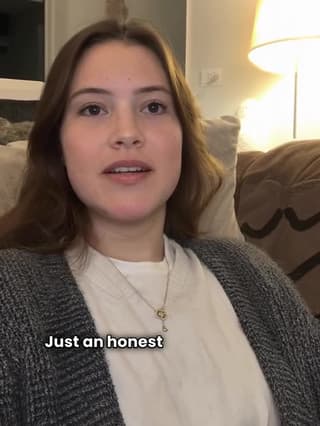
Plain
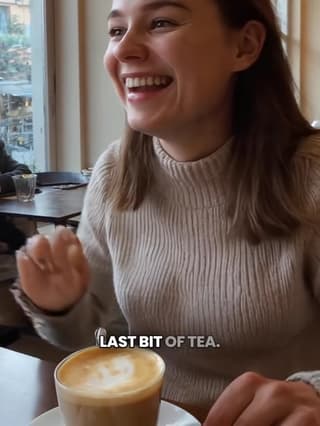
Beans
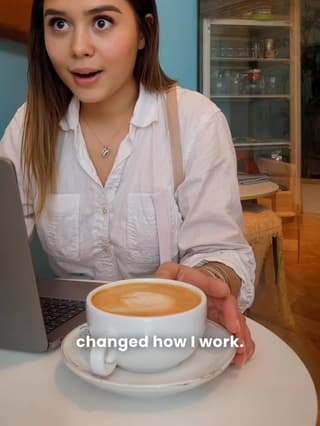
Corpo
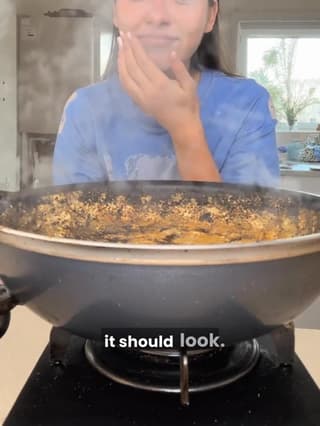
Boo
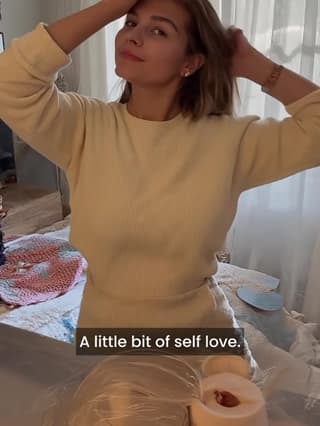
Shadeplay
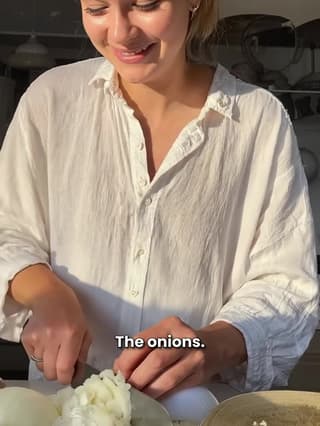
Casper
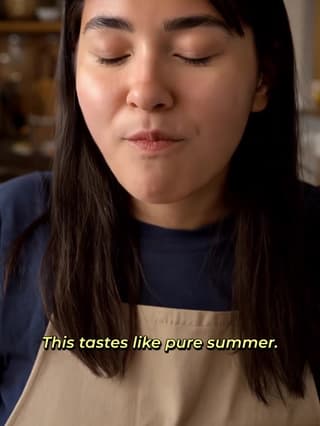
Capri
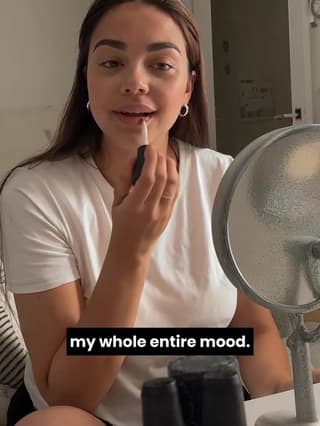
Lowkey
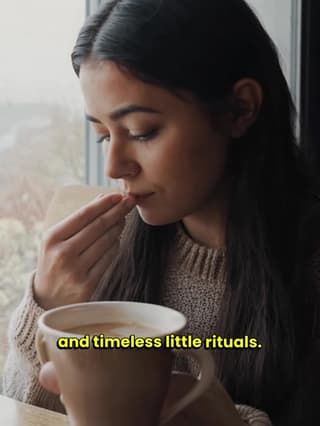
Vinta
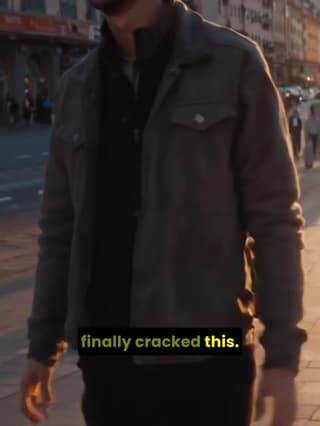
Diego
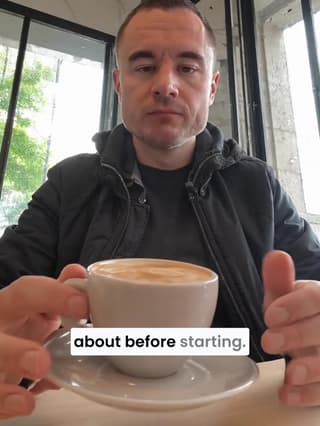
Ali
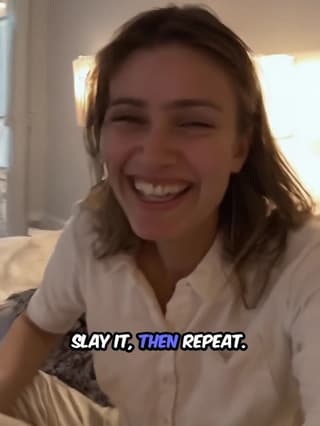
Slay
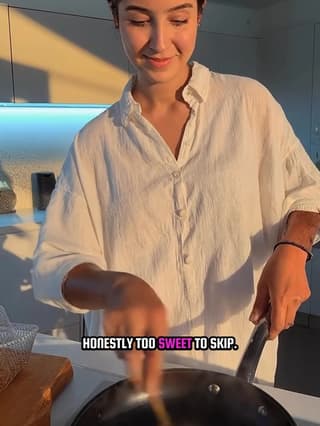
Kitty
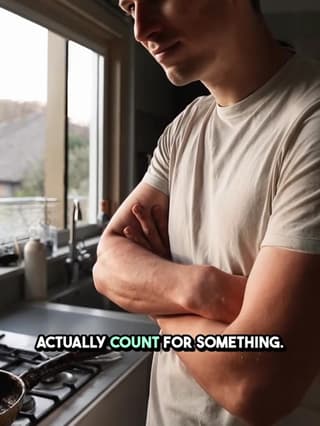
Hustle
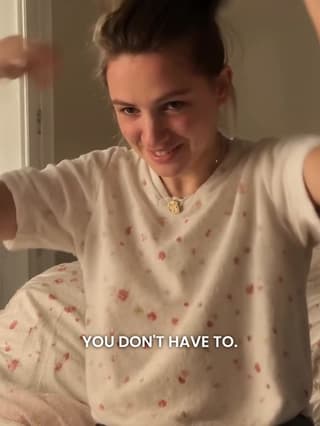
Karl
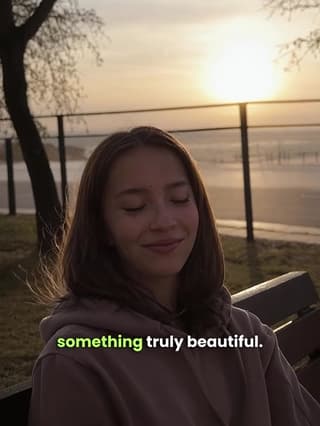
Sprout
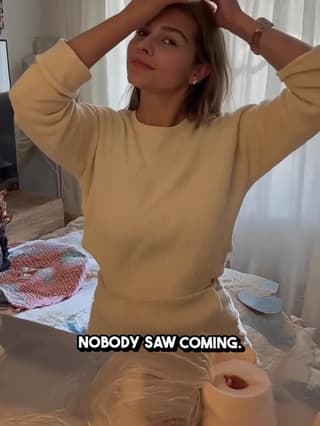
Flex
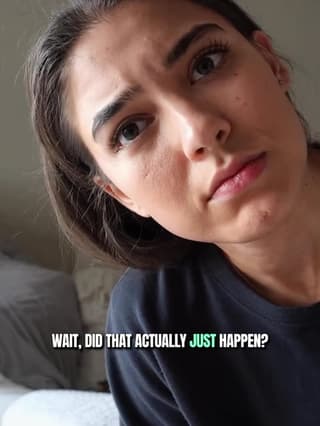
Mint
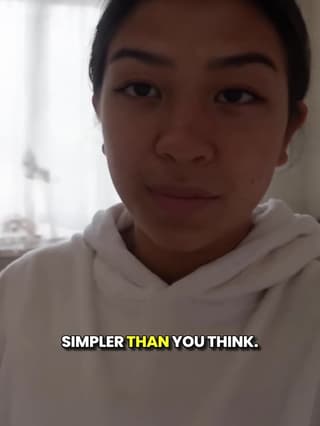
Rizz
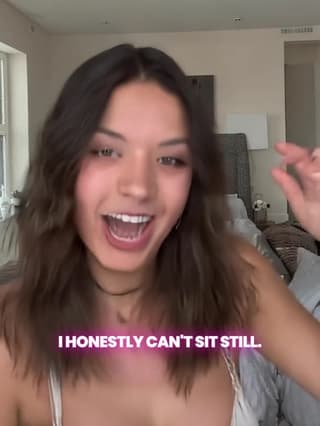
Vegas
How to add a caption style to a video
- 1. Open Captions. On Versely Web or in the iPhone app, open Captions and upload a video of up to 200 MB, or press Add captions on anything you made in Versely.
- 2. Check the words. Versely writes down what is said and times every word. Fix a name or a misheard word before anything renders.
- 3. Pick a style. It plays over your own video. Put it at the bottom, middle or top, and change the highlight colour if you like.
- 4. Export. You get an MP4 with the captions burned in, ready for TikTok, Reels and Shorts. More on free auto captions.
One account for the web and iPhone.
Caption style questions
What is a caption style?+
The look of the words on a video: the font, the colour, an outline, shadow or box behind the words, and how each word moves as it is said. The words and their timing come from the speech; the style decides how they look.
Are these caption styles free?+
Yes. All 31 cost no credits on videos up to 10 minutes, for up to 30 videos a day on a free account. Only the 30 premium styles cost credits: 16 a minute for the animated ones and 8 a minute for the basic ones.
What is the best caption style for TikTok?+
For most talking videos, Bold pop: heavy outlined caps where the word being said pops in yellow. For long or calm videos, Subtitle or Clean. For bright footage, a style on a box such as Boxed. The best test is your own clip: Caption Studio previews every style over your video before you export.
Can I change the colour or move the captions?+
Yes. Every style can sit at the bottom, middle or top of the frame, and you can change its highlight colour, such as the yellow word in Bold pop or the pill in Highlight.
Do the styles work in other languages?+
Yes. Versely works out the spoken language itself and writes the captions in it. Words in scripts such as Devanagari, Bengali, Tamil, Arabic, Hebrew and Thai are drawn in matching Noto fonts.
Can I see a style on my video before I export?+
Yes. In Caption Studio the free styles play over your own video exactly as they will be burned in, and you can fix any word first. Premium styles are rendered when you export.
Related guides
- Free auto captions (caption a video in any of these styles)
- No subtitle file yet? Make an SRT from your video, free (speech recognised on your device)
- Free burn captions (burn an SRT you already have, in your browser)
- Check captions clear the TikTok and Reels buttons
- Best caption styles for TikTok, Reels and Shorts
- Best caption styles for retention
- Video caption fonts for short-form
- Caption styles that fit your brand