

All 31 styles, on one frame.
Each still is Versely's caption engine rendering that style on the same frame of our Morning matcha ad, so you can compare them side by side. In the video every word lands as it is spoken.
Loud 8 styles
Big, bouncy words for hooks and fast talking.

Bold pop 
Karaoke 
Typewriter 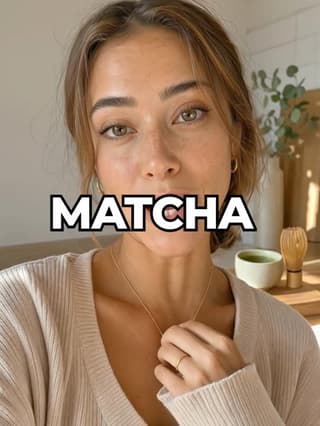
One word 
Neon 
3D pop 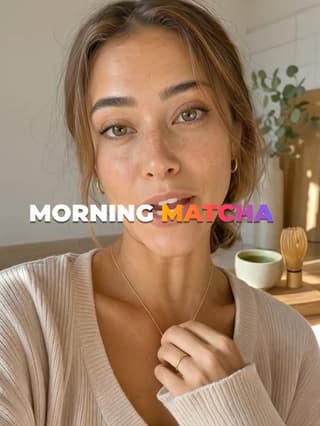
Gradient 
Beast
On a box 11 styles
Words on a card or a highlight, readable on any background.

Boxed 
Subtitle 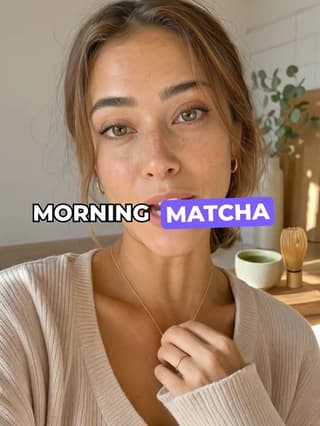
Highlight 
Comic 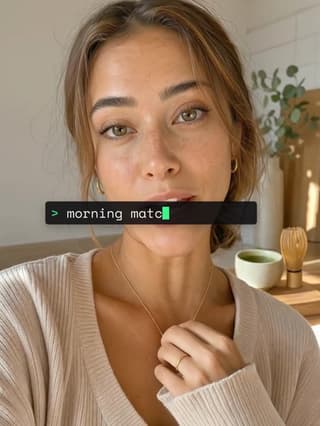
Terminal 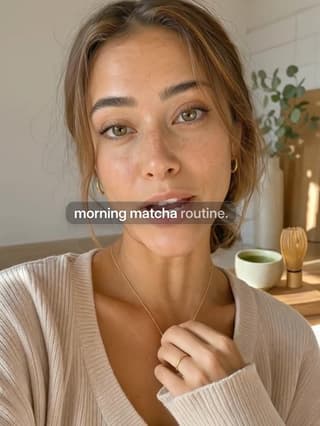
Soft glass 
Magazine 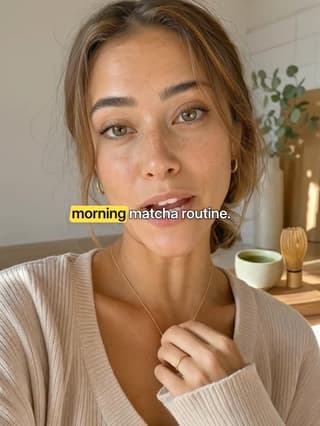
Highlighter 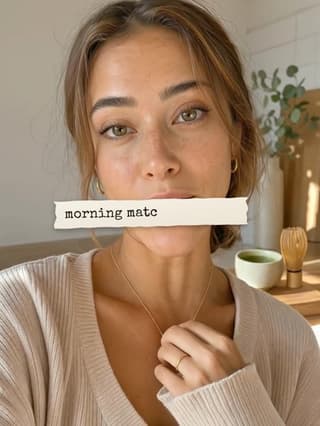
Paper 
Label 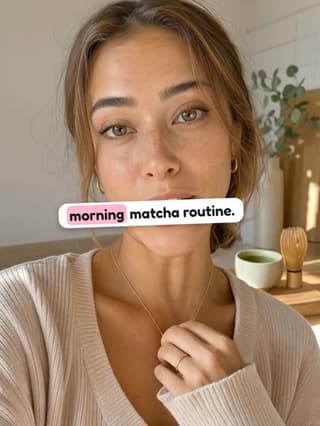
Sticker
Calm 12 styles
Quiet type for vlogs, tutorials and anything editorial.

Clean 
Minimal 
Handwritten 
Serif 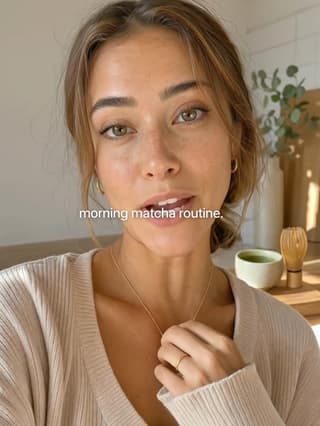
Quiet 
Editorial 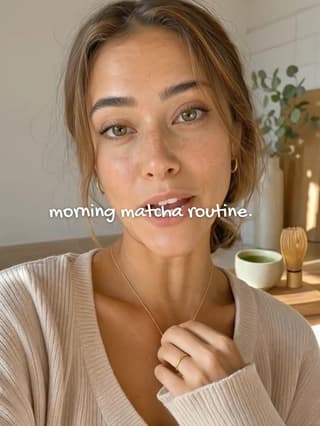
Notebook 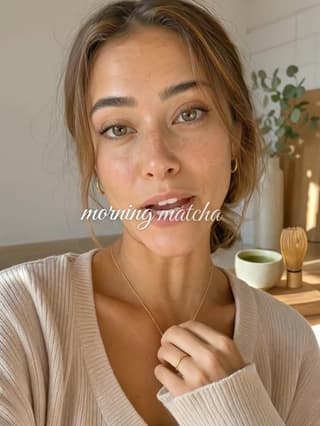
Script mix 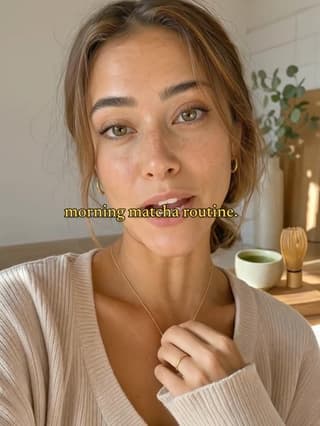
Cinema 
Lyric 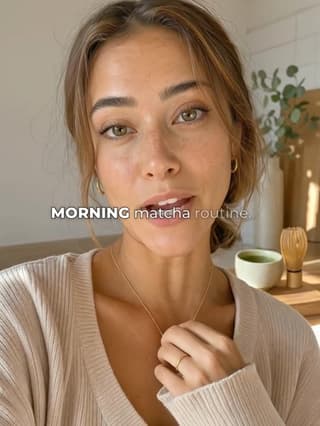
Duo 
Retro
How it works
The same steps in Captions on Versely Web, in the iPhone app and inside the video editor. Or ask the agent in chat to caption a video for you.
- Step 1
Drop in a video
Upload one (up to 200 MB) or pick it from your library. On anything you made in Versely, press Add captions.
- Step 2
Versely writes the words
It hears the language on its own, writes what is said and times every word to the voice.
- Step 3
Fix a word, pick a look
Correct a name or a product, choose one of the 31 styles, put it at the top, middle or bottom and set the accent colour.
- Step 4
Get the video back
The captions are burned into an MP4, so they show on every app, muted or not. It costs nothing.
Auto captions, answered
Are the auto captions really free?
Yes. Captions cost no credits on any video up to 10 minutes long, on any account, with or without a plan. The only limit is 30 captioned videos per account a day.
Which languages can it caption?
Versely listens to the video and works out the language on its own, so you do not pick one first. If it guesses wrong, choose the language from a list of 22 and it writes the captions again. The captions are in the language that is spoken; to change the language of the voice itself, dub the video first and caption the dub.
Can I fix a word before it is burned in?
Yes. You see the words with their timings before anything renders, and you can correct a name, a product or a misheard word. Then pick the style, put the captions at the top, middle or bottom and change the accent colour.
What videos can I use?
Upload a video of up to 200 MB on the web, pick one from your library, or press Add captions on anything you made in Versely. The finished video comes back as an MP4 with the captions in the picture, ready for TikTok, Reels and Shorts.
How is this different from the free caption generator tool?
The caption generator in Free Tools runs in your browser and gives you a subtitle file (SRT or VTT) for English speech. Auto captions in Versely burn styled, word-timed captions into the video itself, in any of the 31 styles, which is what a muted feed needs.
Where do I find it?
In Captions on Versely Web, in the iPhone app, inside the video editor, and in chat: ask the agent to caption a video and it does. All of them use the same 31 styles and the same free allowance.
Related
- AI dubbingPut the video in another language in your own voice, then caption the dub for free.
- Free SRT and VTT generatorSubtitle files for English speech, made in your browser with no upload.
- Caption style guideFonts, presets and which look suits which video.
- How to add captions to a videoThe editing guide, step by step.
Caption your next video. Free.
One account on the web and on iPhone. 20 credits when you finish sign-up, and captions never use them.
Free on the web and on iPhone, one account.