

Generate captions now, free
Drop a video or audio file of English speech, up to 10 minutes. It never leaves your browser.
Free · no account · runs on your device
Try it now: free subtitle generator
Speech to timed captions, recognised on your device. Edit the lines, then download SRT or VTT. To burn them in, use the free burn-captions tool or Versely's styled looks.
Free, with no account and no watermark. The model files download once on first use and are cached by your browser; after that the model runs on your device, and your file is never uploaded or seen by us.
The full job
AI Caption Generator in Versely
Opens the studio directly. Free account; every generation costs credits.
Overview
An AI caption generator (also called caption AI, auto captions or AI captioning) listens to the speech in a video, writes it down and times each line to the audio. The free generator above does that part in your browser: drop a clip of English speech up to 10 minutes long, fix any misheard names, and download an SRT or VTT. Nothing is uploaded and there is no account to make.
What you do with the file depends on where the video is going. YouTube long-form takes the SRT as an upload, and viewers can switch it on. TikTok, Reels and Shorts autoplay on mute, so the words need to be burned into the picture: take the SRT to the free burn-captions tool for a plain look, or render one of 45 styled, animated caption looks in Versely, which costs credits.
This is not an Instagram caption copywriter, and a platform's own auto-captions are not the same job as a finished MP4 with the words already on screen.
Only need the words, not timed captions? The free video to text converter writes a plain transcript you can copy, in your browser, with nothing uploaded.
45 caption styles, previewed live
Nine families, five variants each, rendered from the same presets Caption Studio uses. Pick a family below, then open the full look on the caption styles index.
Classic
White text with a black stroke — the everyday social caption
Paper
Black text on a white rounded card — maximum readability
Ink
White text on a black rounded card — clean and cinematic
Halo
Heavy black text ringed in white — survives busy footage
Hype
Condensed caps with a bright colored stroke — high energy
Signature
Flowing cursive, centered — personal and warm
Headline
Tall condensed caps up top — title-card energy
Snap
Each spoken word scales up and recolors — punchy and energetic
Reveal
Words appear one at a time and stay — builds the line live
Captions on real footage
The same clips Caption Studio shows in the app — one spoken line, presets burned in, so you can judge timing instead of a swatch.

Backdrop
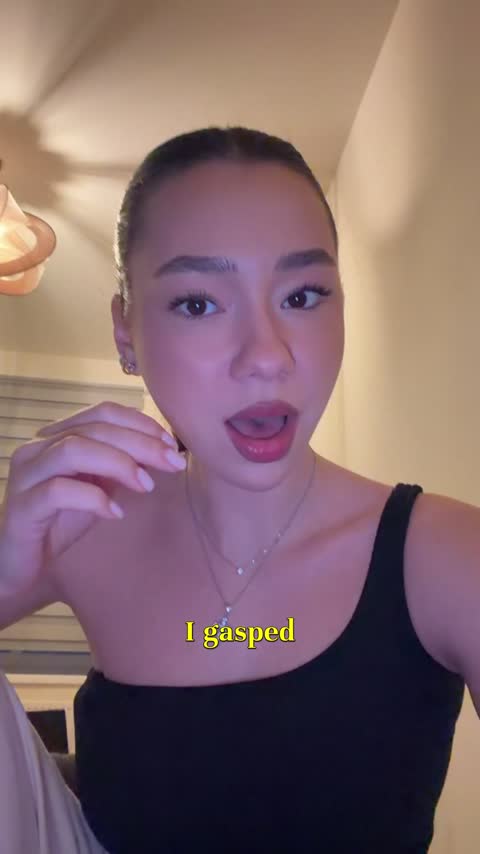
Backdrop 2

Fusion
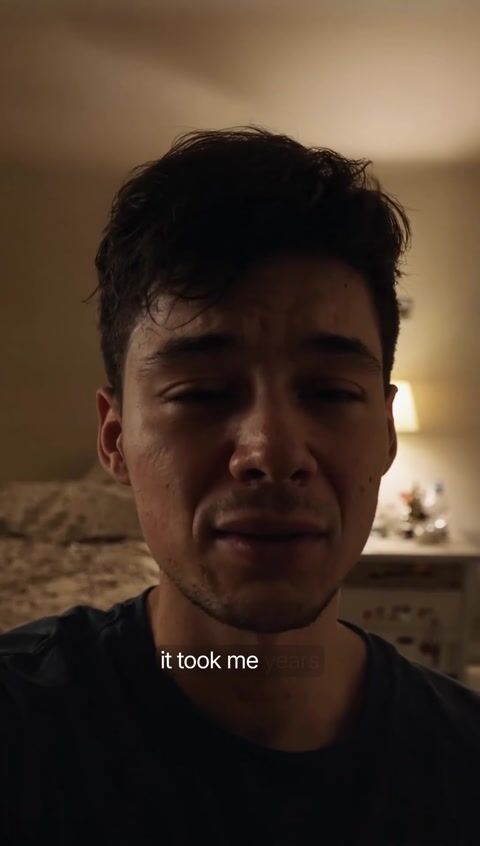
Glass
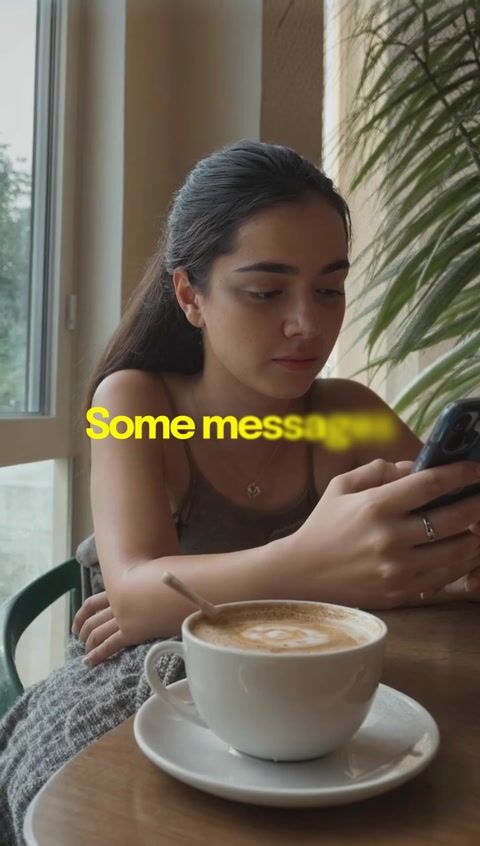
Whisper
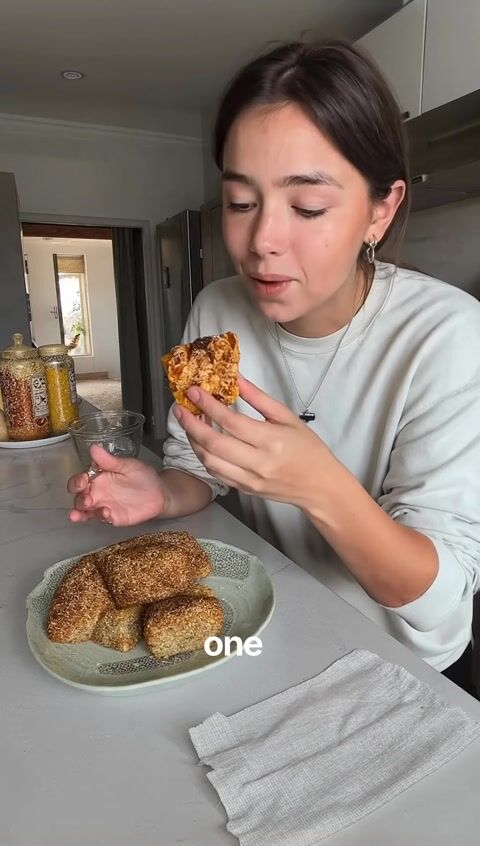
Glide 2
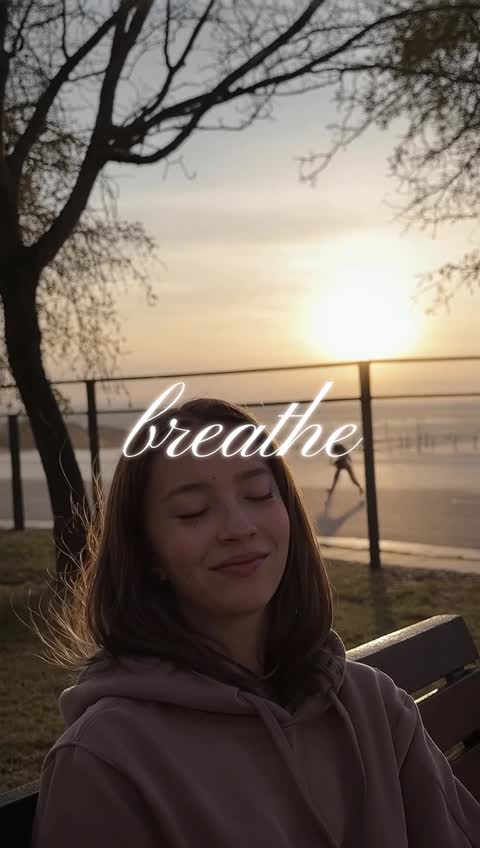
Glide
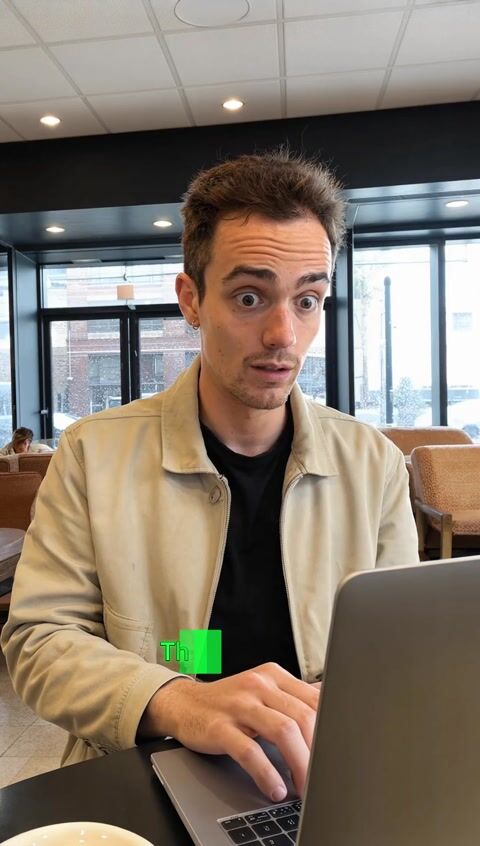
Terminal
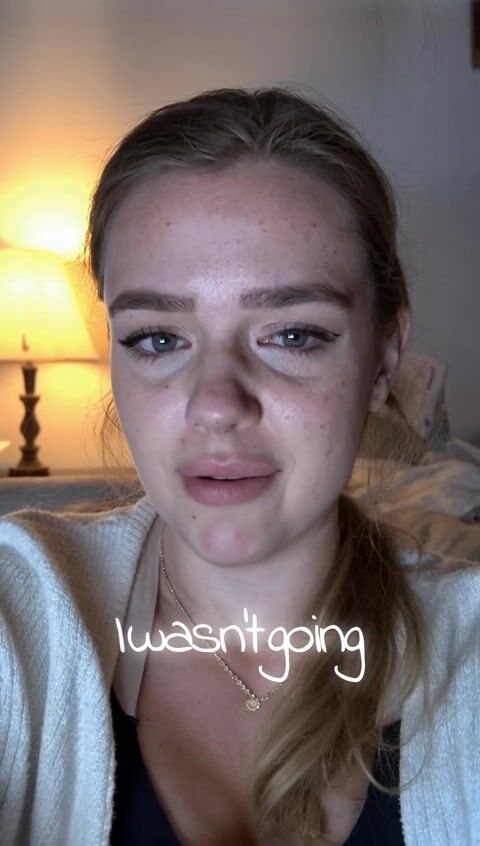
Handwritten
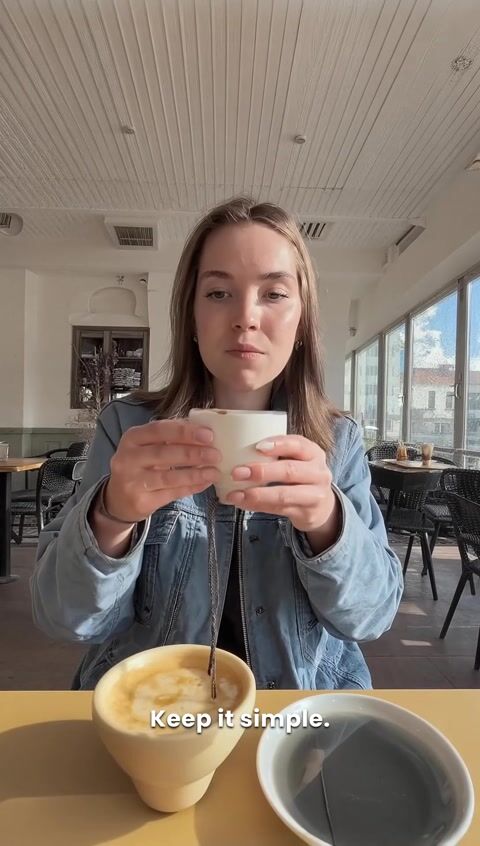
Simple
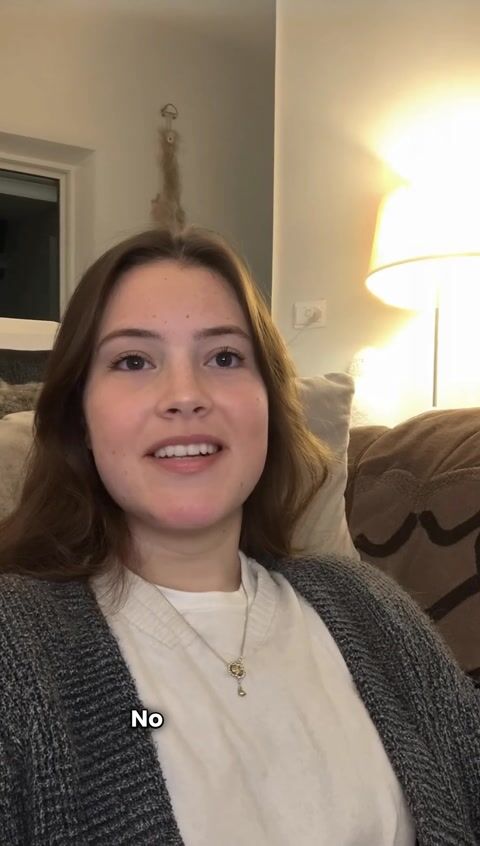
Plain
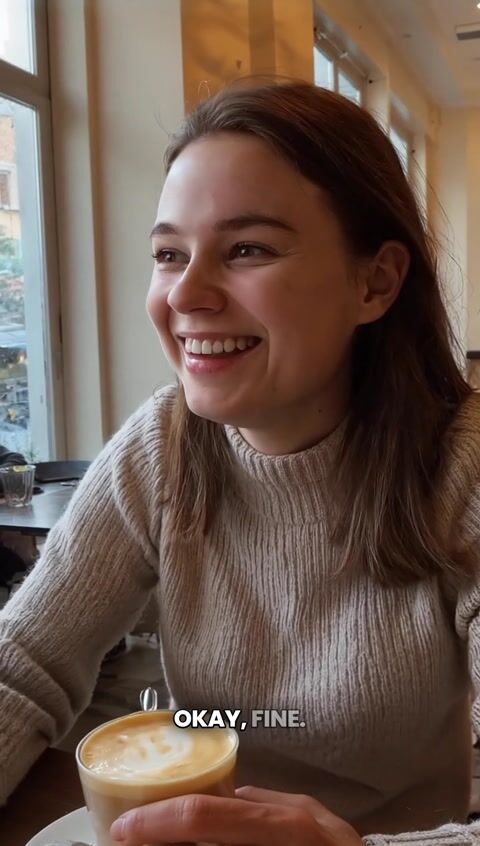
Beans
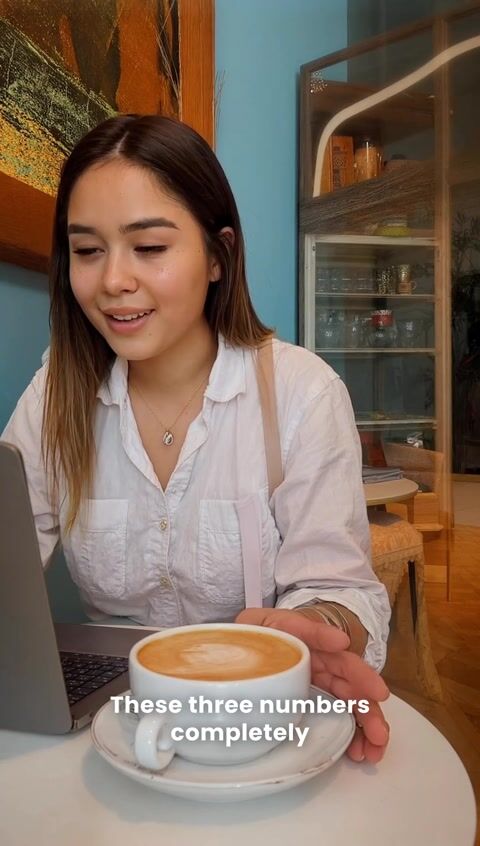
Corpo
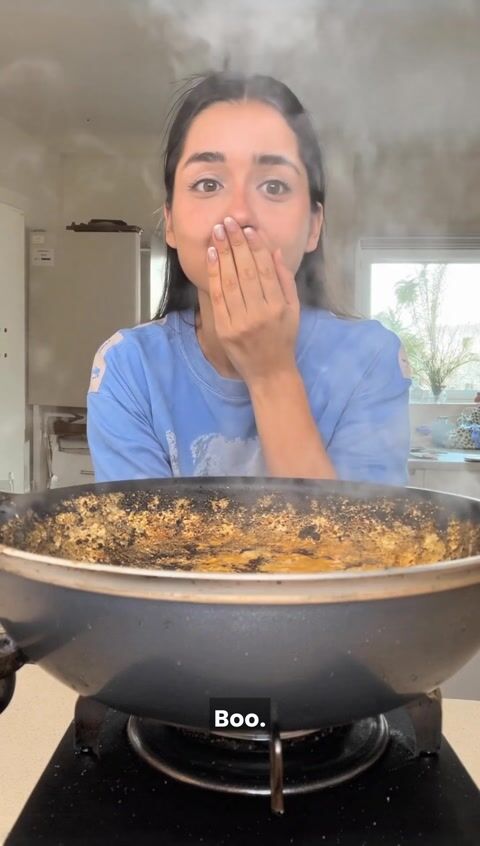
Boo

Shadeplay
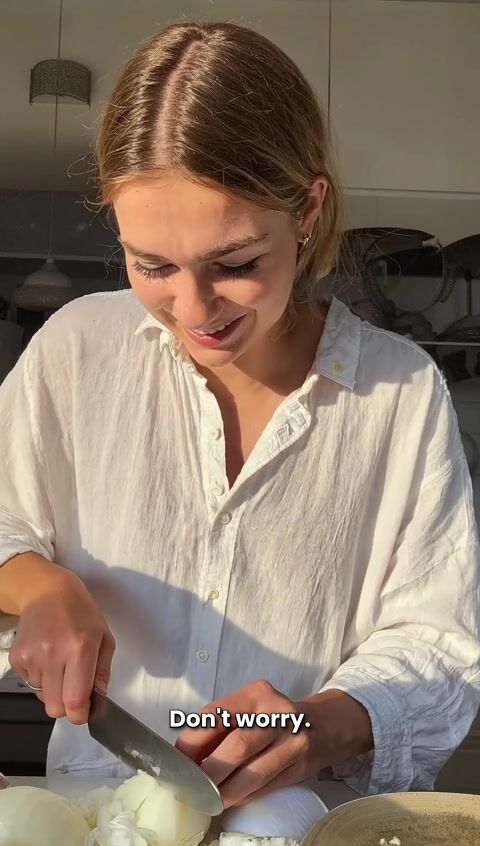
Casper

Capri
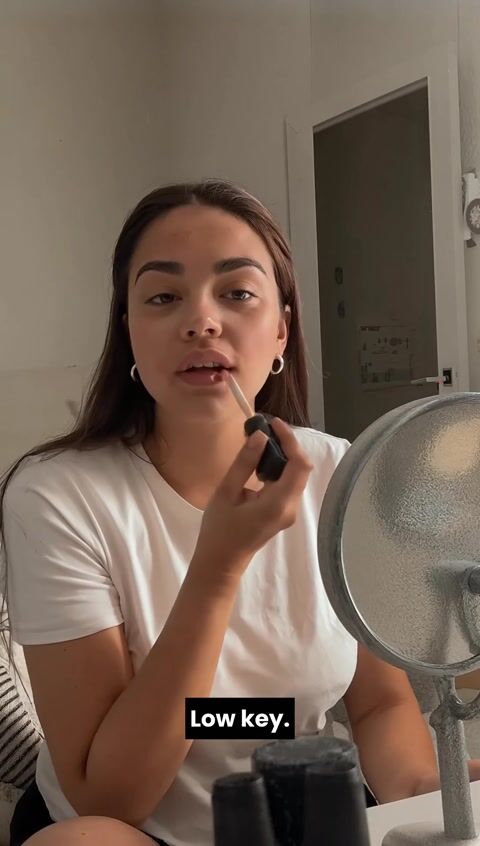
Lowkey
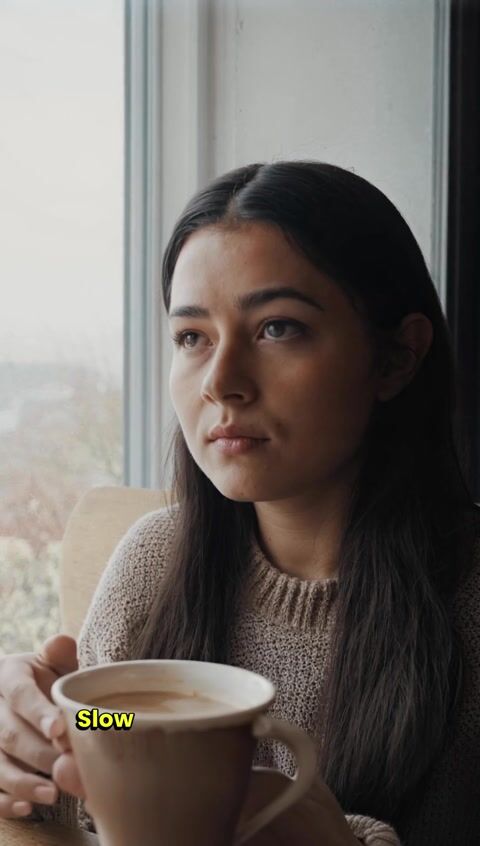
Vinta
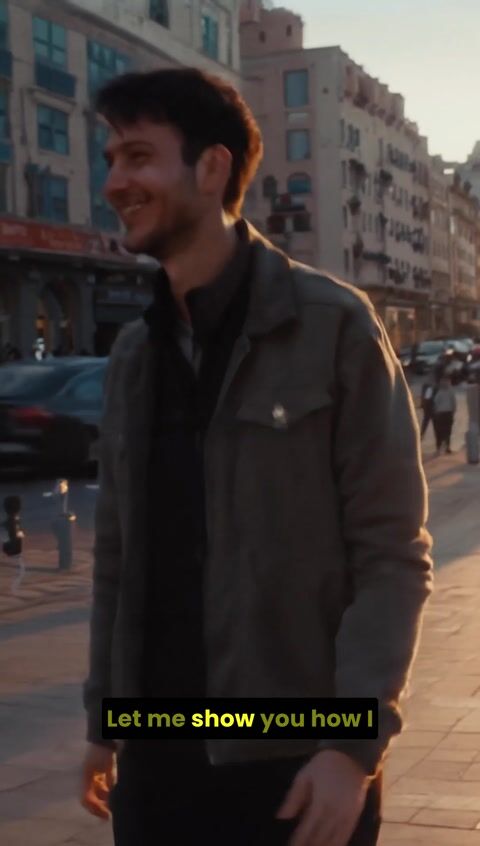
Diego
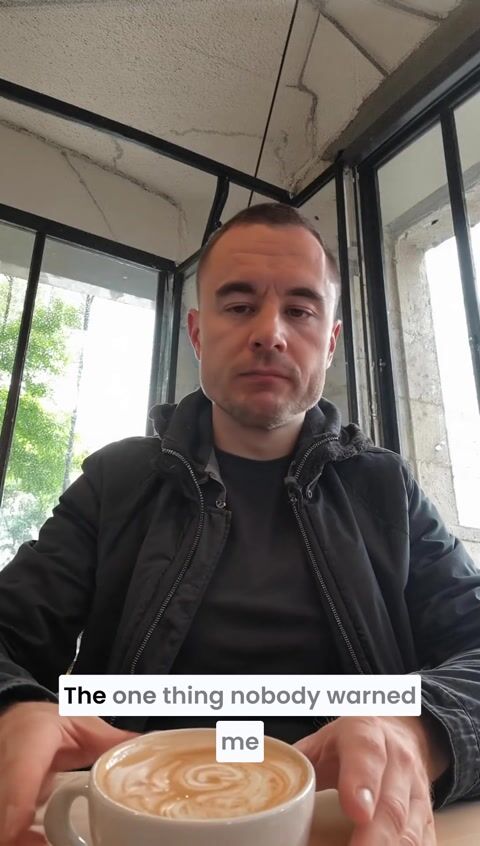
Ali
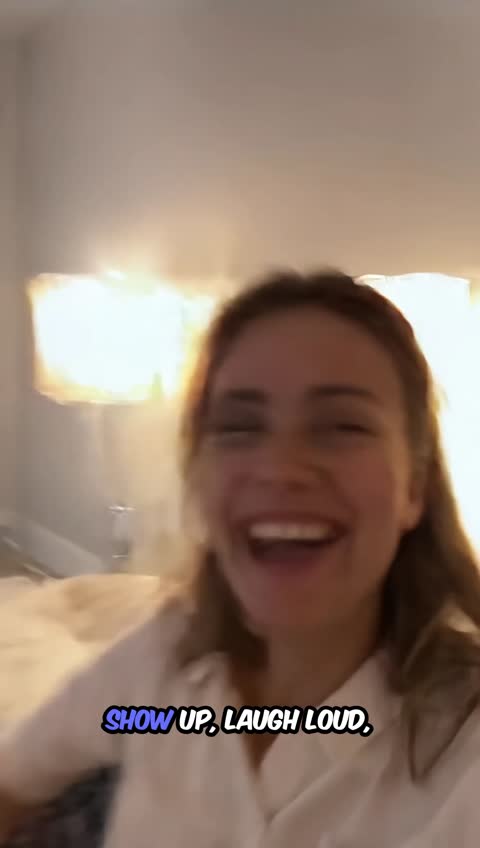
Slay
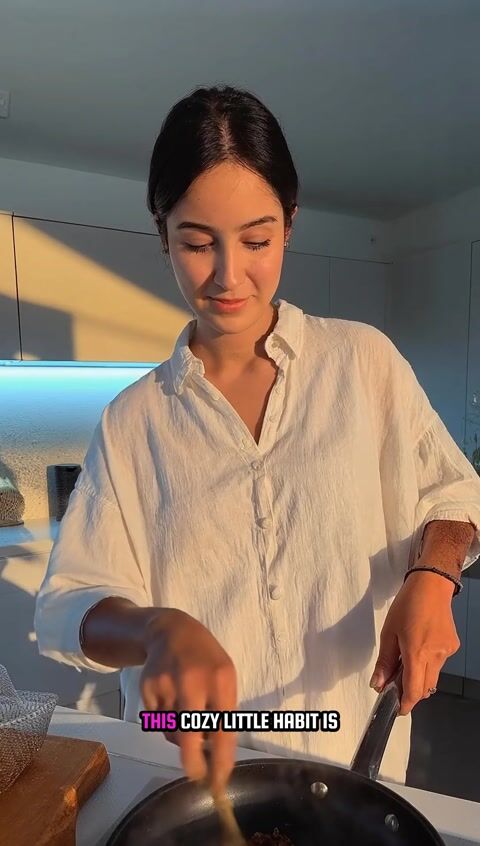
Kitty
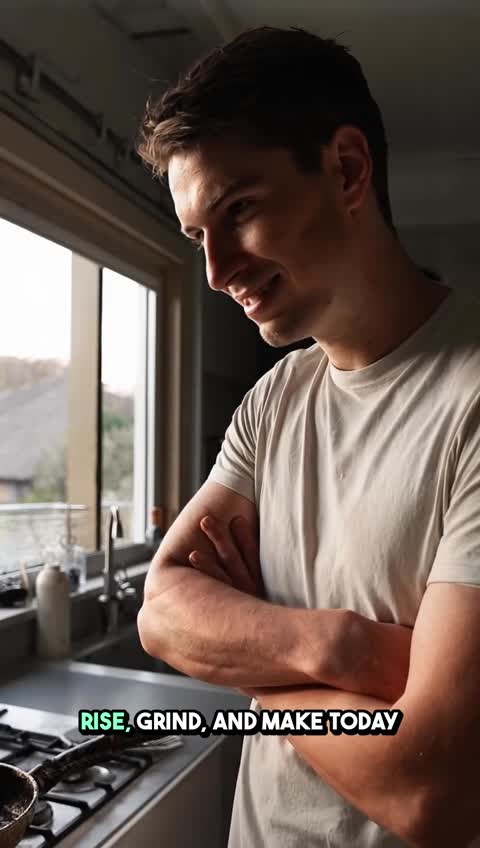
Hustle
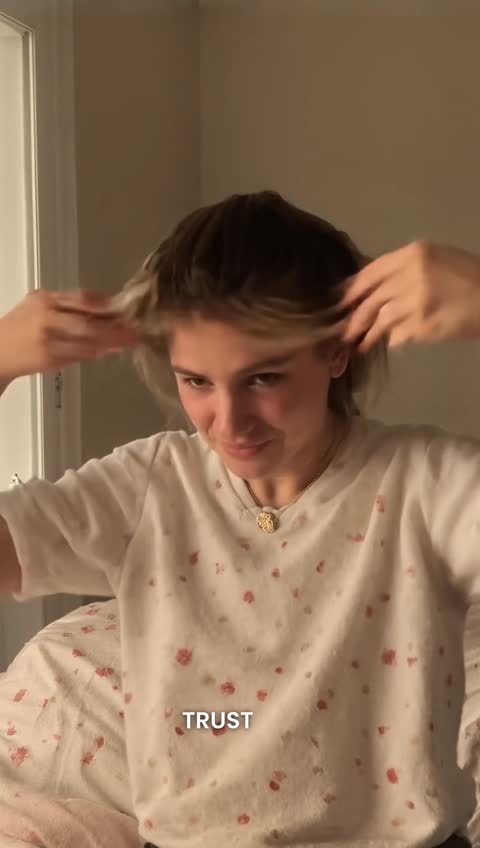
Karl
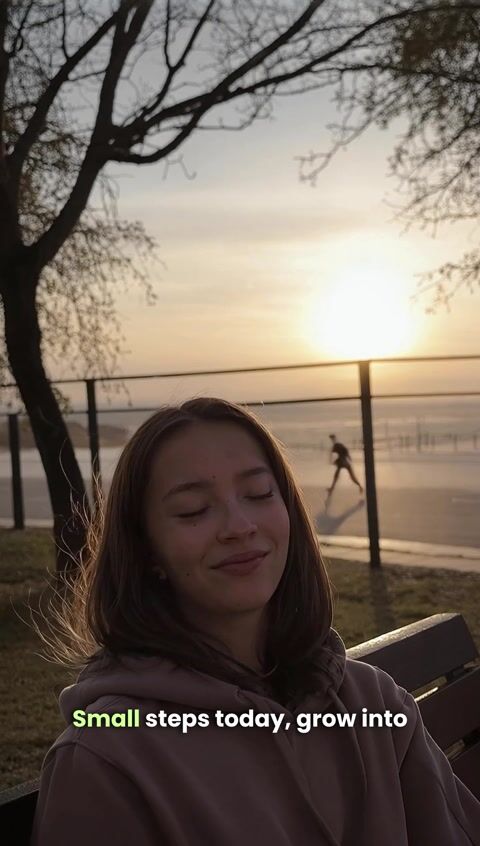
Sprout

Flex
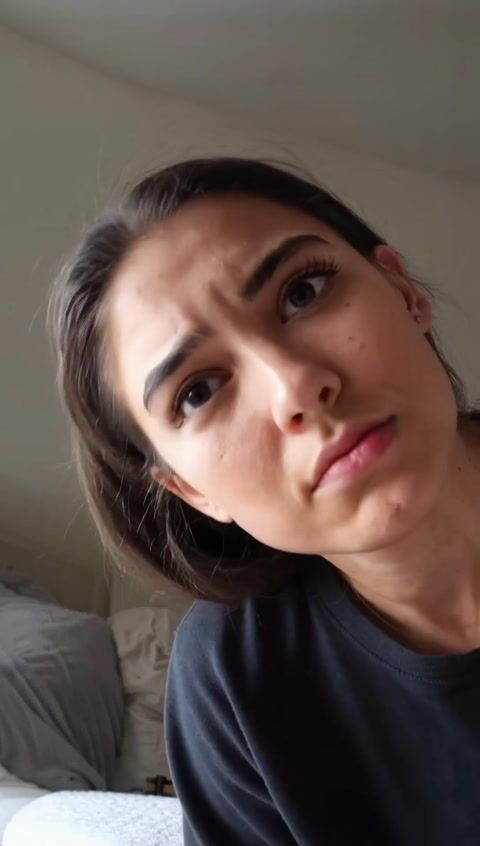
Mint
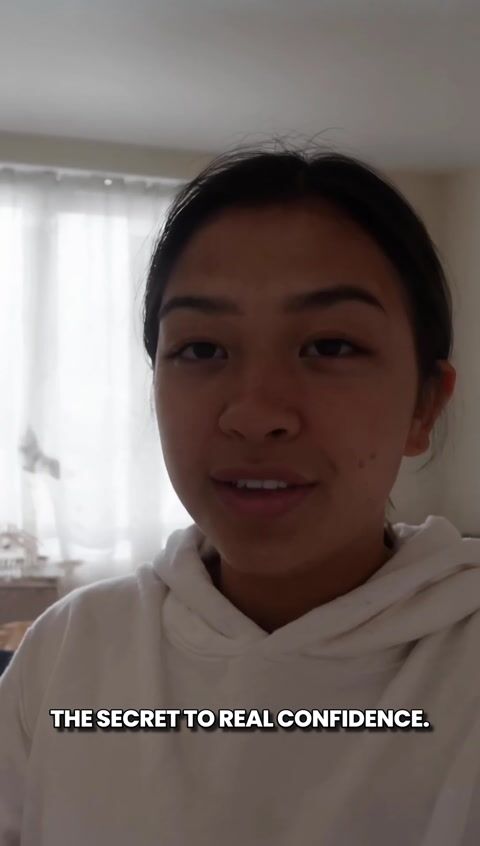
Rizz
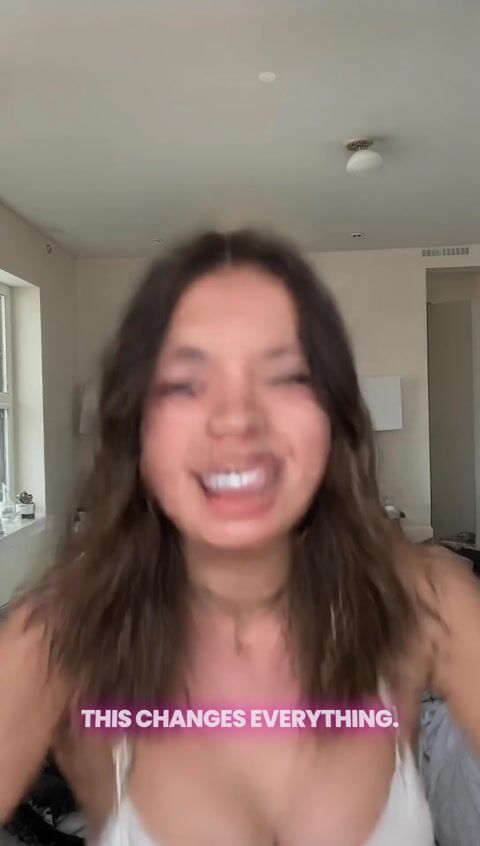
Vegas
Burn-in versus a sidecar file
Auto captions on short-form almost always mean burned-in captions: pixels in the MP4. A sidecar (.srt / .vtt) is a separate track the player draws. They are not interchangeable.
Burn-in
The styled line is composited onto the frames. The viewer cannot switch it off, the player cannot restyle it, and re-uploading the file does not drop the track.
Use this for Reels, TikTok, Shorts, ads, and any cut watched on mute. This is what the generator renders.
Sidecar (SRT / WebVTT)
A separate caption file the player overlays. Viewers can disable it. Each platform skins it. Useful for YouTube long-form, courses, and accessibility tracks you want to edit later.
Convert formats in the browser with VTT to SRT. Timing and line length have their own checkers on free tools.
165 languages in the Versely captioner
The free generator above reads English speech only. The captioner inside Versely transcribes the language that is actually on the audio track, in 165 languages, and it does not translate. Set the language code to match the speech (en-US, es-MX, ja-JP, ar-SA and 161 others). For a dubbed version, that is a separate translation pass, then a new caption render.
- English
- Spanish
- French
- German
- Portuguese
- Italian
- Japanese
- Korean
- Arabic
- Hindi
- Mandarin
- Turkish
- Indonesian
- Vietnamese
- Thai
- Polish
- + 149 more language codes
What captions cost in credits
Captioning is billed as a render, multiplied by the preset tier. The transcription work is the same either way. The look is the pricing choice.
| Tier | Looks | Multiplier |
|---|---|---|
| Basic | 21 presets — plain, static, readable | 1× the caption render |
| Premium (animated) | 9 presets — glass, glide, fusion, terminal and similar | 2× the caption render |
Preview a few seconds in a candidate style before committing the full clip — choosing a look by captioning three whole videos is the expensive way to do it. The month-scale arithmetic is on what captions cost across a month of clips.
Versus CapCut and VEED
CapCut is a strong phone-first editor with fast auto captions. Its popular default looks solved mute reading early, then became a feed pattern many viewers now skim past. Keep CapCut if that timeline is home; restyle before burn if you do not want the default yellow bounce on every cut.
VEED is a focused caption engine: transcription, cues, presets, burn or sidecar. That fits when captioning is its own step. Versely burns styles inside the same short-form stack that generates and schedules the cut, so the transcript, family, and export share one path.
Neither comparison is a feature scoreboard. Pick by where the master leaves for the week grid, and by whether you need a locked family next to generation or a dedicated subtitle workflow.
Free caption-adjacent tools
On-device helpers around the same job. They do not transcribe speech and they do not spend credits. Your file stays in the browser.
- Burn captions into video (hard-burn an SRT or VTT you already have)
- Safe area preview (keep cues clear of TikTok, Reels and Shorts chrome)
- Subtitle timing shifter (nudge a drifted track by milliseconds)
- Check line length before you burn (find cues that wrap too wide on a phone screen)
- Subtitle reading speed (CPS) checker (flag cues that flash by too fast to read)
- SRT from text (timed captions from a script, no audio upload)
- Script timing estimator (words to spoken duration before you cut)
- Caption styles (45 live presets to preview before paid burn-in)
Guides
Start with the style shelf and a free hard-burn path, then the CapCut / VEED comparisons if you are switching stacks.
- Caption styles index (45 families to preview before you burn)
- Free burn captions into video (hard-burn an SRT/VTT you already have, on-device, no upload)
- What free means for a caption generator
- Caption styles vs CapCut defaults
- Versely vs VEED captions for short-form
- How an AI caption generator differs from CapCut
- AI caption generator for short-form video
- Best caption styles for retention (2026)
- Caption styles that hold retention
- Burn captions vs platform auto
- Add captions to video
Caption the cut in Versely
Lock the edit, transcribe, pick a style, burn it in. One credit pool, the same file you publish from.
Open Caption StudioWhere to go next
What AI Caption Generator does
Auto captions from speech
The audio is transcribed and timed automatically. You read back product names; you do not type or nudge every line.
30 billed looks, 45 live previews
21 basic presets and 9 premium animated ones (glass, glide, fusion, terminal) on the transcribe path. The style index previews 45 Caption Studio families in real CSS.
Preview before the full render
Render a few seconds in a candidate style. Captioning the whole clip to discover the look is wrong is the expensive way to choose.
Burn-in, not a toggle
The line is pixels in the MP4. Viewers cannot disable it, players cannot restyle it, and a re-upload does not drop the track.
165 language codes in the paid captioner
Versely's captioner transcribes the language that is actually spoken. It does not translate, and the free generator above is English-only. A dubbed cut is a separate pass, then a new caption render.
Overlays for lines nobody said
A hook, headline or badge is copy you wrote. That is a different tool from auto captions, on the same picture.
How it works
- 1
Lock the cut
Burned-in captions are pixels. Trim, reorder and finish the edit first, or a later change means recaptioning the whole file.
- 2
Transcribe and pick a style
Speech becomes timed lines. Preview one or two looks on a short sample (basic at 1x, animated at 2x), then apply the winner.
- 3
Burn in and export
The styled captions are composited onto the frames. You get back a finished MP4 you can publish without a sidecar.
Who uses AI Caption Generator
- TikTok, Reels and Shorts watched on mute
- UGC ads that need the script on screen
- Podcast clips cut from a long interview
- Talking-head explainers
- Hook lines and CTAs as overlays
- Accessible versions of long-form video
- Mute-ready Reels, TikTok, and Shorts hooks
- UGC ad variants with the script on screen
- Podcast clip packs cut for vertical feeds
- Talking-head explainers watched without sound
- Safe-area QC before a paid burn
Frequently asked questions
What is an AI caption generator?
It transcribes the speech in a video, times each line to the audio, and burns the styled text into the picture. The result is auto captions the viewer cannot switch off: the format muted short-form actually needs.
What is caption AI?
Caption AI is a loose name for software that uses speech recognition to write the captions for a video: it transcribes what is said and times each line, so you do not type or sync them by hand. On Versely that is this page. The free generator makes an SRT or VTT in your browser from up to 10 minutes of English speech, and Caption Studio burns a styled look into the video for credits.
Is this the same as an AI subtitle generator?
For burned-in subtitles, yes. Caption generator and subtitle generator are the same search for this job. A sidecar .srt or .vtt is a different file: useful for YouTube long-form, not for a Reel that autoplays muted. The free generator on this page (also at /free-tools/subtitle-generator) makes that file.
Can it write Instagram captions for my post?
No. This generator makes the on-screen subtitles for a video. For the text under a post or Reel, use the free Instagram caption generator, which writes six caption options with a hook, a call to action and up to three hashtags.
What is the difference between subtitles and an overlay?
Subtitles are generated from the audio, so auto captions need audible speech to transcribe. An overlay is text you supply and place (a hook, a headline, a badge) and nothing is transcribed for it; a video with only music takes overlays instead. Mixing them up is the usual reason a caption run returns something unexpected.
Burn-in vs platform auto captions: which reduces mute risk?
Burn styled captions into the MP4 before upload. Burned-in captions are part of the picture, so the viewer cannot turn them off, the player cannot restyle them, and they are not lost when the file is re-uploaded. Platform auto is a separate accessibility assist. The gain is mute retention, a watch-time effect rather than a ranking keyword: search for short-form is mostly titles, descriptions and whether people finish the clip. See the burn vs platform auto guide for the split.
How many languages does it transcribe?
Versely's paid captioner transcribes 165 language codes, from en-US and es-MX to ja-JP, ko-KR, ar-SA and hi-IN. The free generator on this page runs Whisper on your device and handles English speech only, up to 10 minutes. Neither translates into a different language; they write down what is spoken.
Where should captions sit on vertical video?
Clear of the platform chrome. On a 9:16 frame the bottom strip is covered by buttons, account names and descriptions, so captions placed at the true bottom are unreadable in the feed even though the export looks correct. Use the free safe area preview to check before you burn.
Is there a free AI caption generator on Versely?
Yes: the generator at the top of this page. It transcribes speech to timed captions (SRT, VTT or plain text) on your device, up to 10 minutes per file of English speech, with no account and no upload, and the free burn-captions tool gives that SRT a plain burn-in. Credits cover Versely's 45 styled caption looks (preview them on the caption styles hub first), the paid captioner's transcription across 165 language codes, and the rendered MP4 with captions burned in. Paid renders follow Versely's commercial-use terms for your plan.
CapCut vs Versely AI caption generator?
CapCut is a full phone and desktop editor with a fast auto-caption path. Versely's generator is speech-to-burn inside a short-form stack: transcribe, preview a Caption Studio family, burn into the MP4. CapCut wins if you live in that timeline for cuts and trends. Versely wins if captions need to leave the studio already styled with the same file you publish.
VEED captions vs Versely burn-in?
VEED is a strong caption engine: transcription, timed cues, deep presets, burn or sidecar export. Versely burn-in is the same mute-feed job, but captions sit next to generation and style locking in one workflow. If captioning is a separate department, an engine can be enough. If one person ships a weekly series, keeping burn with the rest of the stack usually costs less handoff.
Guides
AI caption generator vs CapCut
CapCut is an editor with auto captions. Versely's generator is burn-first for mute feeds with previewable families you can lock.
Free AI caption generator guide
Free AI caption workflow: on-device tools and style preview first, then burn timed captions in Versely's AI caption generator.
Caption generator vs style hub
The AI caption generator does speech-to-burn. /caption-styles is the shelf. Use both in that order for mute-ready shorts.
Auto-Captions in Versely: Styles, Presets, and Accuracy
How Versely's auto-captions work in 2026: VEED-powered transcription, styled presets, accuracy tips, and the workflow for caption-ready short-form video.