

Free AI caption generator guide
Free AI caption workflow: on-device tools and style preview first, then burn timed captions in Versely's AI caption generator.
A free AI caption generator workflow starts with on-device tools and a short style preview, then burns timed captions in Versely when the cut is locked. Speech-to-text alone is not the product. Readable type on a mute 9:16 feed is.
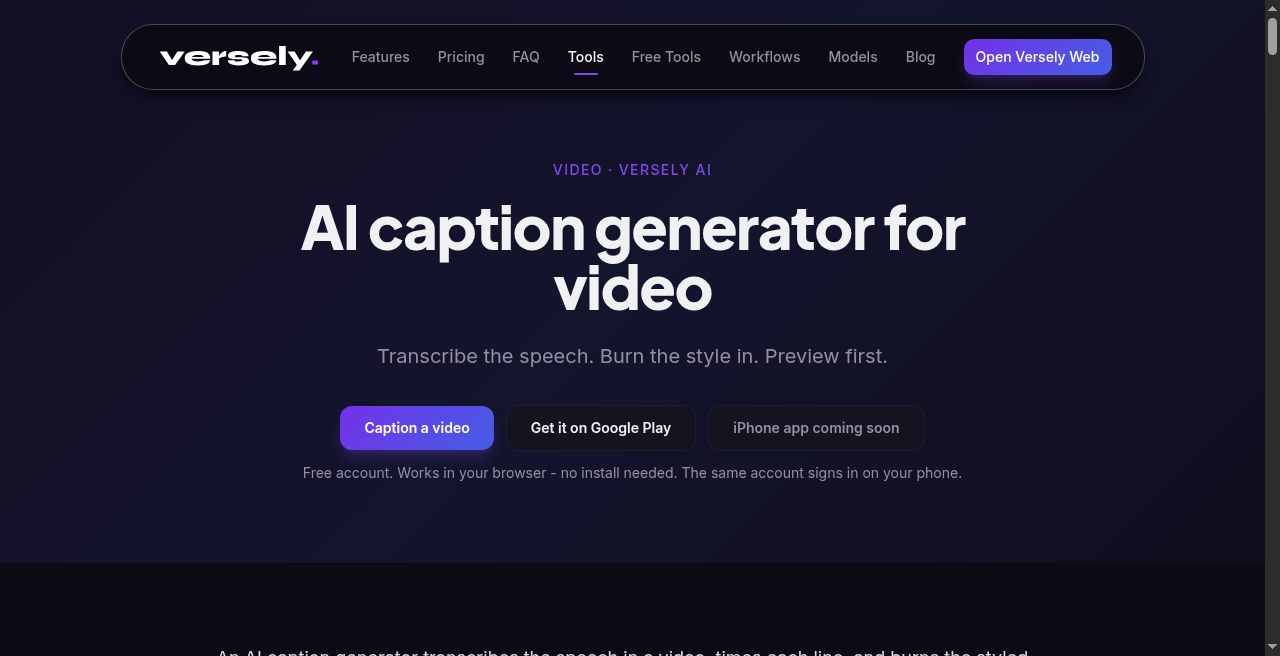 Versely's caption tool: speech in, timed captions out, then style and burn.
Search for "ai caption generator" or "caption generator" usually means: timed words on a vertical cut, a look that is not CapCut-default soup, and a file that survives re-upload. This guide is that pipeline, including what is actually free.
What free means here
On Versely, free is not unlimited captioned masters.
- Style preview - a short 480p look at caption families on your clip, with a cooldown. Good for Classic versus a dynamic family before you pay for a full burn.
- On-device free tools under /free-tools - converters, checkers, burn helpers, and timers that run in the browser. No video model. No account for most of them.
- Browsing /caption-styles - the public shelf. Looking is free. Rendering a full MP4 is not.
Full transcription-plus-burn on a finished clip uses the AI caption generator and costs credits. There is no free generate tier that promises unlimited unwatermarked masters. For the honesty pass on the word "free," see what free AI caption generator means.
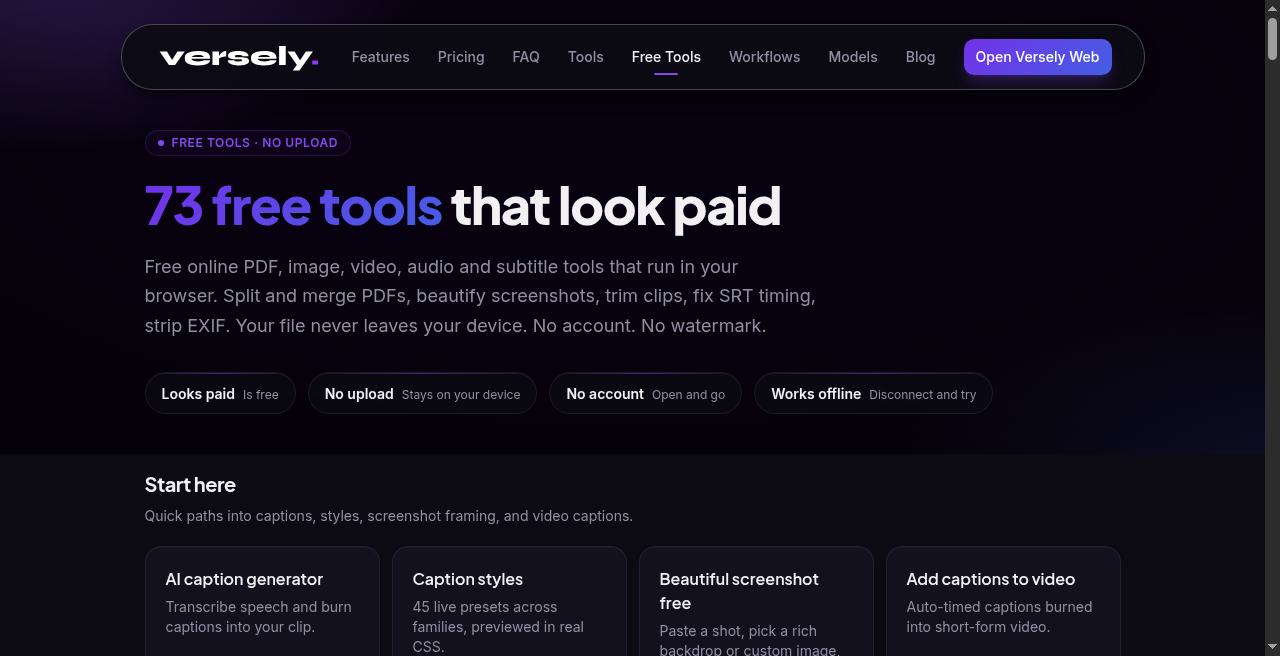 On-device free tools: SRT helpers, safe-area preview, burn captions, script timing.
Free on-device tools that help captions
Use these before or beside a paid burn:
| Tool | Job |
|---|---|
| Script timing estimator | Word count ÷ WPM so the VO length fits the cut |
| SRT from text | Timed starter track from a script you already wrote |
| Caption line length checker | Spot cues that overflow mobile width |
| Subtitle reading speed checker | CPS / readability before burn |
| Subtitle timing shifter | Nudge a whole track after a re-edit |
| Safe area preview | TikTok / Reels / Shorts chrome vs your type |
| Burn captions | Local burn when you already have an SRT and a file |
| SRT ↔ VTT converters | Sidecar format swaps without an upload |
These tools do not replace speech transcription when you have only a VO take and no script. They keep the free lane honest: fix timing, length, and placement without inventing a free warehouse of AI renders.
The paid generator: draft, style, burn
Versely's AI caption generator listens to speech, proposes timed text, and hands you into Caption Studio looks. Pair it with add captions to a video when the job is one file, transcribe-and-burn.
Practical sequence:
- Lock picture and final audio. Do not caption a scratch VO you will replace.
- Optional free pass: estimate duration, check safe area, or author an SRT from a known script.
- Generate captions from the final audio in the AI caption generator.
- Fix names, numbers, brand spellings, and speaker splits by hand.
- Pick a family from caption styles by job, not by logo font alone.
- Preview a short look if you are unsure between Basic and Dynamic.
- Burn into pixels. Export. Upload.
- Watch muted on a phone. That is the real QA.
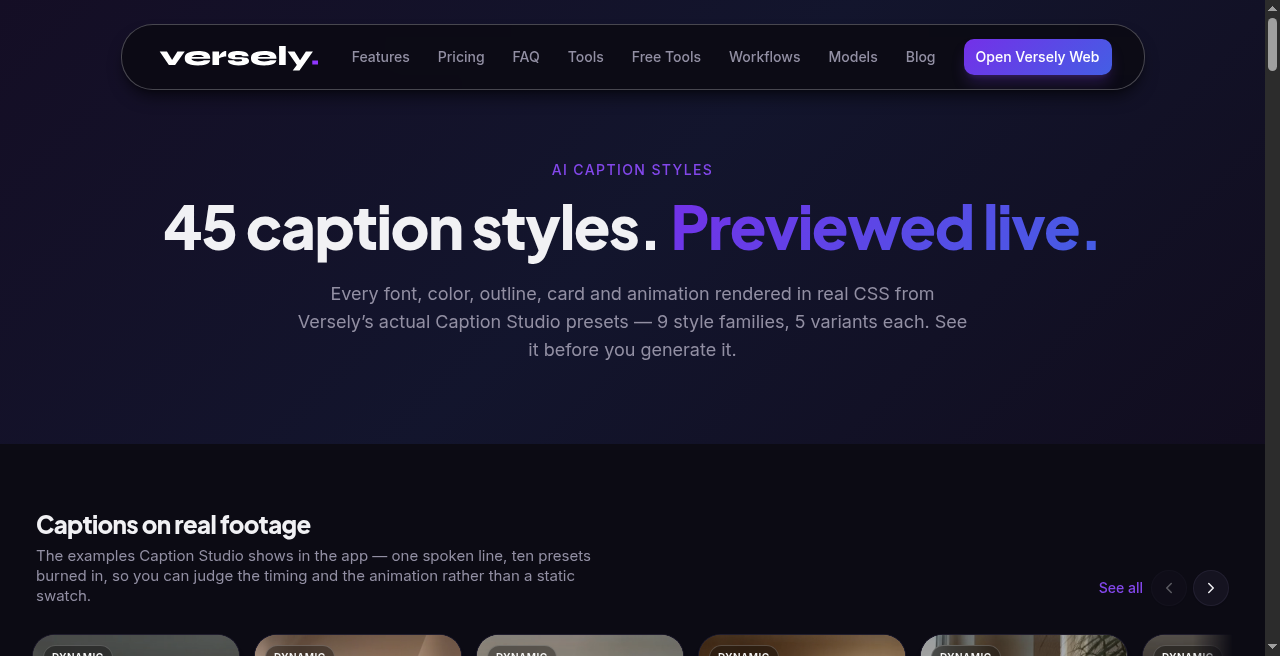 Caption styles hub: pick a family for retention, then burn it. The shelf is free to browse.
Styles and workflow that hold mute scrollers
Platform auto captions appear late, in a system font, after the hook. Your generator's value shows when the first frame already has readable type.
- Timed families (Snap, Reveal, and related looks) when the words perform.
- Static families (Classic, Paper, Ink, and related looks) when speech only needs to be read.
- Job split detail: caption styles that hold retention and caption generator vs style hub.
Short-form constraints the generator cannot see:
- Prefer shorter lines and fewer simultaneous words under TikTok / Reels UI.
- A 12-second ad can carry karaoke for the whole cut. A 90-second story that pops every word becomes a lyric video. Many teams Snap the open and Classic the rest.
- Music-first cuts with almost no speech need overlays, not captions. Empty is honesty. Hallucinated lyrics are a liability.
Batch rule: lock a style kit per series (two families max, one accent color, one safe placement). Generate per clip. Do not invent a new look every post.
Burn, upload, measure
Burn-in is how mute feeds see your work. Soft SRT uploads are fine for archive and long-form players. For Reels, TikTok, and Shorts retention, pixels win.
After upload, watch hold through the first three seconds and mid-clip drop. If drop aligns with wrapping or a style change, fix type, not only hooks.
When clients ask for "just run AI captions," translate the brief: generate, human edit, style from the kit, burn, deliver MP4 plus optional SRT. Price the human edit. The generator is cheap compared to a wrong price in a paid ad.
What I'd actually do
I'd time the script in the script timing estimator if I only have text, lock the cut, generate in the AI caption generator, fix names by hand, pick one family from caption styles, check safe area preview, then burn. For a single file that already has an SRT, start at burn captions. Browse the rest of free tools when the meter should stay off. Watch the burn muted on a phone.
Create a Versely account when you are ready to run the generator loop on your own files without exporting through three apps.
FAQ
Is an AI caption generator the same as TikTok auto captions?
No. Platform auto captions are a late, system-styled fallback after upload. An AI caption generator gives you timed text you can correct, style, and burn before upload.
Is there unlimited free AI captioning on Versely?
No. Full burns cost credits. Free means style preview with a cooldown, plus on-device tools that do not invent unpaid masters. Details: what free means.
Do I still need to edit AI captions by hand?
Yes for names, numbers, overlapping speech, and anything that could become a compliance problem. The model drafts. You own the publish.
Can one transcript feed YouTube soft subs and TikTok burns?
You can start from one transcript. Delivery differs: soft sub for long-form toggle, burn for mute short-form. Retiming and line length often change between those two exports.