

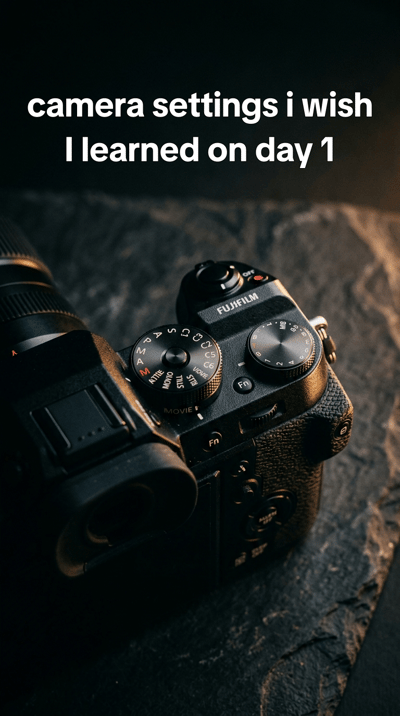
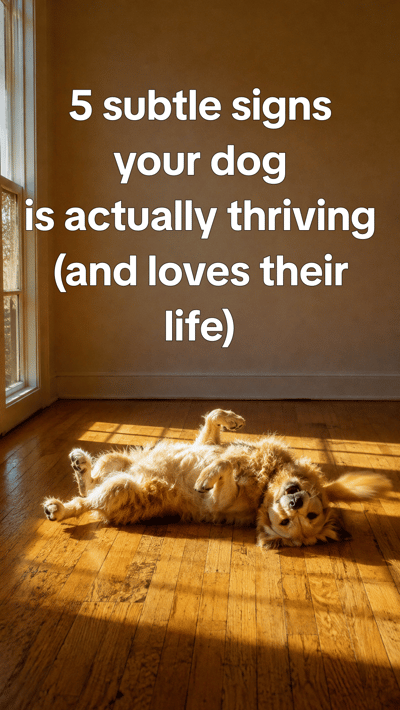
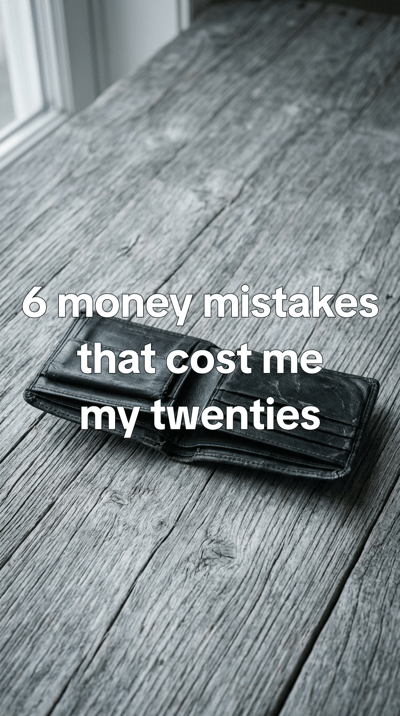
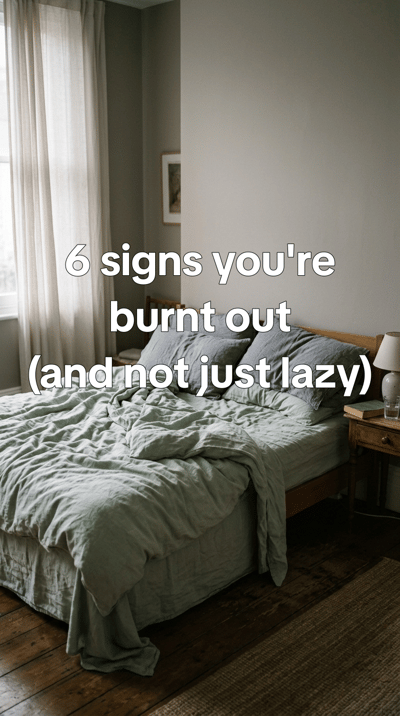
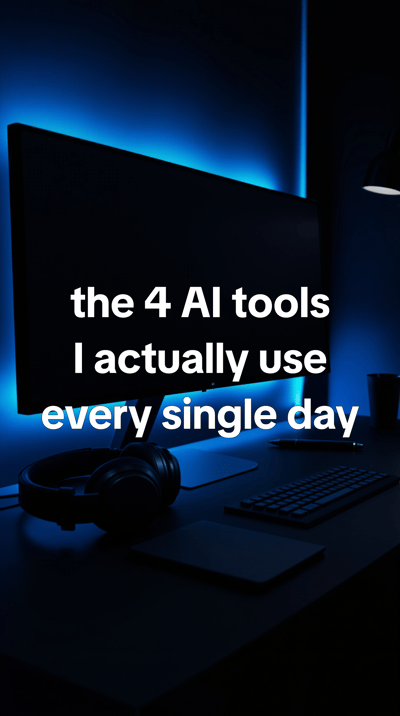
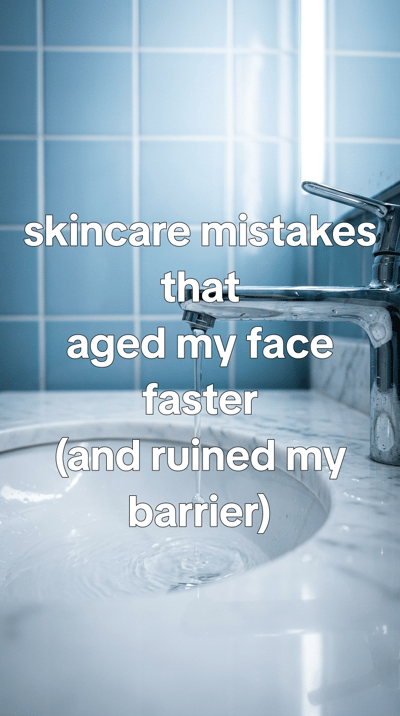
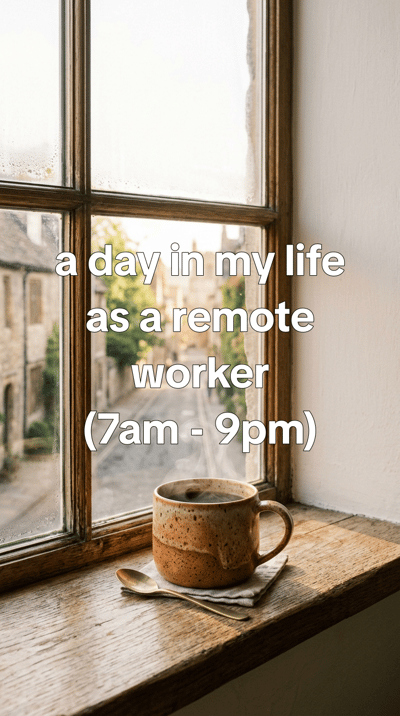
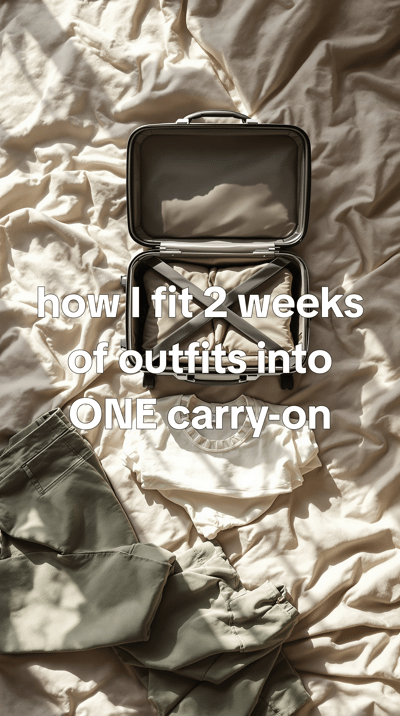

Three steps, then it runs itself.
Create an automation
Choose a subject or a brand, AI pictures or Pinterest, how many slides and the caption style.
Connect your accounts
Link TikTok and the rest once, then tick the accounts this automation posts to - up to 10, several on one platform if you run more than one page.
Set it and forget it
Pick how often: every 5 minutes at the most, once a week at the least. Each run makes one new slideshow and posts it.

Sketches of the automation screen, drawn from its real options.
What happens every time it runs.
One run makes exactly one slideshow. Nothing is reused from the last run except what to avoid.
Invents a fresh brief
A new topic for your subject every run. The automation remembers its recent briefs, so the next one is about something else.
Plans the slides
The hook, the list and the order, across 1-20 slides (5 by default), in the shape you chose: reel, story, post, portrait, landscape.
Makes the pictures
Drawn by the image model you picked, or pulled from Pinterest - moving on from the pins earlier runs already used.
Bakes the captions on
The planned text is stamped onto each slide in your caption style, so the slideshow is finished, not a folder of pictures.
Saves it to your library
Every slideshow lands in your Versely library like one you made by hand. Edit it, reuse it or post it again.
Posts it
To each account you picked, with a post caption written from the brief. A brand's posts are written in the brand's voice.
When something goes wrong
An automation posts while you are not looking, so it stops itself rather than guess.
- Out of credits? The automation pauses instead of failing, and picks up when you resume it.
- 3 failed runs in a row pause it, so nothing keeps failing for hours.
- Removed the brand it writes for? It pauses with a message telling you to pick another.
- Every run is logged, with the slideshow it made, so you can see what went out and when.
Want to see a slideshow before it posts? Run the automation with no accounts ticked - every slideshow waits in your library for you to post.
A faceless page on a topic, or one for your brand.
Pick one of 22 categories
The classic faceless TikTok: a page about one thing, posting list-style slideshows on it. Each run finds a new angle inside the category.
- Business
- Career
- Marketing
- Money
- Lifestyle
- Wellness
- Mental Health
- Fitness
- Food
- Travel
- Relationships
- Education
- Tech
- Motivation
- Beauty
- Home
- Shopping
- Parenting
- Pets
- Photography
- Art
- Entertainment
Or add a brand by its link
Paste the website. Versely reads the brand kit from it - what it offers, who it serves, how it talks - and every run takes the brand's next content angle.
- Useful content first: a list, a how-to or a story the brand's audience would save.
- Only what the brand says about itself - no invented prices, offers or results.
- A light mention of the brand at most. It reads like a page, not an advert.
TikTok first. Not TikTok only.
Connect each account once. Several accounts on the same platform are fine - each one is picked separately.
TikTok
Slideshows + video
Slideshows + video
YouTube
Video only - hooks, not slideshows
Slideshows + video
X
First 4 slides
Slideshows + video
Slideshows + video
Threads
Slideshows + video
Bluesky
First 4 slides
Automated slideshows go live on their own. For a post you want to finish in TikTok yourself - with one particular sound - send it from Auto Post as a TikTok draft. Instagram people tags, collaborators and YouTube tags are in that composer too.
Video too: a week of hooks in one go.
The Hooks studio makes a batch of short AI hook videos for your brand at once - then you schedule them across the week from the same screen. Hooks are made and scheduled in batches; the automation above is for slideshows.
Trending sounds: every trending TikTok sound comes with a Versely-made, royalty-free track in the same vibe. Add the original sound in TikTok: send the hook as a TikTok draft and pick it there.
Open the Hooks studioPaid per run, in credits.
No separate automation plan. A run spends credits from the same balance as everything else in Versely, and the automation shows what one run costs before you start it.
5 credits a run
Pinterest pictures
A flat price, whatever the slide count.
Per slide set by the model
AI pictures
Charged per slide by the model you pick - Flux Pro Ultra is 5, so a 5-slide run is 25. Collage caption styles count every picture.
+1 credit per account
Posting
For each account the slideshow is posted to. Refunded if the post fails.
Credits come with every plan and in one-time packs - see pricing.
TikTok automation, answered
How often does a slideshow automation post?+
As often as you set it: every 5 minutes at the most, and at least once a week. Each run makes one new slideshow from a fresh brief - it remembers its recent briefs so the next one is about something else - and posts it to the accounts you picked.
Which platforms can it post to?+
Versely posts to TikTok, Instagram, YouTube, Facebook, X, LinkedIn, Pinterest, Threads and Bluesky. A slideshow automation posts its slides to all of them except YouTube, which takes video only; X and Bluesky get the first four slides. Hooks, which are videos, can go to YouTube too.
Can one automation post to several TikTok accounts?+
Yes. Connect as many accounts as you run - several on the same platform is fine - and pick each one separately. One automation posts to up to 10 accounts, and you can keep up to 20 automations - one per page when each page needs its own subject.
How much does a slideshow automation cost?+
It is paid in credits, per run. Pinterest pictures are a flat 5 credits a run. AI pictures are charged per slide by the image model you pick - Flux Pro Ultra, for example, is 5 credits a slide, so a 5-slide run is 25 credits. Posting adds 1 credit per account. The automation shows what one run costs before you start it, and it pauses instead of failing if you run out of credits.
Can I review a slideshow before it posts?+
An automation publishes on its own - its TikTok posts go live, not into drafts. If you want to look first, run the automation without any accounts: every slideshow lands in your library, and you post the ones you like from there. From the Auto Post composer a TikTok post can go in as a TikTok draft, so you check it and add a sound inside TikTok before it goes live.
Should I pick a category or add my brand?+
Pick a category (22 of them, from Money and Fitness to Pets and Travel) to run a faceless page on a topic. Add a brand by its website link when the page is for a business: Versely reads the brand kit from the site, and each run takes the brand's next content angle - useful content first, only what the brand says about itself, a light mention at most.
Does it use trending sounds?+
Automated slideshows go live on their own, and on TikTok the photo post gets music that TikTok adds itself. For a post that needs one particular sound, send it from Auto Post as a TikTok draft and pick the sound inside TikTok. For hooks, each trending TikTok sound in Versely comes with a Versely-made, royalty-free track in the same vibe; the original sound is added in TikTok.
Set up the page once. Let it post.
Three choices - a subject, your accounts, a schedule - and every run after that is one more slideshow on the page.
Free account. The same account signs in on the web and in the app.
Coming from ReelFarm? Here's how Versely compares