

Best AI Agents for Remote Video Editing
Compare five AI agents for remote video editing, from invideo timeline control to podcast clips, social video workflows, and desktop cleanup.
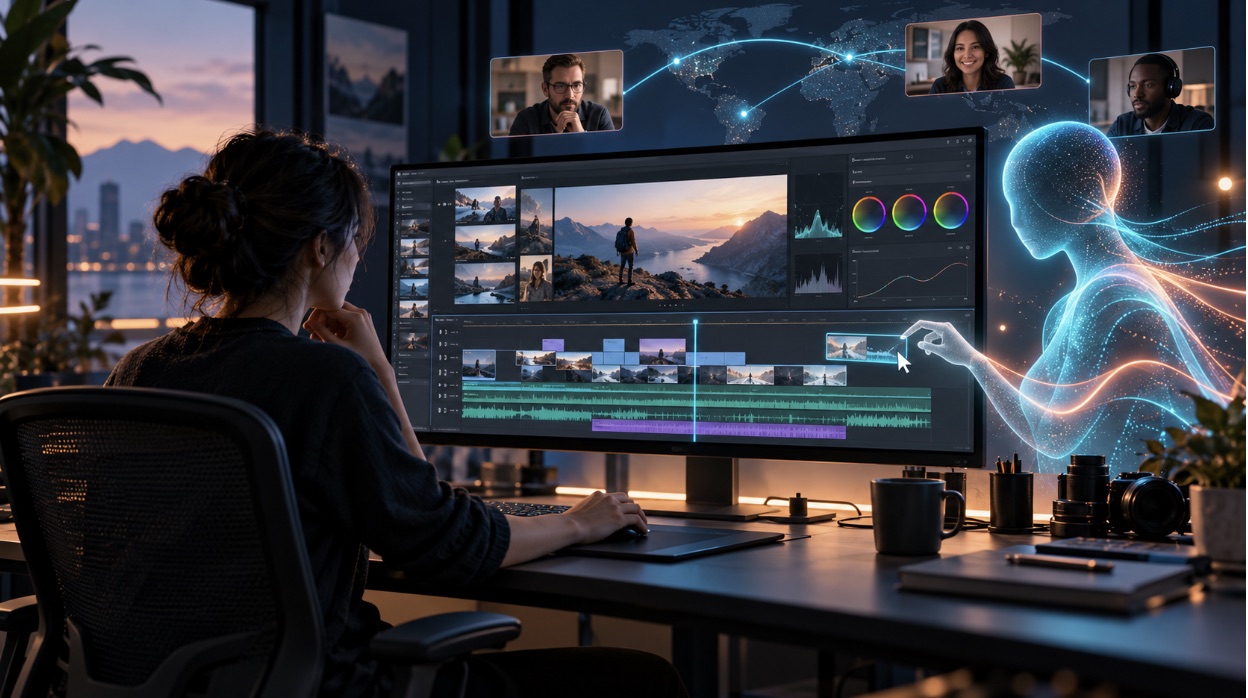
Remote editing can slow down when footage, feedback, and revisions are scattered across people and tools. In Wyzowl's 2026 survey, 91% of businesses said they use video as a marketing tool, making a workable editing process useful for many teams.
The right AI agent can take on routine editing work while leaving creative decisions in your hands. This list compares five options by how they handle editing tasks, remote access, review, and project control.
At a glance
For editing a professional timeline through an external AI agent, invideo is the closest fit: it connects through MCP and lets an agent make visible changes to a shared timeline. Wisecut and Revid also connect to AI assistants through MCP, but focus more on automatic editing, clips, and content production. Vizard offers browser-based AI editing, while Gling is aimed at creators who want to clean up footage before finishing it in a desktop editor.
"Remote editing" can mean different things. Some tools let an outside agent act on an editable timeline; others use cloud software to process and edit videos online. Choose based on the kind of work you need done.
How we evaluated these tools
We examined the AI editing duties, browser or remote access, review and refinement capabilities, and type of work that each platform is suitable for. We also checked whether it connects to external agents through MCP. That distinction matters: a cloud editor with AI features is useful, but it does not necessarily let your own AI agent edit a timeline.
| Tool | Remote workflow | Best suited to |
|---|---|---|
| Invideo | External agent edits a shared timeline through MCP | Timeline editing and finishing |
| Wisecut | MCP connection and browser editing | Podcasts and repeat publishing |
| Revid | MCP, API, and cloud timeline editor | Automated short-form production |
| Vizard | Browser-based AI editing | Repurposing long videos |
| Gling | AI cleanup with desktop project export | YouTube talking head videos |
1. Invideo
Best for: Editing a professional timeline with an external AI agent.
Invideo connects tools such as ChatGPT, Claude, Cursor, and Codex to an editable timeline through MCP. An agent can arrange footage, make cuts, add titles and transitions, correct color, mix audio, and generate images, video, or audio. Invideo's editor over MCP lets you see the edits appear, continue editing alongside the agent, and export a video or a project for Premiere Pro, Final Cut Pro, or DaVinci Resolve.
Use it when: Your team wants an agent to work directly on a professional NLE timeline while an editor reviews and refines the result.
Where it falls short: You need an invideo account and a compatible MCP client. AI processing and media generation may use credits, so check the current plan before starting larger jobs.
Pricing: Manual timeline editing is free. Agent work and generated media use credits.
2. Wisecut
Best for: Turning recorded interviews, podcasts, and creator videos into tighter edits and clips.
Wisecut offers browser-based editing and an AI assistant called Wish. Its MCP connection lets supported assistants access approved Wisecut tools after account authorization. Highlights can be identified, silence can be eliminated, captions can be added, content can be reframed, and clips can be ready for publication. Its Autopilot feature can process new channel uploads on eligible plans, which can help teams with a regular publishing schedule.
Use it when: You regularly publish content from long recordings and want to automate repeat editing steps.
Where it falls short: Its workflow is built around automated cuts and clips, so it may not suit editors who need detailed control over a full professional timeline.
Pricing: Free to start. Starter+ is listed at US$23.25 per month when billed annually; check the current plan page for limits.
3. Revid
Best for: Automating short-form video creation and publishing.
Revid supports agents via a public API, MCP server, and command-line tool and integrates AI video capabilities with a cloud timeline editor. An agent can create and manage projects, generate media, render videos, and schedule or publish content. Because of this, teams creating repeatable video workflows might benefit from it, particularly when producing a large number of clips.
Use it when: You need an agent to generate, render, and publish short-form content through an automated process.
Where it falls short: Its strength is content production and automation, so teams seeking hands-on, frame-level editing may prefer a timeline-first workflow.
Pricing: The listed Growth plan is US$39 per month for 2,000 credits. Higher plans offer more credits and automation workers.
4. Vizard
Best for: Repurposing long recordings into social videos in a browser.
Vizard Agent can take an uploaded video or a link and create social-ready edits. The platform offers captions, clipping, resizing, and translation, with cloud editing that does not rely on a high-powered local computer. Its conversational workflow can suit marketers and creators who need a quick first edit for social channels.
Use it when: Your main goal is to turn webinars, interviews, or other long videos into shorter platform-specific videos.
Where it falls short: It is more focused on ready-to-publish content than detailed professional timeline work or external MCP editing.
Pricing: A free option is available. Paid plan features and limits vary, so confirm them on Vizard's current pricing page.
5. Gling
Best for: Cleaning up talking head footage before finishing in an established editor.
Gling detects bad takes, silence, and filler words, then helps shorten long-form videos. It also offers captions and exports projects in formats compatible with Premiere Pro, Final Cut Pro, and DaVinci Resolve. Its workflow can reduce the first pass of editing for a creator who prefers to complete the final cut in a familiar desktop tool.
Use it when: You make YouTube or talking head videos and want help removing mistakes and pauses.
Where it falls short: Gling is desktop-focused, so it is less suited to teams that need shared cloud editing or an outside agent changing a live timeline.
Pricing: The free plan includes one hour of AI-edited media per month and exports with a watermark. Paid plan details are listed on its pricing page.
How to choose the right tool
Start with the work you want to delegate:
- Choose invideo when an external agent needs to edit a professional timeline that you can inspect and continue refining.
- Choose Wisecut for recurring podcast and interview edits, highlights, and publishing.
- Choose Revid for agent-driven generation and repeated short-form production.
- Choose Vizard to make social clips from existing long videos in a browser.
- Choose Gling to clean up talking head footage before moving the project into a desktop editor.
Teams exploring agentic AI browsers for wider production tasks should also check where the editing agent can access media, project files, and review links. Remote access alone does not guarantee that collaborators can inspect or revise the same timeline.
Common mistakes to avoid
- Picking a tool based only on its automatic first cut. Check how much control you have after the AI finishes.
- Assuming every "AI agent" can change a full editing timeline. Confirm whether the tool supports MCP or only offers its own AI features.
- Ignoring export needs. Make sure the project can move into the editor your team already uses.
- Overlooking usage limits. Check credits, export limits, watermarks, and monthly video hours before committing.
FAQs
What is an AI agent for video editing?
It is an AI assistant that can carry out editing tasks from instructions, such as finding footage, removing pauses, making clips, or arranging a timeline. Some agents work through a connected editor using MCP; others operate within their own cloud platform.
Can an AI agent edit a professional timeline?
Yes, some can. Invideo's MCP connection lets compatible external agents make visible changes to an editable timeline. Other tools may focus on automatic cuts or finished social clips rather than full timeline editing.
Do I need MCP to edit videos remotely?
No. Browser-based editors can be used remotely without MCP. MCP is useful when you want an AI assistant from another app to access editing tools and act on a project.
Can I review an AI-edited video before export?
Review options vary by platform. Invideo lets you see timeline changes as they happen and edit alongside the agent. Other tools provide a result for you to check and adjust before publishing or exporting.
Which tool is best for podcast clips?
Wisecut and Vizard are strong options for highlight detection and short clips from long recordings. Choose based on whether you need an MCP-connected assistant, cloud editing, captions, reframing, or scheduled publishing.
Final thoughts
The best tool depends on what you want the agent to handle. For direct work on a professional timeline, consider invideo. For recurring clips and social publishing, compare Wisecut, Revid, and Vizard; for a first cleanup pass before desktop finishing, consider Gling. Which part of remote video editing would you most like an AI agent to take on?