

Canva Alternatives: AI Video and Image Tools for 2026
Canva is great for layouts, but its AI is generic. Here are the best AI-native image, video, and content tools to replace or complement Canva in 2026.
Canva spent the last decade becoming the default visual design tool for everyone who is not a designer. Templates, drag-and-drop, brand kits, and a free tier that actually does most of what people need. In 2026 the problem is not Canva's UX. It is that the AI features Canva has bolted on (Magic Media, Magic Write, Magic Design) sit a generation behind what dedicated AI-native tools produce, and the gap shows up in every output.
If you are using Canva for social posts, decks, and one-off graphics and you do not care about cutting-edge AI, stay on Canva. If you are producing content where image quality, motion, voice, or brand-grade visual direction matters, you have outgrown it. This guide is the honest map of where to go next.
Section 1: What Canva is great at
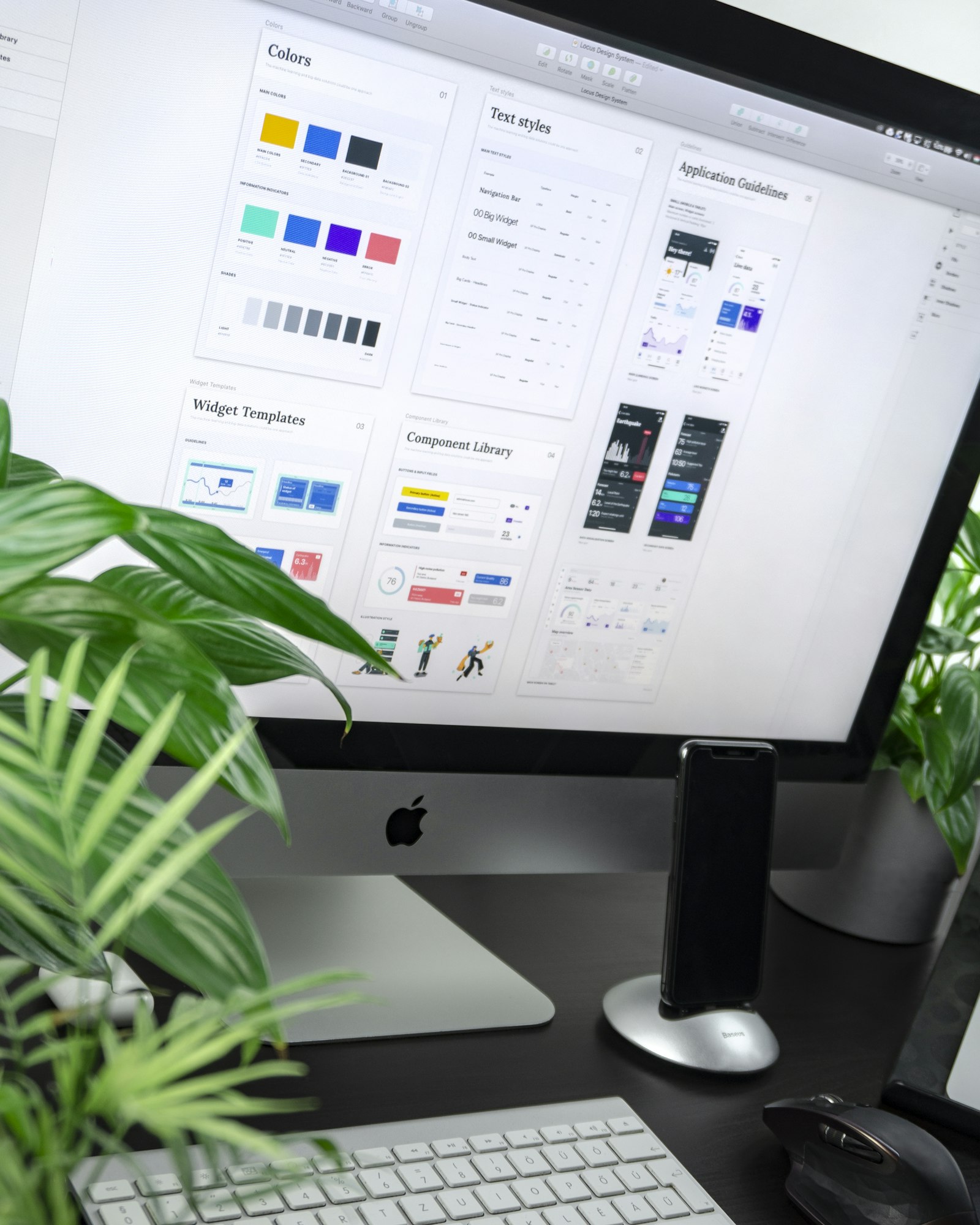
Canva won because it solved layout. The template library, the smart-resize, the brand kit, and the collaboration features are mature in a way that no AI-native tool has bothered to replicate. For a marketing team that needs 40 social posts in five formats with consistent typography and color, Canva is still the fastest path.
The Magic Resize feature alone saves hours per week if you publish across Instagram, TikTok, LinkedIn, and YouTube. The presentation tools are good enough that many startups have abandoned PowerPoint and Google Slides entirely. The print-on-demand integrations (business cards, t-shirts, posters) are convenient. None of this is going away in 2026.
For non-designers producing layout-heavy content, Canva is the right answer most of the time. The friction-removal it offers is real, and the free tier is generous enough that millions of users never hit the paywall.
Section 2: Where it falls short in 2026
Canva's generative AI is the weak link. Magic Media in 2026 still uses an older Stable Diffusion derivative that cannot match Flux 1.2 Ultra, Midjourney v7, or Ideogram 3 on photorealism, prompt adherence, or text rendering. The Canva text-to-image output looks like 2023 AI art, which is a problem when your competitor is shipping Midjourney v7 quality on the same social feed.
The video generation inside Canva is even further behind. There is no VEO 3.1, no Sora 2, no Kling 3.0 routing. The "AI video" features are mostly stock-footage matching with light AI effects on top. For anyone trying to produce real generative video content, Canva is not in the conversation.
Brand control is also a problem at scale. The brand kit works for typography and colors, but it cannot enforce a consistent generative aesthetic across hundreds of images, because the underlying model is too generic. Teams that want a brand-specific look (a particular lighting style, a recurring character, a recognizable color grade) need a tool with reference-image conditioning and style-tuning, which Canva does not offer.
Pricing has crept too. Canva Pro is around 15 dollars a month per user, Canva Teams is 30 dollars a month for the first user and rises with seats, and Magic Media credits are paywalled inside both tiers. For a five-person marketing team that produces serious AI imagery, Canva Teams plus credits comes out around 200 dollars a month, which is in the same range as a serious AI-native stack that produces dramatically better output.
Section 3: AI-native image generation alternatives
Versely
The bundled multi-model recommendation. Versely's text-to-image tool routes to Flux 1.2 Ultra, Midjourney v7, Ideogram 3, GPT Image, Imagen 4, and dozens of specialty models from one prompt box. Best for creators and marketers who want top-tier image quality without managing a separate Midjourney sub, an Ideogram sub, and a Replicate account for Flux.
Pricing is around 29 dollars a month for the standard creator plan with credits that cover roughly 1500-3000 standard images depending on model. The same plan also covers video, voice, and music generation, which is where the cost math beats running Canva Teams plus separate AI subs. Weakness: Versely is not a layout tool, so you still want a design surface for typography-heavy work. Most users pair Versely with Figma, Affinity Publisher, or yes, even Canva, for the layout step.
Midjourney v7
Best for stylized, painterly, or art-directed imagery where aesthetic matters more than literal prompt following. Midjourney v7 in 2026 is the gold standard for editorial illustration, concept art, and brand campaigns with a distinct visual signature. Pricing is around 30 dollars a month for the Pro plan. Weakness: limited to Discord and the web app, weak text rendering compared to Ideogram 3, no native API outside the official launch program.
Flux 1.2 Ultra
Best for photoreal images and product photography. Flux 1.2 Ultra renders skin, fabric, lighting, and reflections at a level that no other open-architecture model matches in 2026. Available via Black Forest Labs directly, via Replicate, or routed through Versely. Per-image cost around 0.05-0.10 dollars. Weakness: less stylized range than Midjourney, and prompt syntax has its own quirks.
Ideogram 3
Best for typography-in-image, posters, logos, and any output where text needs to render correctly. Ideogram 3 is the only model in 2026 that reliably handles long strings of accurate text inside the image, which is a problem every other model still struggles with. Pricing around 20 dollars a month on the Plus plan. Weakness: photorealism is a step behind Flux, and stylized art is a step behind Midjourney.
Section 4: AI-native video generation alternatives
VEO 3.1, Sora 2, Kling 3.0, Wan 2.7
If your Canva use case includes any video work (animated social posts, product motion, explainer videos), you are dramatically underserved on Canva. Versely's AI video generator routes to VEO 3.1 (4K and 60 seconds since January 2026), Sora 2 (audio-native, paid-only), Kling 3.0 (price-performance leader), and Wan 2.7 (Apache 2.0 open weights since April). Any one of these produces video content Canva cannot touch.
Cost per 5-second 1080p clip ranges from about 0.18 dollars on Kling to 1.10 dollars on VEO 3.1, with Versely's routing letting you pick the right model for each shot. For deeper model selection logic, see the best AI video generation models 2026 breakdown.
PixVerse V6
Best for animated, character-driven, and stylized video content where you want a distinct look rather than photorealism. PixVerse V6 launched in March 2026 with audio-native generation and is particularly strong for anime and illustrated styles. Around 0.25-0.45 dollars per 5-second clip. Weakness: not a photoreal model, by design.
Section 5: AI-native presentation, voice, and music alternatives
Gamma and Tome
Best for AI-generated decks. Gamma in 2026 produces meeting-ready presentations from a one-paragraph prompt, with adjustable templates and reasonable design defaults. Tome is similar with a stronger narrative-flow emphasis. Both sit in the 10-20 dollar a month range. Weakness: neither matches Canva's polish on highly designed decks, but the speed-to-first-draft is dramatically better.
ElevenLabs v3
Best for voiceover and narration. ElevenLabs v3 reached general availability on March 14, 2026, and is the default for AI-generated voice in 2026. Pricing scales with character count, with a creator tier around 22 dollars a month. Pair with Versely's voice cloning for a workflow that lets you clone your own voice once and reuse across all your content.
Suno v5.5
Best for original AI-generated music. Suno v5.5 (released March 26, 2026) produces full-song outputs with vocals that no Canva-included audio library can match for unique brand soundtracks. Around 24 dollars a month on the Pro plan. Pair with Lyria for instrumental-only or score-style backing.
Section 6: The honest comparison table
| Tool | Best for | Pricing tier | AI models | Key feature | Weakness |
|---|---|---|---|---|---|
| Canva Pro | Layout, templates, brand kit | $$ (15/mo) | Generic Magic Media | Template library, magic resize | Outdated AI quality |
| Versely | Multi-model image and video gen | $$ (29/mo + credits) | Flux 1.2 Ultra, Midjourney v7, Ideogram 3, VEO 3.1, Sora 2, Kling 3.0, ElevenLabs v3, Suno v5.5 | One routing layer | Not a layout tool |
| Midjourney v7 | Stylized, art-directed images | $$ (30/mo) | Midjourney v7 | Aesthetic gold standard | Web/Discord only, weak text |
| Flux 1.2 Ultra | Photoreal, product photography | $ (0.05-0.10/img) | Flux 1.2 Ultra | Best photoreal in 2026 | Less stylized range |
| Ideogram 3 | Typography in image, posters | $$ (20/mo) | Ideogram 3 | Accurate in-image text | Mid photoreal |
| VEO 3.1 | Photoreal video, 4K, 60s | $$$ | VEO 3.1 | Best photoreal video | Cost, GCP setup |
| Gamma / Tome | AI-generated decks | $$ (10-20/mo) | Internal | Speed to first draft | Less polish than Canva |
| ElevenLabs v3 | Voiceover, narration | $$ (22/mo) | ElevenLabs v3 | Best voice quality 2026 | Voice-only |
| Suno v5.5 | Original AI music | $$ (24/mo) | Suno v5.5 | Full-song generation | Music-only |
Most teams leaving Canva end up with Versely as the generation layer, plus one of Gamma or Tome for decks, plus the existing Canva subscription kept for layout-heavy work. The total spend often comes out lower than Canva Teams alone, because the generation quality means fewer revisions and faster output.
Section 7: How to combine Canva with AI-native tools
The best move for most teams is not to leave Canva. It is to demote it. Here is the workflow we see working in 2026.
Generate in AI-native tools, lay out in Canva. Use Versely's text-to-image for the hero visuals, the product shots, and the lifestyle imagery. Use the AI video generator for the animated social variants. Drop those assets into Canva for the typography overlay, the call-to-action, and the brand-color frame. This single change lifts the visual quality of every Canva export without abandoning the layout flow.
Use Versely's thumbnail generator for cover art. YouTube and TikTok thumbnails are a generation problem, not a layout problem. Generate the visual in Versely, then add the text in Canva if you want the typography control. Or skip Canva entirely if the thumbnail generator's output is good enough on its own.
Use Versely for video, Canva for static print. The split most teams settle on. Canva still wins for business cards, flyers, and physical print where the print-shop integrations matter. Versely wins for everything that moves.
Build a brand-style reference set. Generate 20-30 images in Midjourney v7 or Flux 1.2 Ultra in your brand style. Save them as a reference set inside Versely. Every future generation can be conditioned on those references, giving you the brand consistency that Canva's brand kit cannot enforce on AI output.
For broader cost planning, the AI content creation cost and budget breakdown 2026 walks through realistic monthly spend across creator and team tiers. For the model landscape, what's new in AI video models 2026 mid-year roundup covers everything that shipped in the first half of the year.
FAQ
Is Canva worth it in 2026?
Yes, for layout, brand kit, and template-driven work. No, as your primary AI image or video tool. The Magic Media features are a generation behind what dedicated AI-native tools produce.
What is the best free Canva alternative for AI images?
Versely has no free tier, but a $1 credit pack or the $9 weekly plan covers limited multi-model generation cheaply. For pure free image generation, Pollinations and the free tiers on Ideogram and Leonardo cover experimentation. None of the free tiers are sustainable for production output, which is true of Canva's free tier with Magic Media credits as well.
Can I generate images with text on them that look right?
Yes, in Ideogram 3, which is the only model in 2026 that reliably handles long accurate text inside images. Versely routes to Ideogram 3 for any prompt that explicitly requires text rendering.
Will my Canva brand kit work in other tools?
Partially. Colors, fonts, and logo files transfer easily as exports. The Magic Resize and template logic do not. Most teams export the brand assets and rebuild the visual identity around the AI generation tools rather than trying to recreate Canva's flow.
Can I generate AI video for Instagram and TikTok directly?
Yes. Versely's UGC video generator and story-to-video both produce vertical 9:16 outputs sized for Instagram Reels, TikTok, and YouTube Shorts. The generation models (VEO 3.1, Sora 2, Kling 3.0, PixVerse V6) all support vertical aspect ratios natively in 2026.
Closing
Canva is not the problem. Canva's AI is. The smart move in 2026 is to keep what Canva does well (layout, brand kit, magic resize) and add a real AI-native generation layer on top. Versely's text-to-image, AI video generator, and voice cloning cover the generation gap with one subscription that routes across every flagship model.
Pick one piece of content from your last week of Canva work, regenerate the visuals in Versely, drop them back into Canva for layout, and ship it. The before-and-after is usually the only argument you need.