

Powered by the models you already know
 Veo 3.1 · Nano Banana
 Kling
Kling Seedance
 Hailuo
 GPT Image
 FLUX
FLUX Wan
Wan Runway
 Luma
Luma Vidu
Vidu PixVerse
 ElevenLabs
 Suno
Suno- and every other model in Versely
What will you make?
The same tools as the Versely app, asked for in plain words. Every clip below was made in Versely.
Short-form video
Text or a photo to a vertical clip, with sound on the models that make it.
AI hooks
A reaction clip with your line on screen, then a cut to your product.
UGC ads
A presenter reads your script about your product, ready for TikTok or Reels.

Slideshows
TikTok and Instagram carousels with the text already on every slide.
Captions
Word-timed captions burned in, in the styles short-form viewers expect.
Dubbing and lip sync
Your video in another language, with the mouth matched to the new words.
Viral formats
Outlier posts and trending sounds by niche, then your own version of the format.
Voiceover and music
Narration in dozens of voices, music beds and sound effects for every cut.
Create one character. Use her in every hook.
Lock a face from one portrait. Then ask for a talking-head clip, a reaction hook or a campaign still, and it is the same person every time.
Talking-head video
Same face, her own voice, one sentence of prompt
Nia
Hook character · made from one portrait
“Okay, I just made this whole video without leaving ChatGPT.”
Face
Locked
Scene
New every hook
Sound
Built in
Reaction hook
“Wait. That's actually good.” Same face, new scene, made for the first second of a post.
Make your character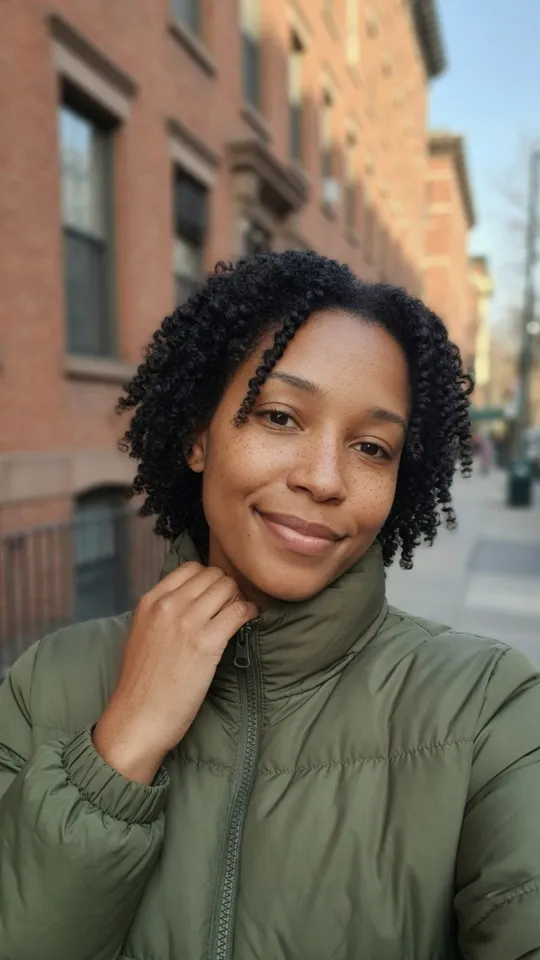
Creator portrait
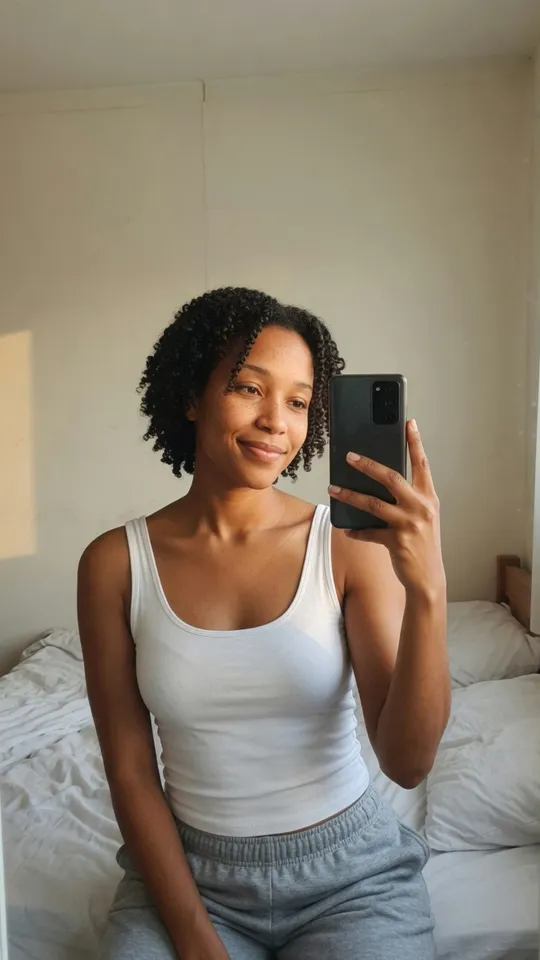
Same character, new frame
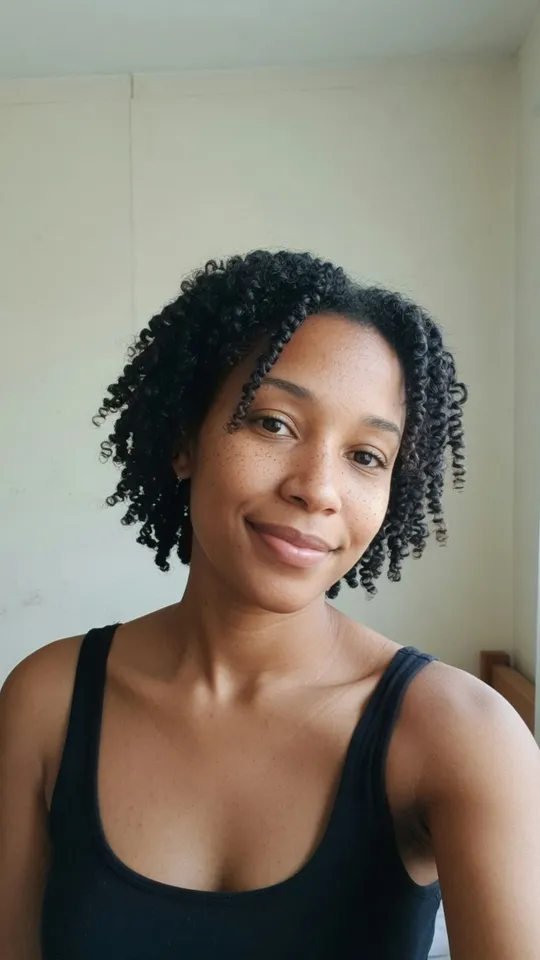
Campaign still
Same character, at home

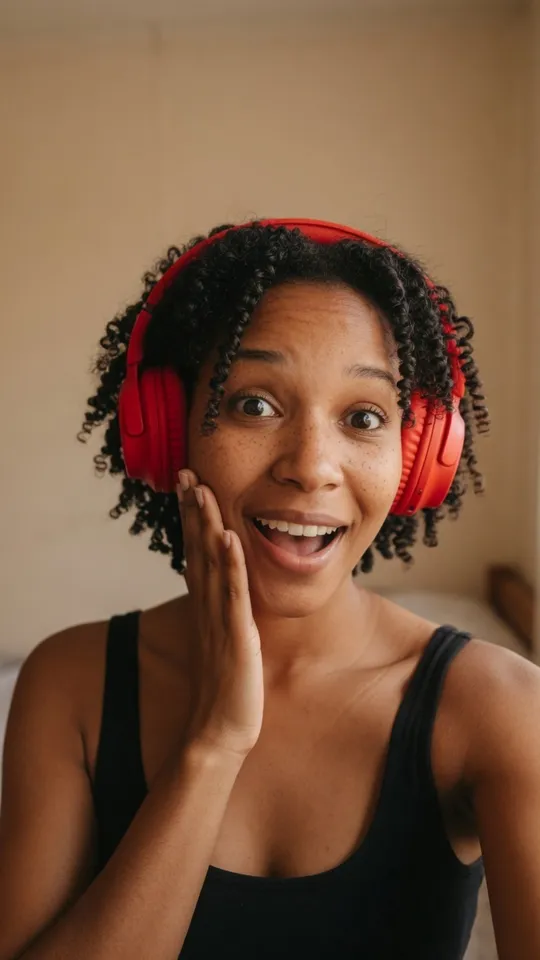
Identity lock
One approved face, reused across the campaign.
The portrait you pick stays the reference, so every new scene keeps the same face, hair and skin.
Real Versely output: the stills from the hook character tool, the two clips from Veo 3.1 Fast with its own sound. Nia is an AI character, not a real person.
From one sentence to posted.
Connect your app
Add Versely to ChatGPT, Claude, Cursor or Codex with one URL and sign in. New accounts get 100 free credits on the first connection.
Save your brand once
Paste your website and Versely saves the colours, voice and product. Hooks, slideshows and ads made after that follow it.
Say what you need
Plain words. Your assistant picks the model, writes the prompt and starts the job. Finished media plays right in the chat.
Refine it, then post it
Ask for another take, a new hook line or captions. When it is right, schedule or post it to the accounts you connected.
A content studio, not a model list.
Built for short-form
Not just raw models: AI hooks, UGC ads, carousels, captions and dubbing, the formats that actually get posted.
Starts from what works
Viral outliers by niche and the trending sounds behind them, so the first idea is not a guess.
Every model, one account
Veo, Kling, Seedance, GPT Image, FLUX, ElevenLabs, Suno and more, on the same Versely credits as the app.
Idea to posted, in one chat
Brief, make, fix and schedule without switching tabs. Everything also lands in your Versely library on web and phone.
Pick your app. One minute.
Every app signs in with your Versely account. No API key, nothing to install or host. New accounts get 100 free credits on the first connection.
Claude
claude.ai, desktop and mobile
- 1Click the button. Claude opens with the Versely connector filled in.
- 2Press Add, then Connect, and sign in to Versely.
ChatGPT
Developer mode, until the listing is live
- 1In ChatGPT settings, turn on Developer mode (paid plans).
- 2Add an app with this URL, choose OAuth, and sign in to Versely.
Cursor
One click, or paste into mcp.json
- 1Click the button and confirm the install in Cursor.
- 2Open Settings → MCP, press Connect next to Versely and sign in.
Claude Code
Terminal
- 1Add the server, then run
/mcpin Claude Code and sign in.
Codex
Terminal
- 1Add the server, then log in once. Your browser opens the Versely sign-in.
Any MCP client
Windsurf, Cline, Copilot, Goose...
- 1Add a remote (streamable HTTP) server with this URL.
- 2Sign in with Versely when the client asks. No API key needed.
- Added once, on your first connection, to accounts that have never paid and have no credits.
- For images, videos and voiceovers on the models marked free. Ask “which models can I use for free?”
- Ask “how many Versely credits do I have?” any time to see what is left.
Questions
What is the Versely MCP server?
MCP (Model Context Protocol) is how AI assistants use outside tools. The Versely MCP server gives ChatGPT, Claude, Cursor, Codex and other MCP apps the same tools as the Versely app: video, image, voiceover and music generation, AI hooks, UGC-style videos, slideshows, captions, dubbing, viral formats and trending sounds, and posting to your social accounts.
Is it free?
Connecting is free. If your Versely account has never paid and has no credits, your first connection adds 100 free credits for image, video and voiceover generation on the models marked free. After that, generations use your Versely credits, the same as in the app.
Does it work in ChatGPT?
Yes. Until Versely is listed in ChatGPT's app directory, add it in developer mode (paid ChatGPT plans): turn on Developer mode in settings, add an app with the URL https://mcp.versely.studio/mcp and OAuth, then sign in. Credits and plans are managed on versely.studio, never inside ChatGPT.
Can I keep the same character across videos?
Yes. Make a hook character from one portrait, or have Versely draw one, and every hook pack after that puts the same face in a new scene. Ask your assistant to "make a character" and then "make four hooks with her".
Do I need an API key?
No. You sign in with your Versely account the first time your app connects, and approve the connection. To disconnect, remove the connector in your app.
Will it post to my accounts without asking?
No. It only posts or schedules when you ask it to, and only to the social accounts you connected in Versely yourself. You can preview a post before it goes out.
Where are my files?
Everything you make is saved to your Versely library, the same one you see in the web app and the phone app, so you can download, edit or post it later.
Ready to make something?
Connect once, then ask for your first video. It takes about a minute.
Get 100 free creditsBuilding with an agent? Versely CLI · Skills · Server docs