

App Install Ads: AI Video for Mobile Growth
How to make app install ad videos with AI: UI-forward creative anatomy, hook formats that drive installs, platform specs, and iteration velocity.
App install advertising is a creative meat grinder. The audiences are enormous, the algorithms optimize hard, and the penalty is that creative burns out faster than in any other vertical I've worked in — a winning install ad at meaningful spend can fatigue in five to ten days. The app studios that grow profitably aren't the ones with the single genius ad; they're the ones feeding the grinder 30, 50, 100 new variants a month without their unit economics collapsing.
That volume requirement is why app marketing was one of the first verticals to go AI-first on creative, and why it's the best-documented playbook for doing so. Here's the working version: what an install ad actually needs to contain, the hook formats that keep winning, the spec matrix, and the iteration loop that matters more than any single asset.
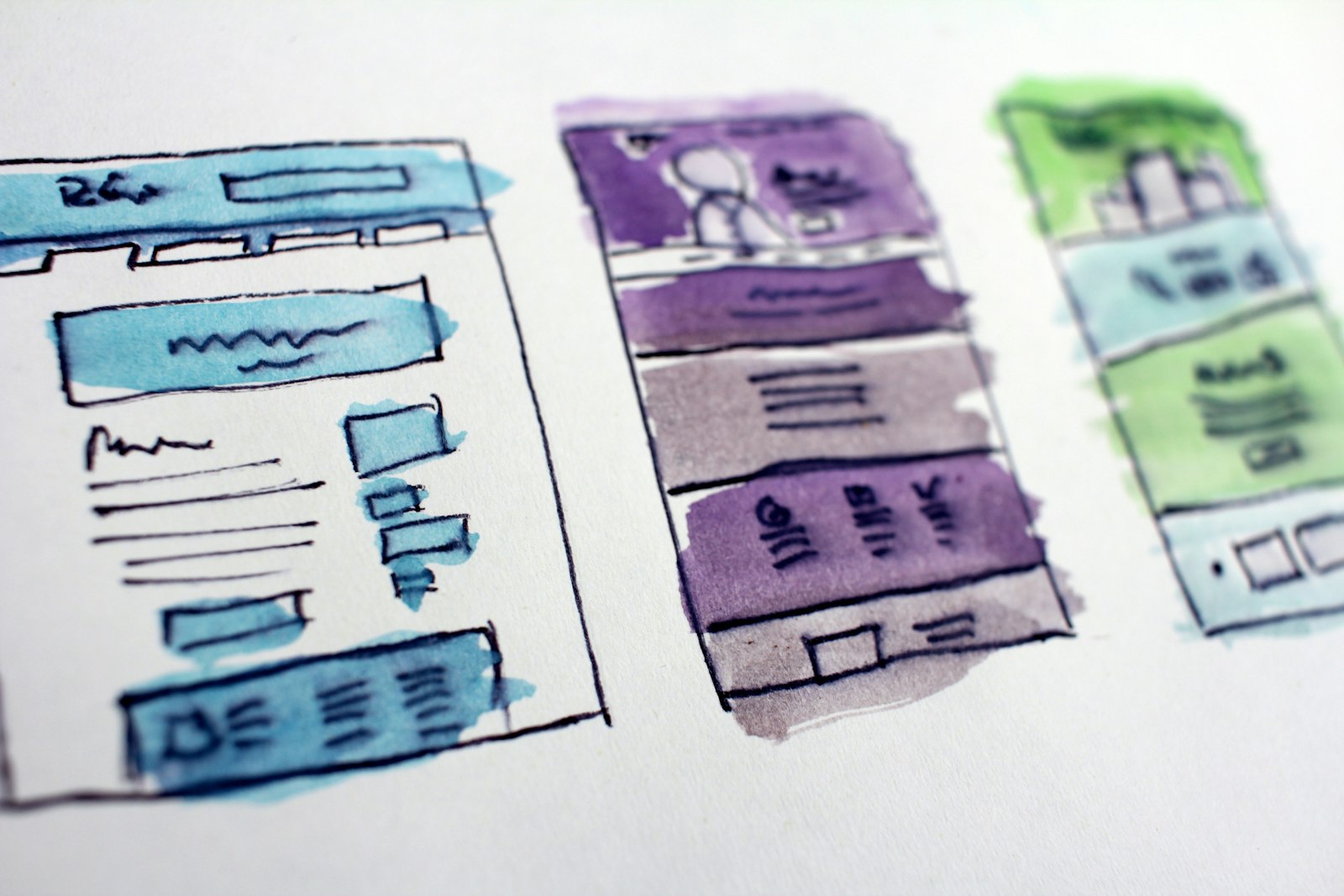
The anatomy of an install ad that converts
Install ads have a stricter structure than ecommerce creative because the conversion — tapping through to a store page and downloading — is impulsive and low-commitment. The four-beat structure that keeps appearing in winners:
- Hook (0–2s): the problem or the payoff, never the logo. "I stopped overspending the day I got this" beats an animated brand mark every single time.
- UI in motion (2–10s): the app doing the thing. This is non-negotiable. Install intent forms when viewers can picture themselves using the app, and that requires real interface, visibly interacted with. Screen recordings composited into hands, over-the-shoulder phone shots, or picture-in-picture UI over a reacting face.
- Payoff proof (10–14s): the after-state. The finished budget, the streak screen, the matched ride, the edited photo. One concrete artifact of success.
- CTA (14–15s): "Download free" with the store badges. Say free if it's free — it's still the single highest-lift word in install advertising.
The mistake 80% of first-time app advertisers make: producing a brand trailer (mood, music, logo, tagline) instead of a usage demonstration. Brand trailers win awards; UI-forward ads win installs.
Where AI fits: everything around the screen
The app's real UI should be real — never generate fake interface, both because stores and platforms increasingly police misleading previews and because your actual UI has to close the deal post-install anyway (a gorgeous fake demo buys you installs and one-star reviews). What AI generates is everything surrounding the screen recording:
- The human layer. UGC-style presenters reacting to the app, delivering the hook, holding the phone — produced through the UGC video generator with your screen capture composited in. This is the highest-volume asset class in install advertising and the one AI collapsed the cost of completely.
- Lifestyle context scenes. The commuter checking the app, the couple planning the trip, the runner reviewing the workout — image-to-video from a strong still gets you there; PixVerse 5.6 handles these short animated context shots well, and hailuo-2-3-fast is the workhorse when you're iterating dozens of hook scenes cheaply and quickly.
- Hook b-roll. The problem-state footage before the app appears: the messy spreadsheet, the parking-lot argument, the failed alarm. Three-second clips, generated in batches from one session in the AI video generator.
- Voiceover and captions. TTS narration in multiple voices per script, auto-timed captions styled per platform. Captions aren't optional — a large share of feed viewing is muted.
The one production skill worth deliberately practicing is the composite: clean screen recording, framed inside a generated context (hand, desk, over-shoulder), synced to the voiceover beat. Once templated, each new variant is a screen-capture swap.
Platform specs and behavior
| Platform | Aspect | Length sweet spot | What wins there |
|---|---|---|---|
| TikTok / Reels | 9:16 | 9–15s | Native-feel UGC, fast cuts, trending audio energy |
| Meta feed/Stories | 9:16 + 1:1 | 10–20s | Problem-solution UGC, captions doing the work |
| YouTube Shorts | 9:16 | 15–30s | Slightly deeper demo, voiceover-led |
| AppLovin / Unity (games & rewarded) | 9:16 + 16:9 | 15–30s | Gameplay/UI immediately, zero preamble |
| Apple Search Ads / store pages | Store specs | 15–30s | Pure app preview; polish over personality |
Produce once at 9:16, design safe margins so a 1:1 center crop survives, and you cover most of the matrix from one master. Keep the first frame legible as a static — several placements render it as one before playback starts.
The iteration loop is the actual product
At install-ad fatigue speeds, your creative system matters more than your creative. The loop that compounds:
- Test hooks, not videos. Keep beats 2–4 fixed and produce 5–10 different openings per concept. Hooks explain most of the variance in install ads, and hook-only variants cost minutes each. Steal opening structures from the 50 plug-and-play hooks library and rewrite them for your category.
- Read hook rate and cost-per-install together. High hook rate + bad CPI means the opening overpromises; fix the middle. Low hook rate + good CPI means a scaling ceiling; fix the opening. This diagnostic alone prevents most wasted rebuilds.
- Refresh weekly at meaningful spend. Install audiences are huge but the algorithms concentrate delivery; assume 7–14 day lifespans and batch accordingly — standard creative-fatigue decay signals apply here at roughly double speed.
- Feed store-page learnings back into ads. Your best-performing ad hook is usually your best app-store preview opening too, and vice versa. Same asset pipeline, two surfaces.
For apps with utility-style demos, the adjacent playbook in how to make a SaaS demo video with AI covers the longer-form version of the same UI-forward discipline.
Honest expectations and the compliance line
What AI-first install creative won't do: rescue a bad store page (your ad's job ends at the tap; conversion rate on the listing is a separate fight), fix retention (a great ad for a leaky app just buys churn faster), or excuse fake UI (misleading previews are an increasingly enforced policy area on both stores and ad platforms — and a reviews time bomb regardless). Show the real app, dramatize everything around it, and iterate faster than your competitors' agencies can invoice. That last part is the entire edge: at $5–15 per variant, a two-person studio can out-ship a funded competitor's creative team every single week.
FAQ
What makes app install video ads different from other video ads?
The conversion is impulsive and low-commitment, so the structure is stricter: hook in two seconds, real UI in motion by second three, concrete payoff, "download free" CTA — all in about 15 seconds. And fatigue runs faster than any other vertical, so production volume matters as much as creative quality.
Can I use AI to generate my app's interface in ads?
Don't. Generate everything around the screen — presenters, hands, context scenes, hook b-roll, voiceover — but composite in real screen recordings of actual UI. Fake interface risks platform and store policy trouble and guarantees disappointed users; your real app has to deliver what the ad showed.
How many install ad variants do I need per month?
At meaningful spend, plan for 30–100 launched variants monthly, mostly hook-swaps on proven structures rather than new concepts. Winning install ads commonly fatigue in 5–10 days, so the sustainable approach is a weekly batch pipeline, not a quarterly campaign.
What's the best video length for app install ads?
9–15 seconds for TikTok and Reels, 10–20 for Meta, up to 30 for YouTube Shorts and rewarded placements. Produce a 9:16 master with a center-crop-safe layout and a first frame that reads as a static, and one asset covers most placements.
How do I know if my hook or my demo is the problem?
Read hook rate and CPI together. Strong hook rate with poor CPI means the opening overpromises what the demo delivers — fix beats two and three. Weak hook rate with good CPI means the ad converts whoever watches but can't scale — produce new openings. Diagnose before rebuilding.
Feed the grinder without feeding it your margin: batch this week's hooks and context scenes through the AI video generator, composite your real UI, and ship ten variants by Friday — a $1 pack is enough to try it.