

Boutique Video Marketing With AI: Racks to Reels
How boutique owners turn new arrivals into daily Reels with AI video: reference-to-video for garments, styling formats, and a weekly drop cadence.
A boutique gets maybe fifteen seconds of a shopper's scroll to make a rack of new arrivals feel like a destination. The stores winning that scroll in 2026 aren't the ones with the best steamer and ring light. They're the ones posting a styled Reel for every drop, every week, without paying a content creator $400 a shoot. That's the shift AI video made possible: the garment photo you already take for your Shopify listing is now the raw material for motion.
I've watched a two-person boutique go from posting twice a month to posting five times a week using exactly one input per product: a flat-lay or mannequin photo. Everything else, the model, the movement, the location, the light, is generated. This guide covers the formats that work for boutique video marketing, the AI workflow behind them, and the weekly cadence that turns new arrivals into foot traffic and DMs.
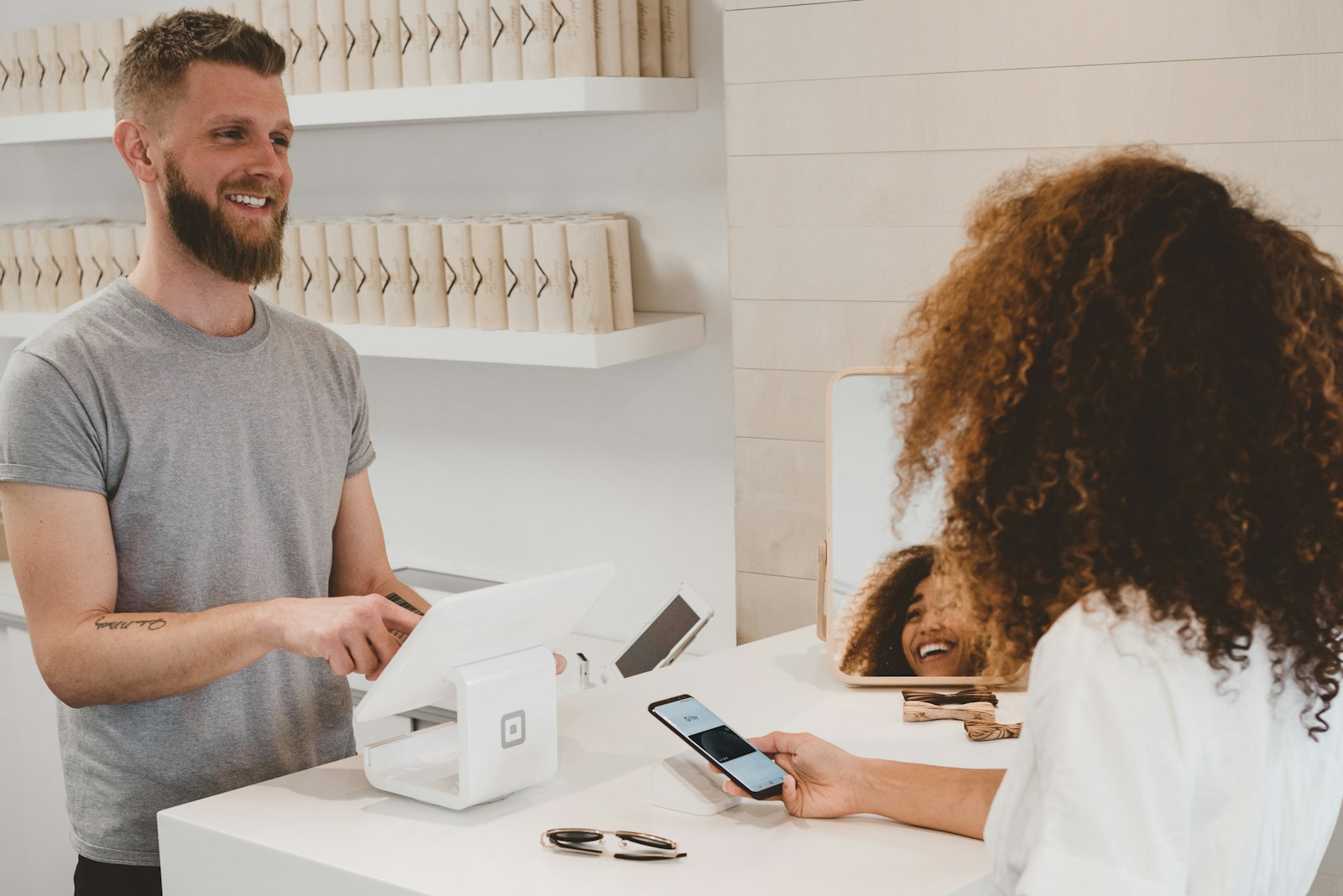
Why boutiques are the perfect fit for AI video
Boutiques have a structural content problem: high SKU turnover, low volume per SKU. You might get eight units of a dress that sells out in two weeks. Booking a photographer, model, and location for eight units of anything makes no economic sense, so most boutiques default to a phone photo on a hanger and a prayer.
AI video flips the math. With reference-to-video models like Kling O3 Standard or Wan 2.7, you feed in the actual garment photo and get back a clip of a model wearing that specific piece, moving through a scene you describe. The garment's print, cut, and drape carry through because the model is working from your reference image, not imagining a similar dress.
Three things this unlocks for a small shop:
- Every SKU gets motion. Not just the hero pieces. The $28 accessory gets a Reel too.
- Same-day drop content. Steam it, shoot one photo, generate, post before lunch.
- Consistent brand world. Prompt the same setting and grade every time, and your feed looks art-directed even though nobody directed anything.
The four boutique formats that actually convert
After watching what moves product for apparel accounts, four formats keep earning their place:
1. The arrival reveal. A 6 to 8 second clip: model walks into frame or turns toward camera wearing the new piece, one line of text overlay ("Just landed: the Marlowe dress"). This is your bread-and-butter, one per new style.
2. The three-ways styling reel. Same garment, three generated scenes: office, dinner, weekend. Reference-to-video keeps the piece identical across all three, which is precisely the thing that was impossible to fake before 2026. Cut them together with merge and captions inside Versely.
3. The rack-to-body transition. Open on your real rack footage (shot on your phone, this is where authenticity earns its keep), cut to the generated on-body clip. The real-store anchor matters; it reminds viewers you're a physical place they can walk into.
4. The drop-day carousel-to-video. Batch your week's arrivals into a slideshow with music and price overlays. Lower effort, still fills the calendar, and carousels quietly outperform on saves.
A weekly cadence you can actually sustain
Here's the schedule that held up for the boutiques I've seen stick with it, built around one 90-minute Monday session:
| Day | Post | Source material | Time cost |
|---|---|---|---|
| Mon | Arrival reveal (hero piece) | 1 garment photo → reference-to-video | 15 min |
| Tue | Three-ways styling reel | Same photo, 3 scene prompts | 25 min |
| Wed | Rack-to-body transition | 10s phone clip + 1 generated clip | 20 min |
| Thu | Second arrival reveal | 1 garment photo | 15 min |
| Fri | Drop recap slideshow | Week's photos, auto music | 15 min |
Ninety minutes covers the generation and assembly. Scheduling is the part people underestimate: connect Instagram and TikTok in Versely and queue the whole week from the same screen where you generated it, so the plan survives a busy Saturday.
Prompting for garments: what matters
Fashion video prompts fail differently than other product prompts. The failure mode isn't a wrong product, the reference image handles identity, it's wrong drape and motion. A few rules that save regenerations:
- Name the fabric behavior. "Lightweight satin midi dress, fabric moving softly as she walks" reads better than hoping the model infers it. Stiff denim should look stiff.
- Keep the camera simple. Slow push-in or a static frame with the model turning. Fast orbits warp garment geometry.
- Match your store's palette. If your brand world is warm neutrals, say "warm neutral interior, soft window light, minimal styling" on every prompt. Consistency is the brand.
- Vertical always. Generate 9:16 natively rather than cropping 16:9 later; you keep headroom and hem in frame.
For still campaign imagery, standalone graphics, sale announcements, window-display mockups, Seedream 5 Pro handles text rendering well enough to put your actual sale copy inside the image, which used to require a designer pass.
Real footage still has a job
The mistake I see boutiques make once generation gets easy: going 100% AI. Your unfair advantage over the DTC giants is that you're a real store with a real person behind the counter. Keep two anchors human:
- Owner-on-camera moments. A weekly 20-second "what came in today" from behind the counter, even unpolished, drives more DMs than any generated clip. If you're camera-shy, a digital twin avatar reading your script is a workable middle ground, but try the real thing first.
- Customer try-on content. Reposted (with permission) fitting-room clips are your social proof. AI can't and shouldn't fake this.
The generated content is the volume layer that keeps the algorithm fed between those human moments. For a wider look at fashion-specific formats like lookbooks, the AI video for fashion brands guide goes deeper on editorial styles.
What this costs versus the old way
A single professional content day, photographer, model, half-day rate, runs $800 to $1,500 and produces one batch that goes stale as soon as those styles sell out. The AI workflow above runs on a Versely credits plan; the boutiques I've watched spend roughly the equivalent of $30 to $60 a month generating 20 to 25 clips. The comparison isn't even close on cost, but the honest trade-off is control: a real shoot gives you exact garment behavior and a real face your regulars recognize. Most boutiques land on quarterly real shoots for campaign imagery, AI for the weekly drumbeat.
FAQ
Can AI video show my actual clothing accurately?
Yes, if you use reference-to-video models rather than plain text-to-video. Upload a clear photo of the garment (flat-lay or mannequin, good light, full piece in frame) and models like Kling O3 or Wan 2.7 preserve the print, cut, and color in the generated clip. Complex all-over prints occasionally drift, so review before posting and regenerate if a motif mutates.
Do I need to disclose that my Reels are AI-generated?
Platform rules in 2026 require labeling realistic AI-generated people on TikTok and Meta surfaces. Use the built-in AI content toggle when posting generated on-body clips. In practice this hasn't dented reach for retail accounts; audiences care whether the dress is real and in stock, and it is.
How many videos per week should a boutique post?
Four to six short posts a week is the sweet spot: enough to stay in the algorithm's rotation without exhausting your drop schedule. The cadence table above fills five slots from roughly 90 minutes of weekly work. Consistency beats volume; three posts every week outperforms ten posts one week and silence the next.
What if a generated model doesn't match my customer base?
Describe your customer in the prompt. Age range, style sensibility, and setting are all promptable, and you should generate models who look like the people who actually shop your racks. Boutiques that generate aspirational-but-recognizable models see better comment engagement than those defaulting to generic runway looks.
Ready to turn this week's arrivals into this week's content? Try the AI video generator with one garment photo, the cheapest models run a few credits a generation, and see the first reveal clip before the steamer's even cooled.