

How to Make a Crowdfunding Video With AI
Make a crowdfunding video with AI: script a three-act pitch, generate product shots and customer-story scenes, add voiceover, and cut a backer-ready edit.
Campaigns with video raise dramatically more than campaigns without one — most crowdfunding platforms say so in their own creator guides, and anyone who has scrolled a campaign page knows why. The video is the pitch. Backers rarely read the full page; they watch 90 seconds, decide whether they trust you, and either pledge or bounce. The catch is that a traditional pitch video costs thousands in production, which is exactly the money you're crowdfunding because you don't have it yet.
That's the loop AI video breaks. In this guide you'll build a crowdfunding video with AI end to end: the three-act script, the shot list, which generation approach fits each segment, voiceover, and the edit. Budget an afternoon, not a shoot day.
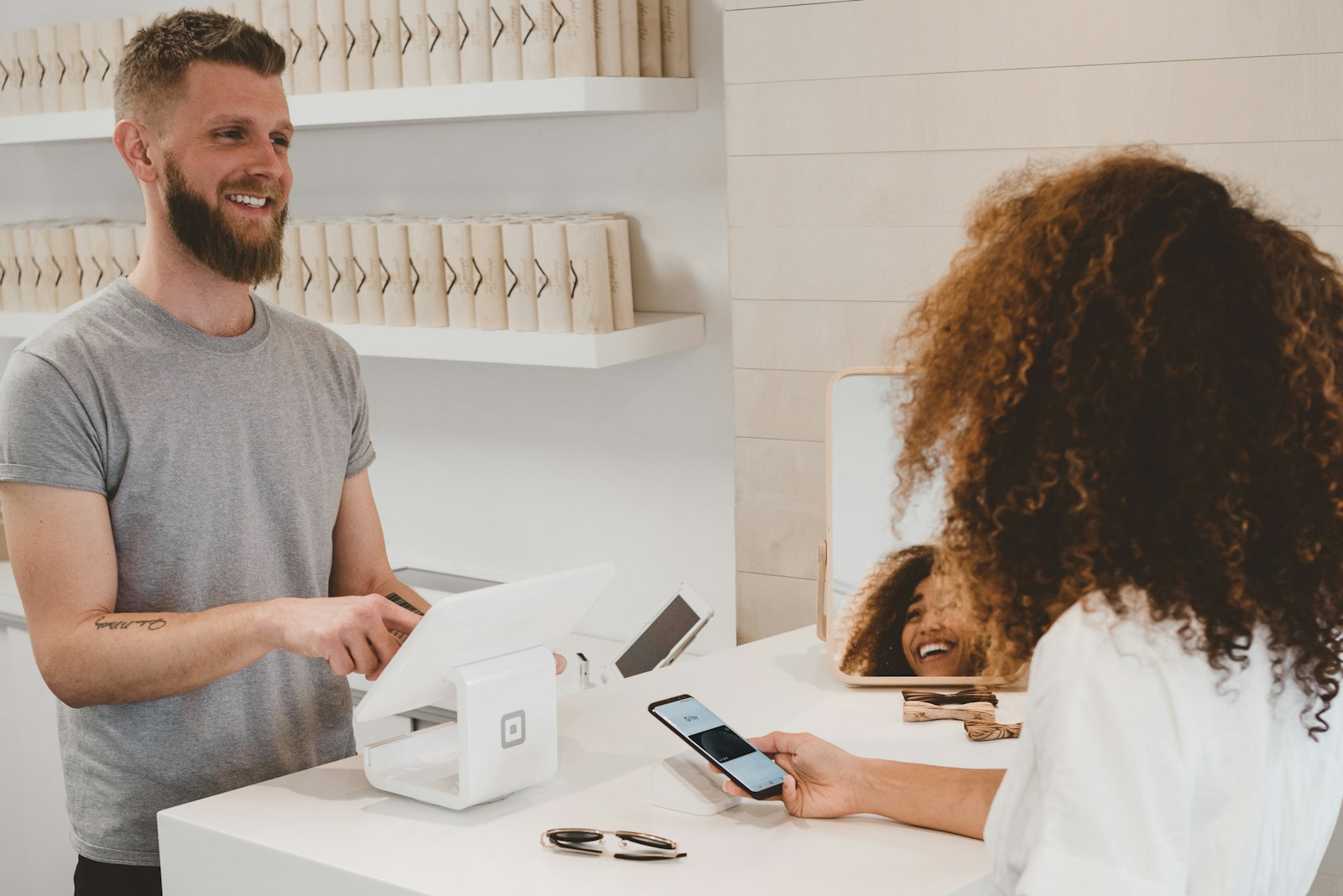
The three-act structure every backer video follows
Watch ten successful campaign videos and you'll see the same skeleton:
- Act one — the problem (0:00–0:25). A specific person hits a specific frustration. Not "storage is hard," but "your camping gear eats half the garage and you still can't find the stove."
- Act two — the product (0:25–1:10). The reveal, three concrete benefits shown (not listed), and one moment of "how it works."
- Act three — the ask (1:10–1:45). Who you are, why you need backers specifically, what the money builds, and the pledge call-to-action with early-bird urgency.
Keep the total under two minutes. Platform analytics consistently show viewers dropping hard after the 90-second mark, so front-load: if someone only watches the first third, they should already know what the product does.
Map each segment to an AI generation method
This is the decision point most first-time creators get wrong — they try to generate the entire video the same way. Different segments need different approaches:
| Segment | What it shows | Best AI approach |
|---|---|---|
| Problem scene | Relatable frustration moment | Text-to-video for the scenario; keep it cinematic and short |
| Product reveal | Your actual prototype | Image-to-video from real product photos — never generate the product itself |
| Benefit demos | Product in use, 3 contexts | Image-to-video from staged photos, one clip per benefit |
| Founder segment | You, talking to camera | Real phone footage, or an avatar/talking-photo if you're camera-shy |
| Customer story | Early tester reacting | Scripted customer-story-video segment with voiceover over usage shots |
| CTA end card | Pledge tiers, deadline | Static image with text overlay, 5 seconds |
The one hard rule: generate the world around your product, not the product. Backers are funding a real object, and platforms take fakery seriously — several explicitly require that prototype footage show the actual prototype. Shoot your prototype on a phone against a plain wall, then use image-to-video to add camera motion, or drop the photos into generated scenes as the anchor.
Write the script before you generate anything
Generation is cheap; regenerating because the script changed is where credits go to die. Lock the voiceover script first — roughly 150 words per minute of runtime, so a 100-second video needs about 250 words. Write it to be spoken: short sentences, no subclauses, one idea per line.
Then break the script into a shot list where every line of voiceover has exactly one visual answering it. "It folds flat in two seconds" gets a clip of it folding flat. This one-line-one-shot discipline is what makes the edit fast later — you're assembling, not searching.
For the customer-story beat, script it like a mini testimonial video: name, situation, the before-state, the after-state, one sentence of feeling. Even 15 seconds of a real early tester's voice over b-roll outperforms a polished montage, because it's the only part of the video where someone other than you vouches for the product.
Generate, assemble, and pace to the pledge
Now the production pass. Working in Versely, the flow looks like this:
- Generate scene clips. Run your problem-scene and context shots as text-to-video, and your product-anchored shots as image-to-video from your prototype photos. Generate 9:16 and 16:9 variants if you'll cut a vertical teaser later — campaign pages want landscape, but your social promotion wants vertical.
- Record or generate the voiceover. Text-to-speech has gotten good enough for narration, but if the founder segment is on camera, record that audio yourself — backers pledge to people. Mixing a real founder voice with generated b-roll narration is a completely normal pattern.
- Assemble in order, then cut 20%. Every first assembly is too slow. Tighten the problem act hardest; backers forgive a slightly long product demo but not a slow open.
- Caption everything. A large share of feed viewers watch muted. Auto-captions with a clean preset take minutes and directly protect your first-act retention.
- End on the ask, twice. Voiceover states the call to action, and the end card repeats it in text with the early-bird deadline.
If your campaign has a launch date, cut three lengths from the same material: the full pitch for the campaign page, a 30-second teaser for the pre-launch email list, and a 15-second vertical for paid and organic social. Same script, same clips, different trims — that's an hour of extra editing for three times the surface area.
The pre-launch test that saves campaigns
Before the campaign goes live, show the video to five people who match your backer profile and ask exactly one question: "What is this product and why does it need funding?" If any of the five hesitates, the problem is almost always act one or act two pacing — fix the script, regenerate only the affected clips, and re-cut. Because your shots are AI-generated, a re-shoot costs credits and minutes instead of another production day, which means you can actually afford to iterate on the pitch itself. That iteration loop, more than any single generation trick, is the real advantage AI gives a crowdfunding creator.
FAQ
How long should a crowdfunding video be?
Aim for 90 seconds to 2 minutes for the main campaign-page video. Retention data across platforms shows steep drop-off after 90 seconds, so put the problem and product reveal in the first 40 seconds. Cut shorter 15–30 second versions for social promotion rather than trimming the main pitch below what the story needs.
Can I use AI-generated footage of my product prototype?
Show the real prototype — most crowdfunding platforms require that prototype demonstrations reflect the actual current product, and backers are rightly suspicious of renders presented as reality. Use AI for everything around it: scenario scenes, lifestyle contexts, camera motion added to real photos via image-to-video, and b-roll.
Do I need to appear on camera in my pitch video?
It measurably helps trust, but it isn't mandatory. A 15–20 second founder segment shot on a phone is enough. If you're truly camera-averse, an AI avatar or talking-photo segment can carry the narration, though you should be transparent about it and lean harder on real prototype footage and tester voices to build credibility.
How much does it cost to make a crowdfunding video with AI?
With an AI workflow you're paying in generation credits plus your time instead of a production crew — typically a few dozen clips generated, of which you keep the best third. Versely runs on credits, and the cheapest models cost just a few credits a generation, so you can build the rough cut for very little before committing to a full render; see pricing for plan details.
What's the biggest mistake first-time creators make in pitch videos?
Spending the whole video on features and only mentioning the ask in the last five seconds. Backers need to hear why the funding matters — what it unlocks, what the timeline is, and why now. Script the ask as its own act with the same care as the product reveal, and state the call to action in both audio and on-screen text.
Ready to cut your pitch? Generate your scene clips, add voiceover and captions, and assemble the whole three-act video in one place with Versely's AI video generator — the cheapest models mean the rough cut costs next to nothing to start.