

How to Make Workout Videos With AI
How to make workout videos with AI: avatar coaches, motion transfer for accurate form, rep counters and timer overlays, and formats that dodge AI's weak spots.
Human bodies doing precise, repetitive movement are the single hardest thing for AI video models to get right. Fingers merge, elbows bend backward, a "squat" drifts into something no physiotherapist would sign off on. So the honest starting point for AI workout content is this: you don't prompt your way to a perfect burpee. You design around the weakness — and the creators doing this well have converged on three formats that make AI's strengths (talking presenters, motion transfer, graphics, B-roll) do the work while keeping generated anatomy away from load-bearing form demonstrations.
Here's the recipe, format by format, plus the overlay system that makes follow-along content actually followable.
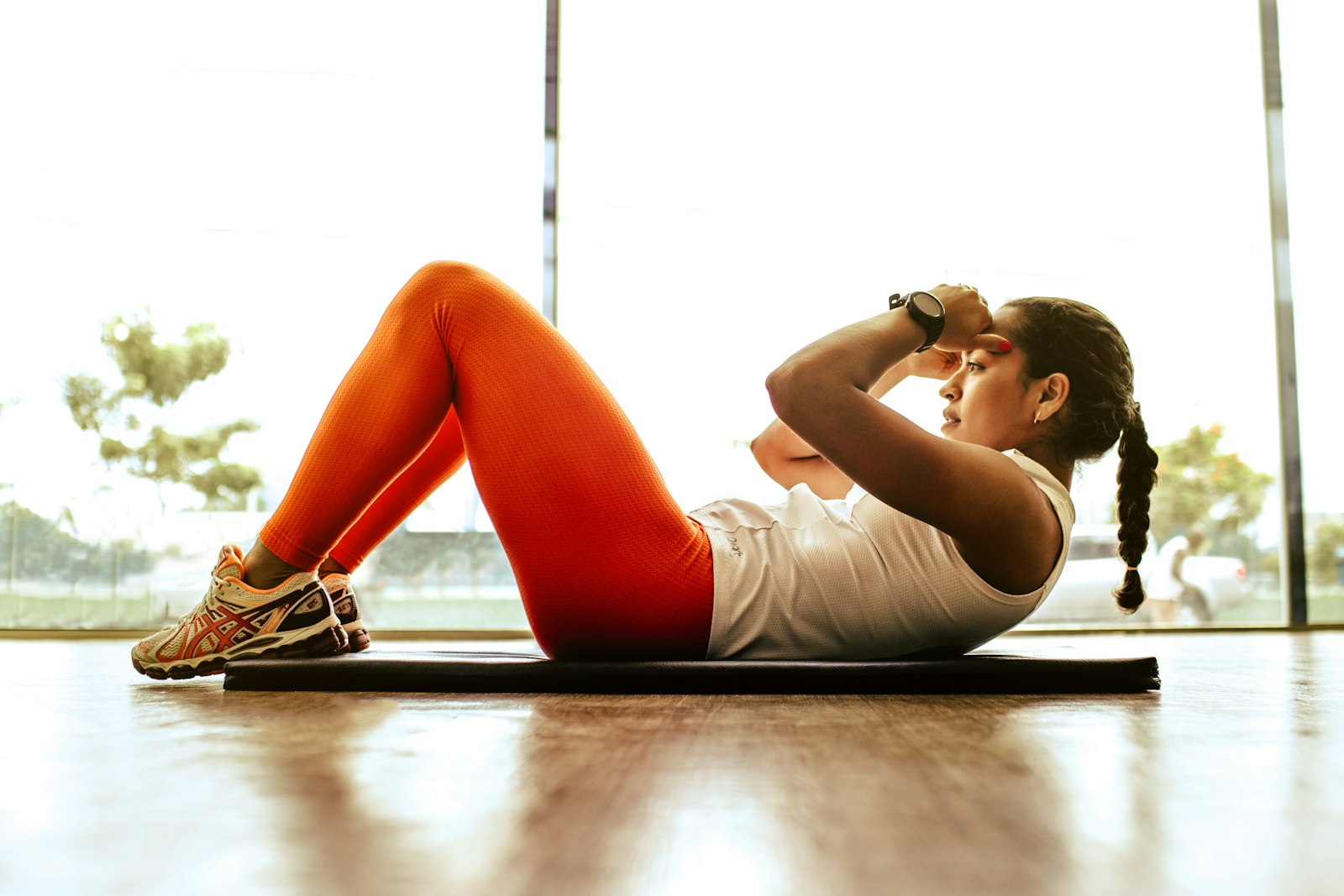
Pick a format that plays to AI's strengths
Before generating anything, choose your format deliberately — each has a different production pipeline and a different tolerance for AI-generated movement:
| Format | AI's role | Form-accuracy risk | Best for |
|---|---|---|---|
| Avatar coach + graphics | Presenter explains; diagrams show form | Low — no generated exercise footage | Education, tips, programming advice |
| Motion transfer demos | Your real movement drives a generated character | Low — motion is captured, not invented | Follow-alongs, branded characters |
| Tips + B-roll | Voiceover over gym atmosphere shots | Low — B-roll is atmosphere, not instruction | Shorts, myth-busting, listicles |
| Fully generated exercise demos | Model invents the movement | High — form errors likely | Avoid for instruction |
The last row is the trap. A generated clip of "a person performing a deadlift with perfect form" will look plausible to a non-lifter and wrong to anyone qualified — and in fitness, teaching bad form isn't just a quality problem, it's a liability problem. Keep generated humans in atmospheric roles and use one of the first three formats for anything instructional.
Format 1: The avatar coach
The workhorse for educational fitness content. Create a consistent presenter with an AI avatar generator — a digital twin of yourself if you want your face on the channel without filming every week, or a fully synthetic coach if you're building a faceless brand. The avatar delivers the script: why your knees cave in squats, how to program a beginner week, what actually matters for fat loss.
Structure a 60-second avatar tip video like this:
- Hook (0–3s): The mistake, stated bluntly. "Your plank is probably doing nothing."
- Why (3–20s): Avatar explains the mechanism, one idea only.
- Fix (20–45s): The correction — supported by a simple diagram or text overlay, not generated exercise footage.
- Payoff (45–60s): What changes when they fix it, plus a follow prompt.
Because the avatar reads a script, you can batch a month of tips in one sitting: write ten scripts, generate ten reads, assemble ten videos. Consistency of face and voice across the batch is what builds channel recognition.
Format 2: Motion transfer — the honest way to generate movement
This is the technique that changes the game for follow-along content. Instead of asking a model to invent an exercise, you record yourself (or a trainer) performing it — phone on a tripod, plain background, full body in frame — and use AI motion transfer to drive a generated character with your real movement. The squat depth, the tempo, the lockout: all yours. The character, environment, and styling: all generated.
Why this matters: the form is correct by construction, because it's captured rather than hallucinated. A motion-control model like Kling v3 Pro motion control maps the source movement onto the target character while you control everything else about the shot — a stylized 3D coach in a sunrise studio, a mascot character for a gym brand, a consistent instructor across hundreds of videos who never needs to schedule a shoot.
Practical capture notes: wear fitted clothing (motion tracking hates flowing fabric), keep the camera locked, perform at the tempo you want in the final video, and record 2–3 clean reps per exercise — you'll loop the best one.
Format 3: Voiceover tips over B-roll
The fastest format, ideal for Shorts volume. Write a tight 30–45 second script ("5 signs your program is junk"), generate the voiceover, and lay it over AI-generated gym atmosphere: chalk dust in dramatic light, a barbell being loaded, close-ups of hands on a pull-up bar. Atmosphere shots are safe territory for generation because nobody's checking a slow-motion chalk cloud for anatomical accuracy.
Cut every 2–3 seconds, caption every word, and end on a question that drives comments. This format is how fitness channels feed the algorithm between heavier productions.
The overlay system: timers, reps, and cues
Follow-along workout content lives or dies on its graphics. A viewer mid-set isn't listening to nuance — they're glancing at the screen between reps. Build a consistent overlay system and apply it to every video:
- Exercise name card — top of frame, present for the full set.
- Timer or rep counter — large, high-contrast, always the same corner. For interval formats (EMOM, Tabata, circuits), the countdown is the interface.
- One form cue — a single line, not a paragraph: "Knees out." "Ribs down."
- Next-up preview — during rest blocks, show what's coming so viewers set up in time.
Add these as text overlays in assembly, and caption any spoken coaching with word-timed captions via the AI caption generator — gym viewers are frequently watching muted with music in their headphones. Save the layout as a template so every video in a program looks identical; program consistency is a retention feature, because followers return daily to a familiar interface.
Assembly, pacing, and the weekly cadence
Workout content splits into two rhythms. Shorts (30–60s): one tip or one exercise, avatar or voiceover format, published 3–5x weekly. Follow-alongs (10–30 min): motion-transfer or avatar-led circuits with the full overlay system, published weekly. The shorts are discovery; the follow-alongs are the subscription reason — people bookmark and repeat them, which compounds watch time in a way one-off tips never do.
For music, keep the energy under the voice: driving but not busy, and duck it hard during coaching cues. And schedule the whole week in one batch — Versely's scheduled workflows push the daily shorts to TikTok, Reels, and Shorts automatically while you build the next follow-along. If faceless is your route, the channel-level economics are laid out in how to make faceless YouTube videos with AI.
FAQ
Can AI generate accurate exercise demonstrations?
Not reliably from a text prompt — repetitive full-body movement under load is where video models still produce anatomically wrong results. The reliable method is motion transfer: record real movement and let AI restyle the performer and environment. The form stays correct because it's captured, not invented.
Do I need to show my face or body to make fitness content?
No. An AI avatar coach, motion transfer onto a generated character, or voiceover-over-B-roll formats all work facelessly. What you can't skip is credible substance — faceless fitness channels succeed on programming quality and clear cues, not on hiding the creator.
What's the best video length for workout content?
Run two lengths in parallel: 30–60 second shorts for discovery (one tip, one exercise), and 10–30 minute follow-alongs for retention. Follow-alongs get repeated by the same viewers for weeks, which is the most valuable watch-time pattern in the niche.
How do I add timers and rep counters to AI workout videos?
Use text overlays in assembly: a persistent exercise name, a large countdown timer in a fixed corner, and one short form cue at a time. Keep the layout identical across a program so returning viewers can navigate the screen without thinking.
Is AI fitness content safe from a liability standpoint?
Treat form instruction seriously: never publish generated exercise footage as form guidance, keep coaching cues conservative, and include the standard exercise disclaimer. Motion transfer from a qualified trainer's real movement is the defensible way to produce demonstration content at scale.
Batch your first week tonight: ten scripts, one avatar, one overlay template. Versely's avatar generation, motion transfer, and multi-platform scheduling live in one place — start at the AI avatar generator.