

Photographer Video Marketing With AI: Promote the Portfolio
Photographer video marketing with AI: turn stills into cinematic reels, animate your portfolio archive, and market your photography without shooting video.
Here's the uncomfortable math every working photographer knows in 2026: your stills get a fraction of the distribution they got three years ago, and the platforms that send you clients — Instagram above all — now push video first, second, and third. You're a professional image-maker being algorithmically punished for posting images.
The standard advice is "learn video." That's a second career. The better answer for most photographers is that your stills are video raw material — better raw material than most videographers start with, because your composition, light, and subject work is already done. Photographer video marketing with AI comes down to one core move: animating the portfolio you already have, at a volume that keeps your account alive, without diluting the craft that gets you hired.
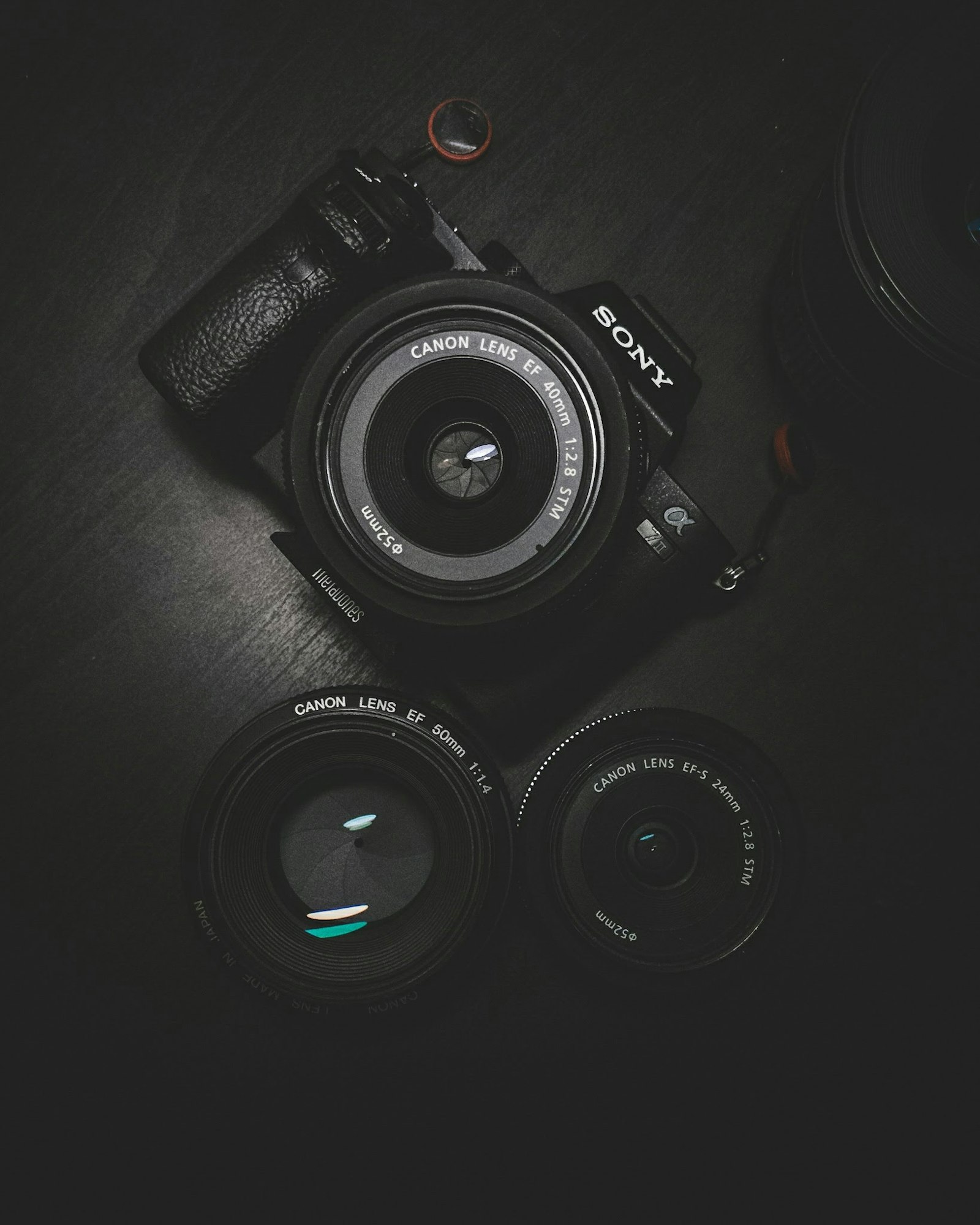
Stills-to-motion: the core workflow
Image-to-video models take a single photograph and generate a short clip from it — camera drift, parallax, subtle environmental motion like hair or fabric moving. For portfolio promotion this is close to a cheat code, because the hard part (a great frame) is your day job.
Wan 2.7 image-to-video is a reliable starting point for photographic work: it respects the source image's grade and grain better than most, and a photographer's audience will absolutely notice if a model re-white-balances your carefully warm portrait. The prompt formula that protects your work:
Subtle parallax camera drift, [subject] remains still, preserve original color grade and lighting exactly, gentle motion in [hair/fabric/foliage] only, 5 seconds.
The two failure modes to watch for: models that animate faces (a blinking, breathing portrait subject reads as uncanny to clients who know your work is stills) and models that sharpen or "enhance" the image. Test on low-stakes frames first. When a model passes both checks on your style of work, batch it.
Which portfolio work to animate first
Not all stills convert equally to motion. Ranked by how well they animate:
- Environmental portraits and editorial work — parallax plus ambient motion (wind, fabric) looks genuinely cinematic.
- Landscape and travel — drifting clouds, moving water; models handle this almost flawlessly.
- Wedding and event candids — strong emotional pull, but faces in motion need careful review.
- Studio product and food — slow orbits and light sweeps; excellent for commercial-client marketing.
- Tight beauty headshots — animate last; facial motion artifacts are most visible here.
A 10-year archive means you have hundreds of animation candidates. Twenty good frames is a quarter of daily reels.
Beyond single frames: sequences, slideshows, and story reels
One animated still is a post. A structured sequence is a pitch. Three formats that sell photography services specifically:
- The shoot-story reel: 6–10 frames from one session, sequenced from establishing shot to detail to hero frame, with music. This shows clients what a full delivery looks like — which is what they're actually buying. The AI slideshow maker builds these in minutes: upload the frames, pick transitions and a track, export vertical.
- The before/after edit reel: SOOC frame → final edit, with a transition. Nothing communicates your value to prospective clients better than showing the craft gap, and it quietly justifies your pricing.
- The genre showreel: your best 12 frames in one genre, animated and cut to music, pinned to your profile as the "what you get if you hire me" anchor. Refresh quarterly.
For music, generated tracks solve the licensing problem that has burned photographers on Instagram for years — a track from the AI music generator is yours to use commercially, with no copyright-claim roulette on the exact reel a dream client happens to see.
The weekly system: 30 minutes, 5 posts
Photographers' content problem is rarely ideas — it's that editing video feels like unpaid overtime in someone else's profession. The batch system:
| Slot | Format | Time |
|---|---|---|
| 1 | Animated archive frame + caption context | 5 min |
| 2 | Shoot-story slideshow reel | 10 min |
| 3 | Before/after edit reveal | 5 min |
| 4 | Behind-the-scenes or gear voiceover over stills | 5 min |
| 5 | Animated frame + booking CTA ("2026 dates open") | 5 min |
Build all five on Monday, schedule across the week to Instagram, TikTok, and YouTube Shorts directly from Versely, and go back to shooting. Auto-captions handle text on the voiceover posts; the caption presets keep the type treatment consistent, which matters more to a photographer's grid aesthetic than most tools acknowledge.
The client niches this unlocks
Video marketing isn't just account growth — it changes what you can sell:
- Wedding photographers can offer "photo films" as a package add-on: the couple's stills as an animated highlight reel. Zero extra shooting, real perceived value. (Planners actively reshare vendor reels, so tag them on every wedding post — they're a distribution channel in themselves.)
- Commercial and product photographers can deliver animated versions of hero shots — brands want motion assets for their own feeds and will pay for the same frame twice.
- Family and portrait photographers can run seasonal-minisession promos as animated reels of past sessions, which outperform static promo graphics decisively.
The broader business-side playbook — pricing, lead funnels, client galleries — is covered in AI video for photographers and studios; this post is the portfolio-promotion engine specifically.
What to keep human
The honest limits. Your account's authority rests on your photographs being unimpeachably yours, so:
- Never post generated "photography." A photographer posting AI-generated images as portfolio work is a trust detonation. Generated content belongs in the packaging — motion, music, b-roll atmosphere — never in the work itself.
- Disclose animation when clients ask. "It's my photograph, animated" is a fine answer and clients find it interesting rather than disappointing.
- Write your own captions. The story behind the frame is content only you have; AI caption-speak flattens the exact voice that differentiates you.
FAQ
Will animating my photos make them look like AI images?
No — the source frame is your photograph, and reference-preserving image-to-video models add camera motion without regenerating the image. The risk is models that alter grade or animate faces unnaturally; test each model on your style and reject clips that touch the image itself.
What's the best AI video approach for a photographer with no video skills?
Start with single-frame animation: one archive photo, one parallax drift prompt, one caption. It's a five-minute workflow with no timeline editing. Add slideshow story reels once the single-frame habit sticks.
Does video actually bring photographers more clients than stills?
Distribution-wise, decisively yes in 2026 — reels reach non-followers at multiples of static posts on Instagram. Conversion still comes from the quality of the work itself, which is why animated-portfolio content wins: video distribution carrying still-photography proof.
Can I sell animated versions of client photos?
Yes, and it's one of the cleanest new revenue lines available: photo-film add-ons for weddings, motion deliverables for commercial clients. Check your contract's usage terms and price it as a deliverable, not a freebie.
How often should a photographer post video?
Four to five reels a week is the growth zone. The batch workflow above gets there in about 30 minutes weekly — the constraint was never your archive, it was the editing tax, and that's the part AI removes.
Your archive is the head start every videographer wishes they had. Animate three portfolio frames in the AI video generator today and schedule your first week — testing runs a few credits, not a subscription.