

Barbershop Video Marketing With AI
How barbershops use AI video marketing to fill chairs: transformation clips, trend templates, weekly content systems, and what to post when nobody's filming.
A barber I know in Manchester books 70% of his new clients through Instagram. Not through the shop's account — through 15-second transformation clips posted from his own phone, three times a week. His secret isn't cinematography. It's consistency, and lately, it's AI doing the parts of the job that used to eat his lunch break: the b-roll, the captions, the posting schedule, and the weeks when nobody consented to being filmed.
Barbershop video marketing with AI is not about replacing the thing that works — real cuts, real clients, real chairs. It's about wrapping that footage in a system that posts daily instead of "whenever I remember," and filling the gaps with generated content when the shop floor gives you nothing usable. Here's the full playbook.
Why barbershops are built for short-form video
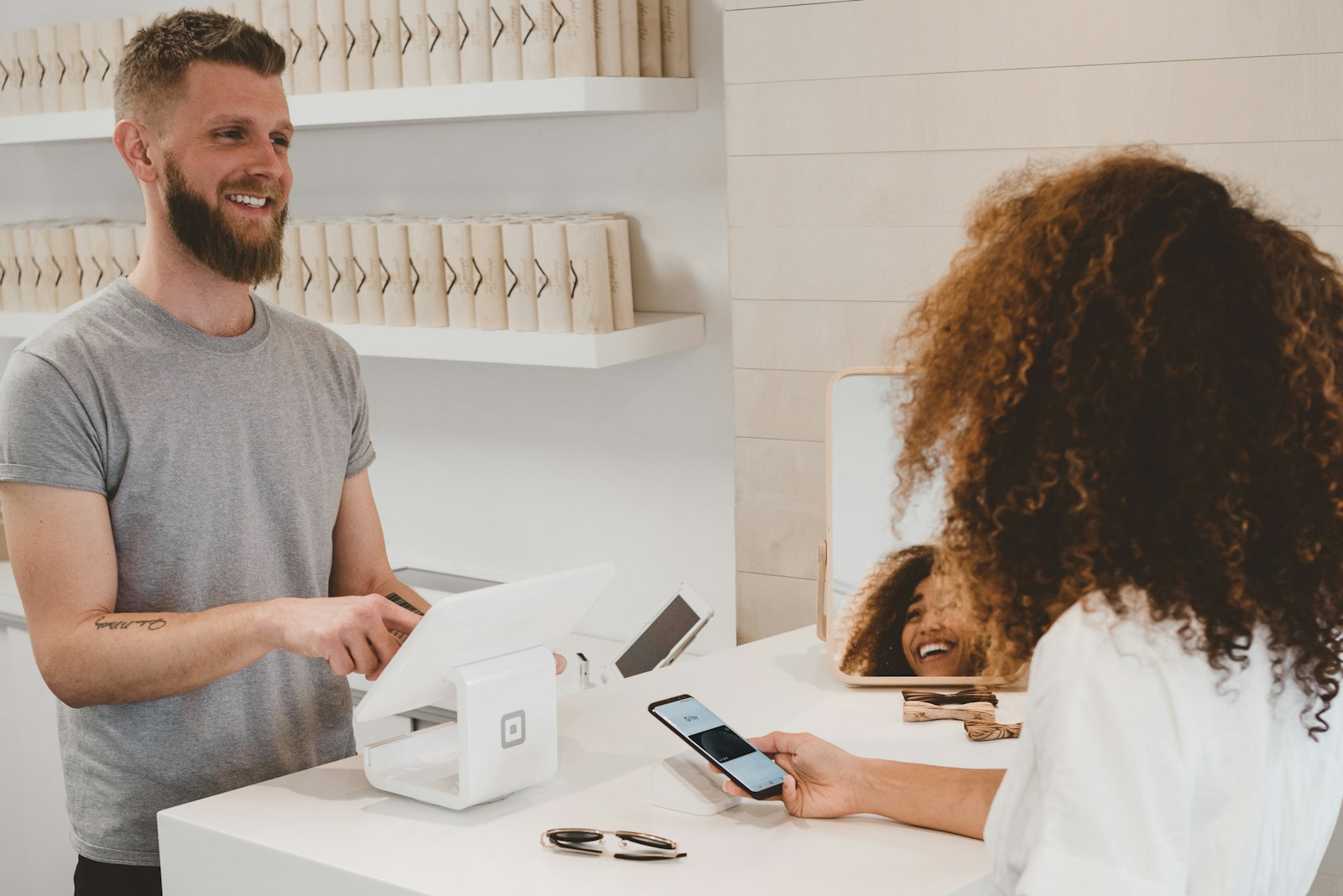
Few local businesses have a better native content format. Every appointment is a before/after transformation with a built-in reveal. The audience is local, the intent is high (people searching "barber near me" on TikTok is a real behavior in 2026), and the product is visual by definition.
The problem has never been the raw material. It's the production tax:
- Filming interrupts the cut. Most barbers won't stop mid-fade to reframe a shot.
- Half your clients don't want to be on camera. Your best work often can't be posted.
- Editing 90 seconds of footage into a 15-second clip takes longer than the fade did.
- Posting consistently across TikTok, Instagram, and YouTube Shorts is a part-time job.
AI attacks all four. You keep the real transformation footage where you have it, and generate everything around it.
The content mix that fills chairs
After watching what actually converts for shop accounts, the mix that works is roughly this:
| Content type | Source | Frequency | Job it does |
|---|---|---|---|
| Real transformation clips | Phone footage | 2–3x/week | Proof of skill, drives bookings |
| AI-generated style showcases | Text/image-to-video | 2x/week | Fills gaps, shows range |
| Trend template posts | One-tap templates | 1x/week | Reach beyond followers |
| Shop culture / talking clips | UGC-style avatar or real | 1x/week | Personality, retention |
| Price/booking info cards | Slideshow or overlay | 1x/week | Converts viewers already deciding |
The real clips carry the trust. The AI content carries the cadence. An account posting daily gets tested by the algorithm far more often than one posting twice a week, and the generated posts keep that daily rhythm alive without requiring a camera-friendly client in the chair every single day.
Generating style showcases when you can't film
This is the highest-leverage AI use case for barbers. Take a clean photo of a finished cut — taken with consent, or even a style reference you want to promote — and animate it. Image-to-video models handle slow camera orbits around a subject well, and a 5-second push-in on a sharp skin fade with a caption like "Booking Thursday — 2 slots left" is a complete post.
Kling O3 Pro image-to-video is the current pick for this: it holds facial structure and hairline detail through the camera move, which is exactly what you can't afford to lose when the haircut is the product. Prompt pattern that works:
Slow orbital camera move around a man with a fresh mid skin fade and textured crop, barbershop interior with warm lighting in background, shallow depth of field, subject holds still, 5 seconds.
For fully synthetic showcase content — "here's what a burst fade looks like from every angle" — text-to-video in the AI video generator works, but keep it clearly presentational. Don't pass off generated cuts as your own client work. Use them as style menus: "Ask for this by name."
Trend templates: the reach lever
Transformation clips convert people who already found you. Trend formats are how strangers find you. Versely's one-tap templates take a single photo and produce the trend — the mugshot template has been a running gag format for barbershops all year ("arrested for giving fades this clean"), and the finger-snap transition maps perfectly onto before/after cuts.
One template post a week is enough. More than that and your account reads as a meme page rather than a barbershop. The template post's job is to spike reach; the pinned transformation clips do the converting when new viewers land on your profile.
The weekly workflow, start to finish
Here's a realistic system for a shop owner with zero editing skills and about 45 minutes a week of admin time:
- During the week: film 2–3 real cuts on your phone. Just a start clip and an end clip per cut. No editing.
- Sunday, 45 minutes: open Versely, upload the week's footage. Auto-captions handle the text. Generate 2 style-showcase clips from your best finished-cut photos. Run one trend template.
- Schedule everything: connect Instagram, TikTok, and YouTube Shorts once, then schedule the week — one post per day, best clips on Thursday/Friday when booking intent peaks for the weekend.
- Reply to comments daily (this part stays human — it's where bookings happen).
The scheduling piece matters more than most barbers think. Posting at 9pm Sunday because that's when you edited is leaving reach on the table. Versely publishes directly to all the major platforms on a schedule, so the Sunday session covers the whole week.
Voiceovers and talking content without being on camera
Plenty of great barbers hate talking to a lens. Two AI workarounds:
- Voiceover over b-roll: write three sentences about why you use a particular technique, generate the voiceover with TTS (or clone your own voice once and reuse it), and lay it over cutting footage. Educational clips like "why I always fade with the grain first" perform disproportionately well because almost no barbers make them.
- Caption-first content: skip audio entirely. A silent clip with strong auto-styled captions and trending audio from the platform's library covers most posts.
Both take under five minutes per clip once the voice is set up.
What not to do
Honest limitations, because AI content can hurt a barbershop account when misused:
- Don't generate fake client transformations. Viewers can't always tell, but regulars can, and one "that's not real" comment poisons the account's trust. Generated content should be clearly stylistic — showcases, style menus, trend posts.
- Don't let AI write your captions in a generic voice. "Elevate your grooming experience" is agency-speak. Your captions should sound like your chair-side banter.
- Don't abandon real footage. The accounts that go all-AI plateau. The mix wins.
This same system maps to adjacent businesses — the tattoo studio version leans harder on portfolio animation, and spa and salon accounts lean into ambience content — but the barbershop version is the most transformation-driven of the three.
FAQ
Do I need client permission to post haircut videos?
Yes, always get explicit consent before posting a client's face. The AI workaround is exactly for the clients who decline: animate style photos where the person isn't identifiable, use generated style showcases, or film tight shots of the cut itself with the face out of frame.
What's the best AI video type for a barbershop with no footage yet?
Start with image-to-video on your best finished-cut photos — even five good photos becomes two weeks of animated showcase posts. Add one trend template per week for reach. Then start capturing simple start/end phone clips of real cuts as clients agree.
How often should a barbershop post to actually grow?
Daily is the target; five posts a week is the realistic floor for meaningful growth in 2026. The AI-generated posts exist precisely to make daily possible — real transformation clips 2–3 times a week, generated showcases and templates filling the rest.
Does AI barbershop content actually convert to bookings?
The generated content mostly does discovery work — reach and profile visits. Conversions come from real transformation proof plus a frictionless booking path: link in bio, booking info card posts, and replying to every "how much for a skin fade" comment within the hour.
How much does this cost per month?
On Versely's credit system, a month of the mix above — roughly 12 generated clips, captions, and scheduling — runs a fraction of what one boosted post costs, and far less than a freelance editor. The cheapest models keep a lighter posting schedule inexpensive while you test.
Fill next week's calendar in one sitting: open the AI video generator, animate your three best cut photos, and schedule them tonight — low-cost models keep testing cheap.