

Kling 3 Turbo is silent on Versely
Kling 3 Turbo T2V and I2V on Versely are audio off, 22 credits min, 8 credits/s discounted. Plan silent video plus captions, not bundled dialogue.
Kling 3 Turbo on Versely is silent. Both catalog rows, Kling 3 Turbo Text to Video and Kling 3 Turbo Image to Video, list audio: false, 22 credits minimum, 8 credits a second discounted (9 full, 20% off). Plan the workflow as a silent plate plus voice and burned captions. Do not brief a client on bundled Turbo dialogue from this integration.
Kuaishou shipped Turbo as a second product next to Kling 3.0, not a speed toggle. Third-party write-ups still describe source-side native audio. That is Kuaishou's spec. It is not what Versely currently exposes. Volume is still the job: five hook variants, a six-shot demo, a same-day test. Sound is a later pass.
What Turbo actually is
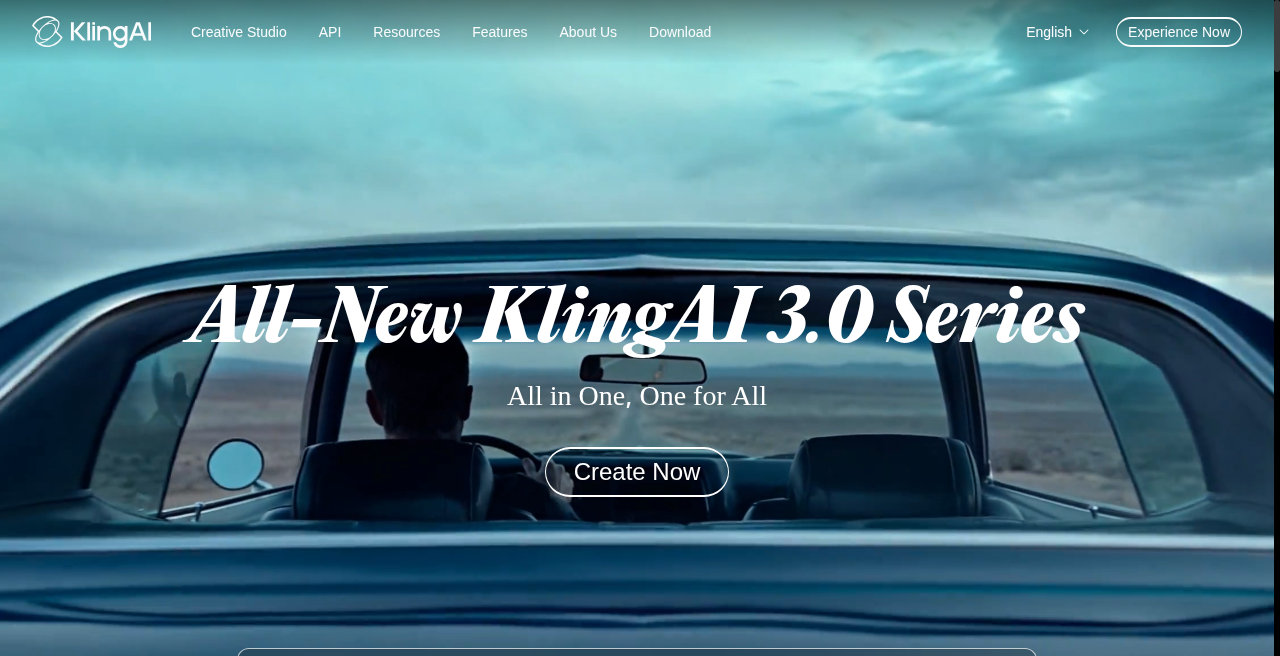
Kling 3.0 Turbo is a distinct model, not a "fast mode" toggle on the main Kling 3.0. Per Kuaishou's own release notes, it's optimized specifically for speed and cost, with audio bundled into the generation from the start — a deliberate split between "the model you use for a hero shot" and "the model you use fifteen times before noon." The spec sheet that makes it a daily driver, per Kuaishou's technical documentation:
- Duration: 3–15 seconds per generation
- Resolution: 720p for drafts, up to 1080p for delivery
- Aspect ratios: 16:9, 9:16, and 1:1
- Multi-shot prompting: up to six shots composed in a single storyboard generation, each with its own prompt and duration, holding character and setting consistent cut to cut
- Input modes: text-to-video and image-to-video
On Versely (catalog 19 September 2026), Kling 3 Turbo Text to Video is 22 credits minimum, 108 credits max, 9 credits a second full and 8 discounted (20% off), 3-15s, 1080p ceiling, audio off. The image-to-video sibling uses the same rate card in models.json. Link the published T2V row. Crop the still before you generate; I2V inherits the still's ratio.
Native audio — and the asterisk that matters on Versely
Kuaishou's headline feature for Turbo is audio bundled into every generation — Kling 3 joins the native audio wave alongside Veo and Seedance, where sound is a model output rather than a separate TTS pass glued on afterward. Per third-party specs, that includes notably improved lip-sync tuned for major spoken languages, which is the piece that makes a talking-product clip actually usable straight out of generation rather than needing a lipsync pass on top.
Here's the caveat: as of this writing, Versely's own catalog lists both Turbo endpoints with audio flagged off. That doesn't mean Turbo generates worse video — the visual generation is identical to what Kuaishou ships — it means you should plan the workflow as silent-video-first rather than assume dialogue and sound effects will land in the output. In practice that's not a big loss for the daily-volume use case Turbo is built for: generate the six-shot sequence silent, then layer voiceover and burned-in captions on top with a tool built for exactly that pairing, like the AI Reel Maker. If you specifically need the model's own bundled audio and lip-sync, that's a live-product detail worth confirming with a short test generation before you commit a whole campaign's dialogue to it — treat the "audio included" claim as Kuaishou's spec for the model, not a guarantee of what any given integration currently exposes.
Turbo vs. Standard vs. Pro: the actual decision
Kling's naming is dense enough that "which one do I open" is a real question every week. Here's the comparison that matters, pulled straight from what each model is listed at:
| Model | Credits | Audio (catalog) | What it's actually for |
|---|---|---|---|
| Kling 3 Turbo (T2V) | 8/sec discounted (9 full), min 22 | Off in Versely catalog | Volume: drafts, hooks, multi-shot demos, same-day turnaround |
| Kling Video V3 Standard (I2V) | 63 for the first 5s, 13 each extra second | On | Camera control and element composition when a shot needs precision |
| Kling O3 Pro (T2V) | 70 for the first 5s, 14 each extra second | On | Reasoning-enhanced prompt following for multi-step, multi-clause instructions |
All three share the same 3–15s duration window, so the choice isn't about how long a clip can run — it's about how much you're paying per shot and what you're paying for. Turbo's per-second billing means a fast 3-second cutaway costs proportionally less than committing to a 5-second minimum on the base-plus-per-second tiers; that alone makes it the right default for anything you're going to generate five variants of before picking a winner. Standard and O3 Pro earn their higher price on shots where you need the model to hold a specific camera move or follow a compound instruction reliably on the first try — the kind of shot you're not rerolling five times.
My rule of thumb: Turbo for anything that's still in the "does this angle work" phase, Standard or Pro once you've picked the winner and are producing the shot that actually ships.
A multi-shot prompt for a talking-product clip
The six-shot ceiling is the feature worth building a habit around, because it turns one generation into a mini-edit instead of one clip you'll cut against four others. Here's the pattern I use for a product demo, written as a shot list inside the prompt rather than one long paragraph:
Shot 1 (2s): Product on a clean white surface, soft studio light, static hero framing. Shot 2 (2s): Hand enters frame, picks up the product, slow rotate to show the label. Shot 3 (3s): Close-up on the cap/lid opening, product texture visible. Shot 4 (2s): Product held at chest height, subtle push-in, confident framing. Shot 5 (2s): Product set back down next to its packaging, both in frame. Shot 6 (2s): Final hero shot, product centered, soft glow, end-card framing. Consistent lighting and background across all shots. No text overlays. Same product identity throughout.
That's a 13-second generation covering six distinct beats, which is roughly what a scroll-stopping product Reel needs before you cut in a hook and a CTA card. Because Turbo holds character and setting consistency across shots, you don't get the jarring reset that used to force six separate generations stitched in an editor. Run it once, review all six beats together, and only regenerate the specific shot that's off — Turbo's per-second pricing makes that kind of targeted reroll cheap enough to actually do instead of accepting a weak shot because redoing the whole sequence felt expensive.
Once the visual sequence is locked, that's the point to add narration: pull the silent cut into a captioning workflow, write a short voiceover script matched to the six beats, and let burned-in captions carry the message if you're not relying on the model's own audio track.
Pricing, for context
Kuaishou's own list pricing for Turbo is reported at ¥0.8 per second at 720p and ¥1 per second at 1080p, audio included, roughly $0.11-$0.14 per second at prevailing exchange rates, per the same source. That's the "speed and cost tier" positioning showing up directly in the rate card, not just the marketing copy, and it's worth noting the comparison to the original Kling 3.0's per-second rate isn't entirely clean, since Turbo's rate bundles audio that the original model prices separately. On Versely, Turbo's 8-credits-per-second discounted rate still sits under the Standard and O3 Pro first-five-seconds floors. Rank by the job, then confirm the live row. The 12-credits-per-second figure in older drafts of this page is stale.
FAQ
Is Kling 3 Turbo different from Kling 3.0?
Yes — Turbo is a separate model release, not a speed toggle on the main Kling 3.0. It launched June 17, 2026, several months after February's Kling 3.0, and is purpose-built for lower cost and faster turnaround rather than maximum single-shot quality.
Does Kling 3 Turbo generate audio on Versely?
Kuaishou ships Turbo with audio bundled into every generation at the source. Versely's current catalog listing for both Turbo endpoints has audio flagged off, so plan the workflow as silent video plus a separate voiceover/caption pass unless you've confirmed audio passthrough on a test generation.
How many shots can I put in one Turbo generation?
Up to six, each with its own prompt and duration, composed in a single generation that holds character and setting consistent across the cuts. Write it as a numbered shot list in your prompt rather than one continuous paragraph.
When should I use Standard or Pro instead of Turbo?
Once you've picked a winning angle and need the shot to land precisely — specific camera moves, element composition, or compound instructions Turbo's speed-first pipeline handles less reliably. Use Turbo to find the winner, Standard or O3 Pro to finish it.
Kling 3 Turbo is the model that makes "generate five, keep one" cheap enough to do daily, as long as you treat it as silent. Open Kling 3 Turbo Text to Video, write the shot list, then burn captions on the AI caption generator if mute autoplay is the destination.