

Shot Composition Prompts: Framing AI Like a DP
Shot composition prompts for AI video and images: the shot-size ladder, lens language, framing rules that models obey, and building a real shot list.
A director of photography makes three decisions before anyone touches a light: how big the subject is in frame, what lens sees them, and where in the frame they sit. AI models make those same three decisions on every generation — the only question is whether you make them or the model's defaults do. And the defaults are bad in a predictable way: a medium-wide, centered, 35mm-ish frame, every single time. That sameness, more than resolution or artifacting, is what makes a feed full of AI content feel like one endless shot. Shot composition prompts are how you break it.
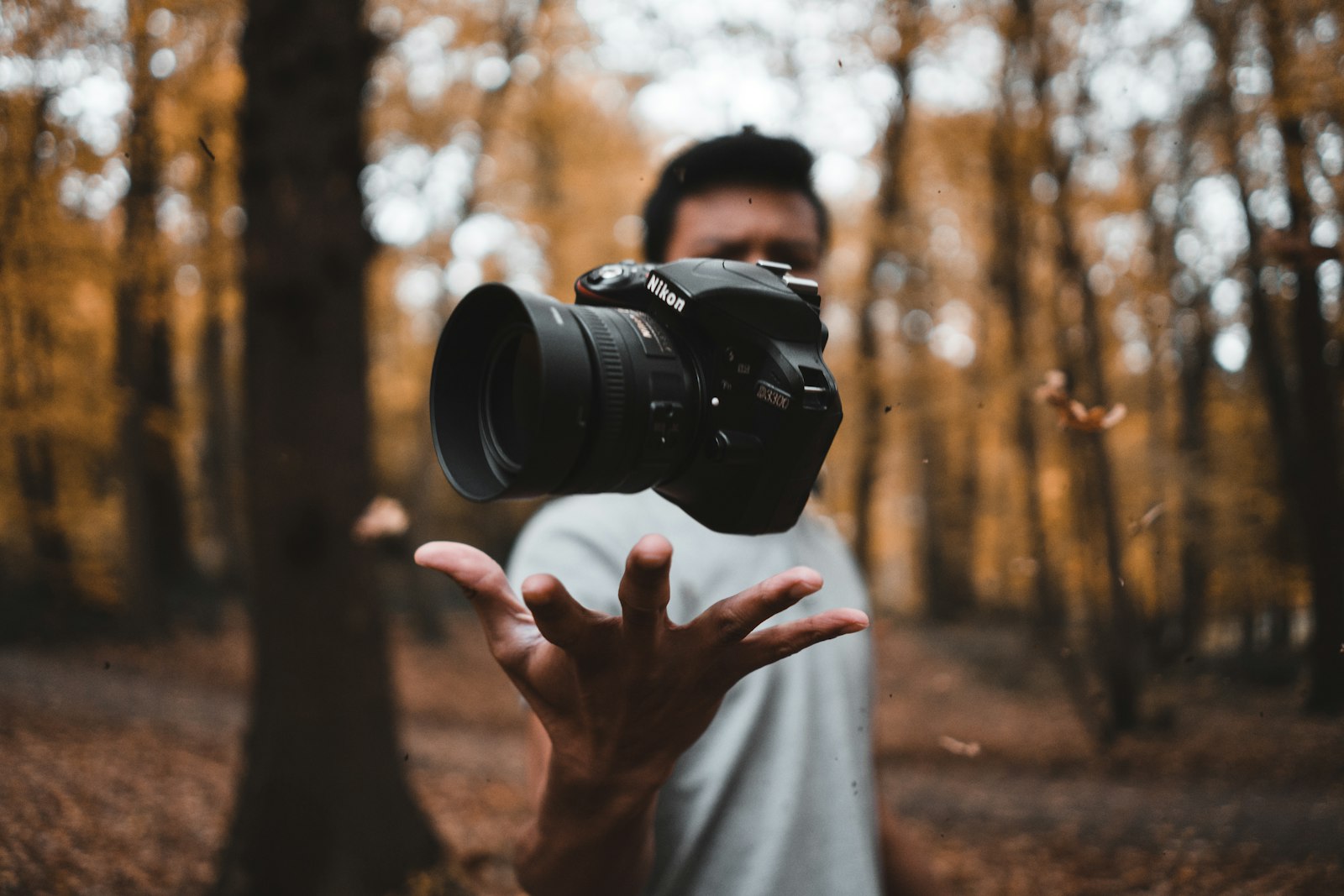
The shot-size ladder
Shot sizes are the DP's alphabet, and models know the standard names. Learn six and you can spell anything:
| Shot size | Prompt phrase | Job |
|---|---|---|
| Extreme wide | "extreme wide shot, figure small in the landscape" | Scale, loneliness, establishing world |
| Wide | "wide shot, full body visible with the room around them" | Geography, physical action |
| Medium | "medium shot from the waist up" | Conversation, default human distance |
| Medium close-up | "medium close-up, chest and head" | Emphasis, interviews, UGC |
| Close-up | "close-up on her face" | Emotion, decision moments |
| Extreme close-up / insert | "extreme close-up of the watch face" | Detail, tension, product texture |
Two upgrades on the basics. First, models respect the ladder better when you also say what's excluded: "close-up on the hands kneading dough, face out of frame" prevents the drift back toward the default medium shot. Second, the fastest route to professional-feeling sequences is varying rungs deliberately: wide to establish, medium for action, insert for detail. Three sizes across three clips beats any amount of polish on three identical mediums.
Lens language: the cheat code models understand
Focal lengths are compressed composition instructions, and generation models — trained on billions of captioned photos — have internalized them:
- "24mm wide-angle": expansive space, dramatic perspective lines, slight edge stretch. For interiors, architecture, environmental drama.
- "35mm": the documentary/street look; natural but roomy. A good stated default when you want to stop getting the model's unstated default.
- "50mm": how eyes see; honest and unshowy. Lifestyle and product-in-context.
- "85mm portrait lens": flattering compression, melting backgrounds. The face shot.
- "135mm telephoto": heavy compression, stacked backgrounds, surveillance-feeling distance. Stylized product and sports.
- "macro lens": extreme texture detail. Food, materials, jewelry.
Pairing rung + lens is the whole trick: "close-up, 85mm" is a beauty shot; "close-up, 24mm" is a fisheye-adjacent character statement; "wide shot, 135mm" compresses a crowd into a wall. Same subject, wildly different sentence — this is the most output-per-word vocabulary in composition prompting.
Placement: thirds, lead room, and negative space
Where the subject sits in frame is the decision models most consistently get lazy about — everything centered, always. The counter-instructions that work:
- "Positioned on the left third, looking right into open space" — rule of thirds plus lead room in one clause. The look-room detail matters: subjects gazing into empty frame read as narrative; gazing at a frame edge reads as a mistake.
- "Vast negative space above/beside" — for premium minimalism and anywhere you'll place text later. If a frame is destined for a headline overlay, compose for the headline now: "subject low in frame, clean sky filling the upper half."
- "Framed through the doorway" / "reflected in the mirror" — frame-within-frame, the fastest single phrase for making a shot feel authored.
- "Low angle looking up" / "high angle looking down" / "overhead top-down" — camera height is composition too, and models obey it well. Low angles confer power; overheads organize objects into graphics.
- "Dead-center symmetrical composition" — centering on purpose, stated, with symmetry, is a style; centering by default is the absence of one.
Compose for the aspect ratio you're actually posting
A 9:16 vertical and a 16:9 widescreen are different compositional worlds, and prompts should change with the canvas — not just crop.
Vertical (9:16) favors the ladder's tighter rungs: mediums, close-ups, single subjects, stacked compositions ("subject in the lower half, neon sign above"). Wide establishing shots waste their width and shrink subjects to pins. Widescreen (16:9) is where extreme wides, lateral relationships ("two figures at opposite edges of frame"), and 135mm compression earn their keep.
If a campaign ships to both, don't prompt one master and crop — generate per ratio with per-ratio composition. It's two generations instead of one, and it's the difference between content that fits the platform and content that visibly tolerates it. Versely generates both ratios natively across its video models, so the recomposition cost is one edited prompt line — and detail-heavy compositions like inserts and macro shots hold up better on models with resolution headroom, a niche the MiniMax H3 2K review covers well.
From vocabulary to shot list
Composition prompting pays off when you stop writing shots and start writing sequences. A five-shot recipe for almost any short-form story — product launch, testimonial, tutorial:
- Establish: wide, 24–35mm, subject small in a real place.
- Approach: medium, 50mm, subject mid-action, thirds placement.
- Detail: insert/extreme close-up, macro, the product or the hands.
- Emotion: close-up, 85mm, the face reacting.
- Resolve: wide or pull-back composition echoing shot one.
Write all five prompts before generating any — reusing one location block and one lighting block across them so only size, lens, and placement change per shot. The composition varies; everything else stays frozen; the sequence cuts like it was shot by one crew. Composition also interlocks with the other two crafts: movement needs framing room to travel through (camera movement prompts) and light needs a direction that agrees with your angles (lighting prompts). For turning a full script into a framed sequence in one pass, story-to-video automates exactly this shot-listing step.
FAQ
What's the fastest fix for generic-looking AI shots?
State a shot size and a focal length in every prompt — "medium close-up, 85mm" — because the model's silent default (centered medium-wide, 35mm-ish) is precisely what makes feeds of AI content look identical. Two words per prompt buys visible authorship.
Do models really understand lens focal lengths?
Yes, functionally — trained on captioned photography, they associate "24mm" with wide perspective and edge stretch, "85mm" with compression and creamy backgrounds. You're not setting real optics; you're invoking a photographic style cluster, and it's one of the most reliably obeyed instructions available.
Should I center my subject or use the rule of thirds?
Both are choices — the failure is not choosing. Use thirds with lead room for narrative and interview framing; use stated symmetrical centering for premium, formal, or comedic deadpan looks. Say whichever you want explicitly, or you'll get default centering with no intent behind it.
How do I compose differently for 9:16 vs 16:9?
Vertical favors tight rungs (medium and closer), single subjects, and vertical stacking; widescreen rewards extreme wides, lateral two-subject relationships, and telephoto compression. Re-prompt composition per ratio rather than cropping one master — platforms reward footage composed for their canvas.
How many shots should vary in composition across one short video?
Change at least the shot size on every cut — wide to medium to insert to close-up. Repeating the same rung twice in a row is the most common amateur tell in AI sequences. Keep location and lighting blocks frozen so the variation reads as coverage, not chaos.
Write your next five-shot list before you generate a single frame — then run it through Versely and watch the cuts land like a crew shot them.