

Lipsync Options Compared: Sync 2.0 vs VEED vs HeyGen
Sync Lipsync 2.0, VEED Lipsync, VEED Avatars, and HeyGen compared for 2026: quality, speed, use cases, and which lipsync model to pick per job.
"Lipsync" is one word covering at least three different jobs. Sometimes you have a finished video and new audio, and you need the mouth to match. Sometimes you have a still image and a script, and you need a talking person to exist. Sometimes you need a persistent avatar that fronts your brand across fifty videos. Teams pick the wrong tool for their job constantly because every product page uses the same word for all three.
I have run the same test clips through the main options in Versely's catalog enough times to have opinions. This is the comparison I wish existed when I started: Sync Lipsync 2.0, VEED Lipsync, VEED Avatars Lipsync, and the HeyGen avatar route, mapped to the jobs they are actually best at.
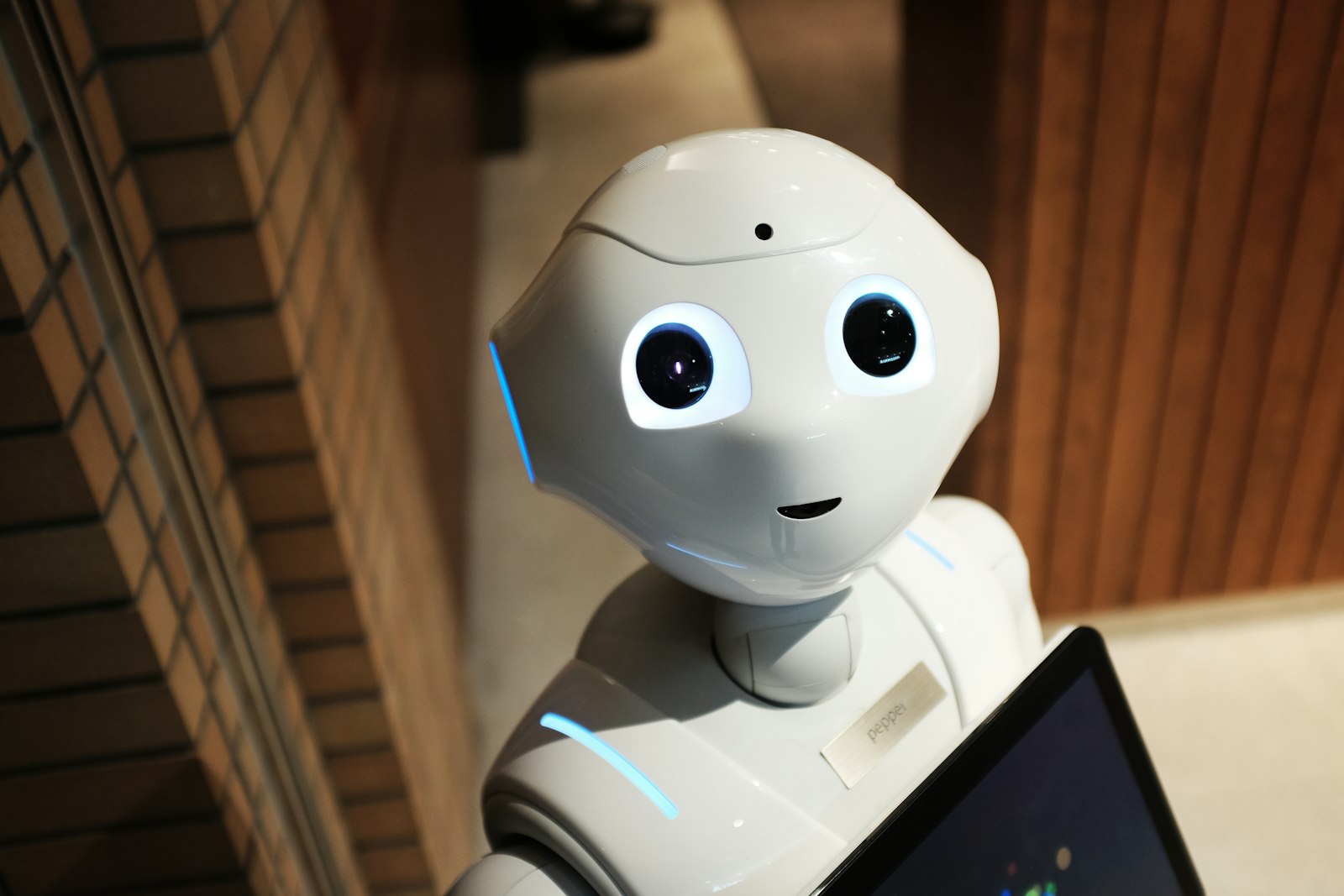
The three jobs, defined
Before the head-to-head, get your job classified, because it eliminates half the options immediately:
- Job A: Re-voice existing video. You have footage of a person talking and want different audio coming out of their mouth: a dub, a script fix, a re-recorded line. You need video-to-video lipsync.
- Job B: Animate a still into speech. You have a photo or generated image plus audio or a script. You need image-to-talking-video.
- Job C: A recurring branded presenter. You need the same person delivering new scripts weekly, with consistent identity, gestures, and framing. You need an avatar system, not a per-clip sync.
Head-to-head
| Sync Lipsync 2.0 | VEED Lipsync | VEED Avatars Lipsync | HeyGen Avatar V5 | |
|---|---|---|---|---|
| Primary job | Re-voice existing video (A) | Re-voice existing video (A) | Photo/avatar to talking video (B) | Persistent digital twin (C) |
| Input | Video + audio | Video + audio | Image/avatar + audio or script | One-time capture, then scripts |
| Mouth accuracy | Excellent on clear frontal faces | Strong, robust on varied footage | Strong for a generated presenter | Excellent, trained per person |
| Identity consistency | Inherits from footage | Inherits from footage | Consistent within a generation | Consistent across all videos |
| Setup cost | None, per-clip | None, per-clip | None, per-clip | Upfront capture session |
| Best for | Dubs, line fixes, precision work | High-volume re-voicing, dubbing pipelines | UGC-style presenters, quick spokespeople | Founder-led content at scale |
The one-line verdicts:
- Sync Lipsync 2.0 is my precision pick for Job A. When the face is frontal and well-lit, mouth shapes track phonemes closely enough that native speakers of the dubbed language stop noticing the sync at all. It rewards good input footage and punishes hard profiles and occlusions.
- VEED Lipsync is the workhorse for the same job at volume. It degrades more gracefully on imperfect footage: moving speakers, off-angle faces, compressed source video. If I am re-voicing a batch of twenty creator clips of mixed quality, this is the default.
- VEED Avatars Lipsync covers Job B when you want a presenter without filming anyone. Pair it with a generated character image and a TTS voice and you have a spokesperson from nothing. Its sibling, VEED Fabric, goes directly from a photo plus a text script to a talking video in one step; the full walkthrough is in turn a photo into a talking video.
- HeyGen Avatar V5 is a different investment class. You capture footage of a real person once, and the system builds a reusable digital twin that then delivers any script on demand, gestures included. Wrong tool for one-off clips; the only serious tool for a weekly founder video habit. The brand strategy case is in HeyGen Avatar V5 for brands.
What actually separates them in testing
Spec sheets do not capture the differences that show up on real footage. These do:
Phoneme precision vs. robustness is the real axis. Sync 2.0 produces the most convincing individual mouth shapes on cooperative footage. VEED Lipsync wins when footage is uncooperative. Decide based on your worst input, not your best.
Teeth and tongue are the tell. All current models occasionally render teeth that subtly shift shape between frames. It is most visible in slow, close-up speech and least visible in energetic mid-shot delivery. If your creative allows, frame talking heads at medium distance and keep energy up.
Head motion tolerance. A speaker who gestures and turns while talking stresses every model. VEED's family holds up longest; Sync 2.0 prefers stability. For dubbed street interviews and walking shots, that decides it.
Audio quality flows downstream. All of these sync to the audio you provide, so muddy audio produces mushy mouth timing everywhere. Clean TTS or an isolated voice stem noticeably improves every model's output. Same rule as captions: fix audio first.
Cost logic: per-clip vs. per-identity
The pricing structures push you toward different strategies. Per-clip sync models cost roughly the same every time; a digital twin costs more once and then each additional video is cheap. The crossover math is simple: if a consistent on-camera identity will front more than a handful of videos a month, the twin route wins within the first month or two. If your talking heads are varied one-offs (different dubbed creators, different generated characters per campaign), stay per-clip.
There is also a middle path that gets overlooked: reference-to-video models can keep a generated character consistent across scenes without a formal avatar, which is how the lipsync character consistency workflow scales a cast without capture sessions.
Which one this week
My current routing table, in the spirit of a decision you can copy:
- Dubbing a real video into other languages: VEED Lipsync in the dubbing pipeline; Sync 2.0 for the hero language where quality is paid-ad critical.
- Fixing one flubbed line in otherwise good footage: Sync 2.0.
- Creating a spokesperson from a generated image: VEED Avatars or Fabric, depending on whether you start from audio or script.
- Founder appearing weekly without filming weekly: HeyGen Avatar V5, capture once and be done.
All four run inside Versely's AI lipsync surface, which is genuinely the useful part: you can run the same clip through two models and A/B the results before committing a campaign to either.
FAQ
Which lipsync model is the most realistic in 2026?
On well-lit frontal footage, Sync Lipsync 2.0 produces the most precise mouth articulation. On difficult real-world footage with motion and angles, VEED Lipsync degrades more gracefully. For a recurring presenter, a HeyGen Avatar V5 twin beats both because it is trained on the specific person.
Can I lipsync a video into another language?
Yes, that is the primary commercial use. The dubbing pipeline translates and re-synthesizes the voice, then a lipsync pass matches the mouth to the new language. The end-to-end process is covered in AI dubbing: one video to 20 languages.
Do these models work on AI-generated characters?
Yes. Generated character footage and images sync the same way filmed humans do, and often better, because generated faces tend to be front-lit and unoccluded. Image-based options like VEED Avatars and Fabric are designed for exactly this input.
What input footage gives the best lipsync results?
Frontal or near-frontal face, even lighting, medium-to-close framing without extreme close-up, minimal motion blur, and nothing covering the mouth. On the audio side, a clean isolated voice track with clear consonants. Poor audio degrades sync timing on every model.
Is a digital twin worth it over per-clip lipsync?
If one consistent identity will appear in several videos a month, yes; the upfront capture pays back quickly and every subsequent video skips filming entirely. For varied one-off talking heads, per-clip models are cheaper and more flexible.
Run your next talking-head clip through two of these side by side in the AI lipsync studio and judge with your own footage; the ranking above is my footage, not yours. The cheapest models run a few credits a generation.