

Turn a Photo Into a Talking Video With VEED Fabric
Step-by-step guide to VEED Fabric in Versely: turn one photo and a script into a talking video, with photo requirements, script tips, and use cases.
Update, 24 September 2026: Versely retired Qwen 3 TTS. Voice design and everyday reads now run on Gemini 3.8 Flash TTS: describe how the voice should sound and it reads your script that way. Where this post picks Qwen, use Gemini 3.8 (what changed).
The strangest production credit I have written this year: "Presenter: a photograph." One image of a person, one paragraph of script, and out came a video of that person delivering the paragraph, mouth, blinks, and small head movements included. No filming, no actor booking, no lipsync chained onto a separate animation step. That single-step jump from still photo to talking video is what VEED Fabric does, and it has quietly become one of the most-used tools in my ad testing rotation.
This is the practical Versely guide: what Fabric needs from you, what it gives back, where it breaks, and the use cases where a photo-born presenter beats both filming and full avatar systems.
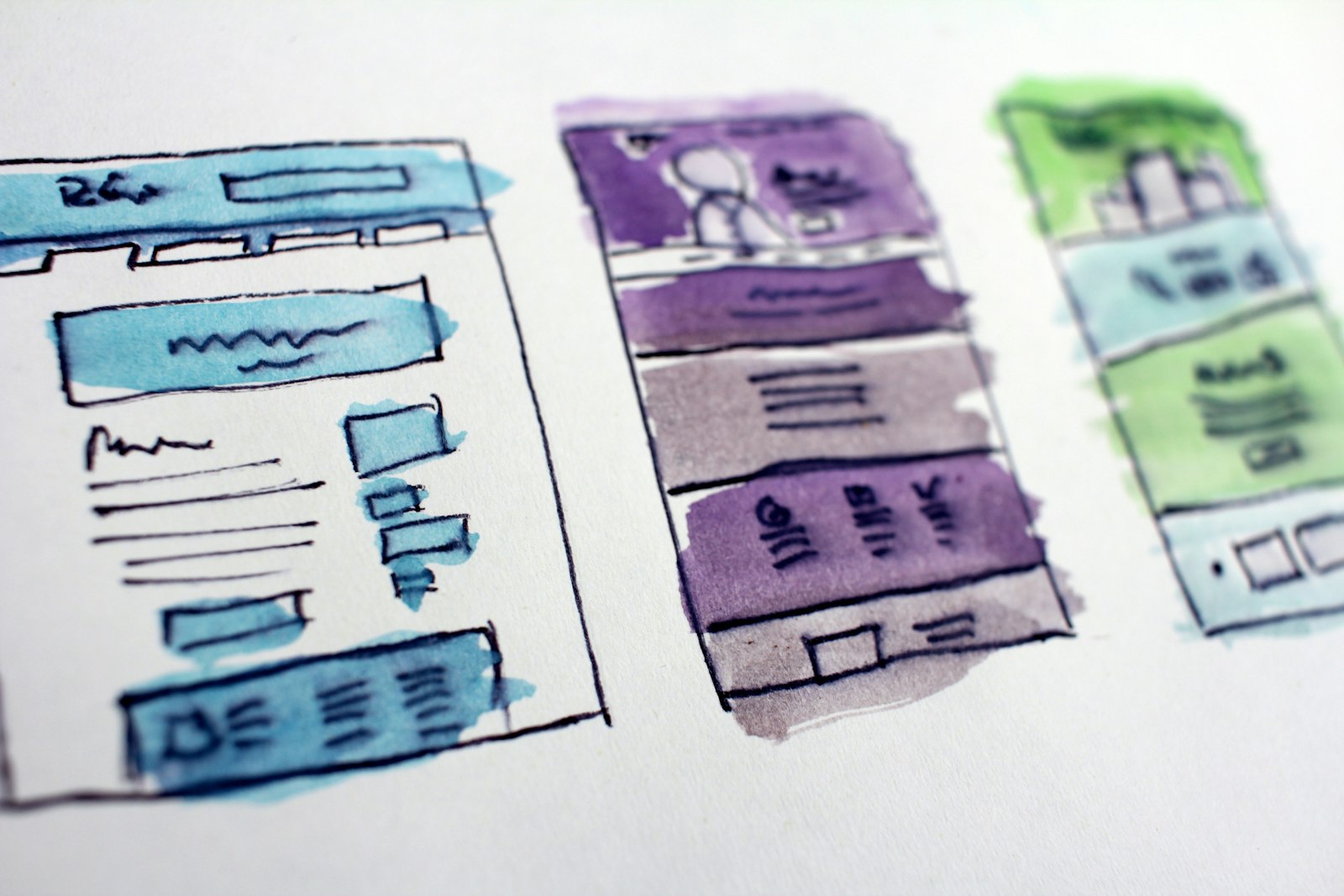
What Fabric is, in one paragraph
Fabric takes an image of a person plus a text script and returns a video of that person speaking the script. The model generates the voice from your script, animates the face with matching mouth movements, and adds the micro-motion that separates "talking photo" from creepy puppet: blinks, breathing, slight head sway. It collapses what used to be a three-tool chain (TTS, then image-to-video animation, then lipsync) into one generation, which matters less for convenience and more for coherence: because one model handles voice and motion together, the timing agrees with itself.
Step by step in Versely
- Pick or make the photo. Upload a real photo (with the person's consent, more below) or generate a presenter from scratch with text-to-image. Generated presenters remove all rights questions and let you design the exact demographic and styling your ad calls for.
- Frame it right before generating. Crop to head-and-shoulders or half-body, face large in frame, in the aspect ratio you will publish. Fabric animates the image you give it; it will not reframe a bad crop for you.
- Write the script for the ear. Short sentences, contractions, spoken rhythm. Read it aloud once; anywhere you stumble, the voice will too. Around 60 to 90 words covers a 30-second delivery.
- Generate and review the first pass. Check three things in order: mouth sync during fast phrases, eye behavior (occasional blinks, no dead stare), and hands if visible in frame.
- Caption and ship. Run auto-captions over the result so the sound-off feed still converts. The preset system in the auto-captions guide applies unchanged here.
Total hands-on time for a usable 30-second talking video: under ten minutes, most of it script writing.
Photo input quality decides everything
Fabric's output ceiling is set by the input image. From testing a pile of photo types:
| Photo type | Result quality | Notes |
|---|---|---|
| Front-facing, soft even light, neutral expression | Excellent | The ideal input; mouth region animates cleanly |
| Slight three-quarter angle | Good | Adds natural feel; beyond ~30 degrees sync visibly weakens |
| Smiling with teeth visible | Mixed | Baked-in smile fights speech mouth shapes |
| Sunglasses, heavy shadow on face | Poor | Eye and mouth regions need to be clearly visible |
| Wide shot, small face | Poor | Not enough face pixels to animate; crop tighter first |
| Stylized/illustrated character | Surprisingly good | Works if the face has human-like proportions |
The counterintuitive tip: a neutral, slightly boring photo animates better than a charismatic one. Expression should come from the speech, not be frozen into the source.
Where a photo presenter beats the alternatives
Fabric occupies a specific slot between filming and full avatar systems, and the slot is wider than it looks:
- Ad creative testing at volume. Five presenter variants times three scripts is fifteen videos in an afternoon. You find the winning face-and-hook combination before spending anything on production. This is the engine of most AI UGC testing; the broader format is covered by the UGC video generator.
- Historical or unavailable speakers. Founder is traveling, product expert left the company, the launch cannot wait. One approved photo keeps the face in the campaign.
- Localized presenters. Different markets respond to different presenter demographics. Generating region-appropriate presenters per market is a real conversion lever that filming cannot economically match.
- Faceless brands acquiring a face. Plenty of brands with no willing on-camera humans can now run presenter-led creative, which consistently outperforms pure b-roll in direct response. The conversion evidence is discussed in AI avatars vs real talking heads.
Where it loses: recurring branded identity across dozens of videos. Fabric regenerates from the photo each time, so delivery style varies between generations. If the same presenter fronts your brand weekly, a trained digital twin is the better architecture; that trade-off is exactly the subject of HeyGen Avatar V5 for brands.
Failure modes and fixes
- Rubber-lips on fast consonant clusters. Dense phrases like "sixth strategy" over-stretch the mouth animation. Rewrite for smoother phonetics; scripts are cheap.
- The stare. Occasionally a generation under-blinks and reads uncanny. Regenerate; blink behavior varies between passes.
- Hands frozen at the edge of frame. Visible hands in the source photo may stay eerily still while the face moves. Crop hands out of the input.
- Baked expression conflict. A grinning source photo produces a presenter smiling through bad news. Match the photo's expression to the script's tone.
- Voice mismatch. The generated voice might not fit the presenter's apparent age or the brand's tone. Iterate the script's phrasing and regenerate, or route the audio through your own cloned or designed brand voice; see designing a custom brand voice for that path.
The consent line
Two rules I treat as absolute. Real person's photo: written consent that covers synthesized speech, because you are putting words in their mouth in the most literal sense available to technology. Generated presenter: disclose synthetic origin where the platform requires it, and do not design a presenter to impersonate a specific real individual. Everything between those lines is legitimate creative; those lines themselves are not negotiable.
FAQ
What does VEED Fabric actually need as input?
One image with a clearly visible human-like face and a text script. The model generates the voice, the mouth animation, and natural micro-motion in a single pass. No audio recording, no separate TTS step, and no filmed footage required.
Can I use a generated image instead of a real photo?
Yes, and for ad creative it is usually the better choice: no likeness rights to clear, full control over presenter demographics and styling, and easy variant testing. Generate the presenter with text-to-image, then feed it to Fabric.
How long can a Fabric talking video be?
Practical delivery length tracks your script; short-form lengths in the 15-45 second range are the sweet spot, which suits the ad and social use cases the tool is built for. For longer presenter pieces, generate in script-sized segments and merge them.
Why does my talking photo look uncanny?
Usually one of three inputs: a smiling source photo fighting the speech animation, an under-blinking generation (regenerate), or too few face pixels from a wide crop. A neutral, front-lit, tightly cropped source fixes the large majority of uncanny outputs.
Is this the same as lipsync?
It overlaps but starts earlier. Lipsync matches an existing video's mouth to new audio; Fabric starts from a still image and creates the video, voice, and sync together. If you already have footage, use a lipsync model instead; the options are compared in lipsync options compared.
Grab one clean portrait, write 80 words you would actually say to a customer, and run it through Fabric in the AI lipsync studio. The first result will tell you more than any guide. Plans start at $9 a week on pricing.