

Pinterest Video Strategy: The Search Engine Brands Forget
A Pinterest video strategy for brands in 2026: why Idea Pins behave like SEO assets, keyword-first production, board architecture, and AI workflows.
A video I pinned fourteen months ago sent traffic to a client's product page last week. Try naming another social platform where that sentence is even possible. On TikTok a video's life is measured in days; on Instagram, hours. Pinterest content ages like an SEO article: it indexes, ranks for search terms, and compounds. That's because Pinterest isn't really a social network. It's a visual search engine with a save button, used by people planning purchases: weddings, kitchens, wardrobes, meals, home offices. Over 500 million monthly users, the majority of whom report using it to plan buying decisions, and video pins have been taking a growing share of search results every year.
Most brands ignore it because the engagement mechanics feel dead: few comments, no discourse, no virality dopamine. That's exactly backwards. You don't post to Pinterest; you publish to it. And once you treat video pins as search assets instead of social posts, the strategy writes itself.
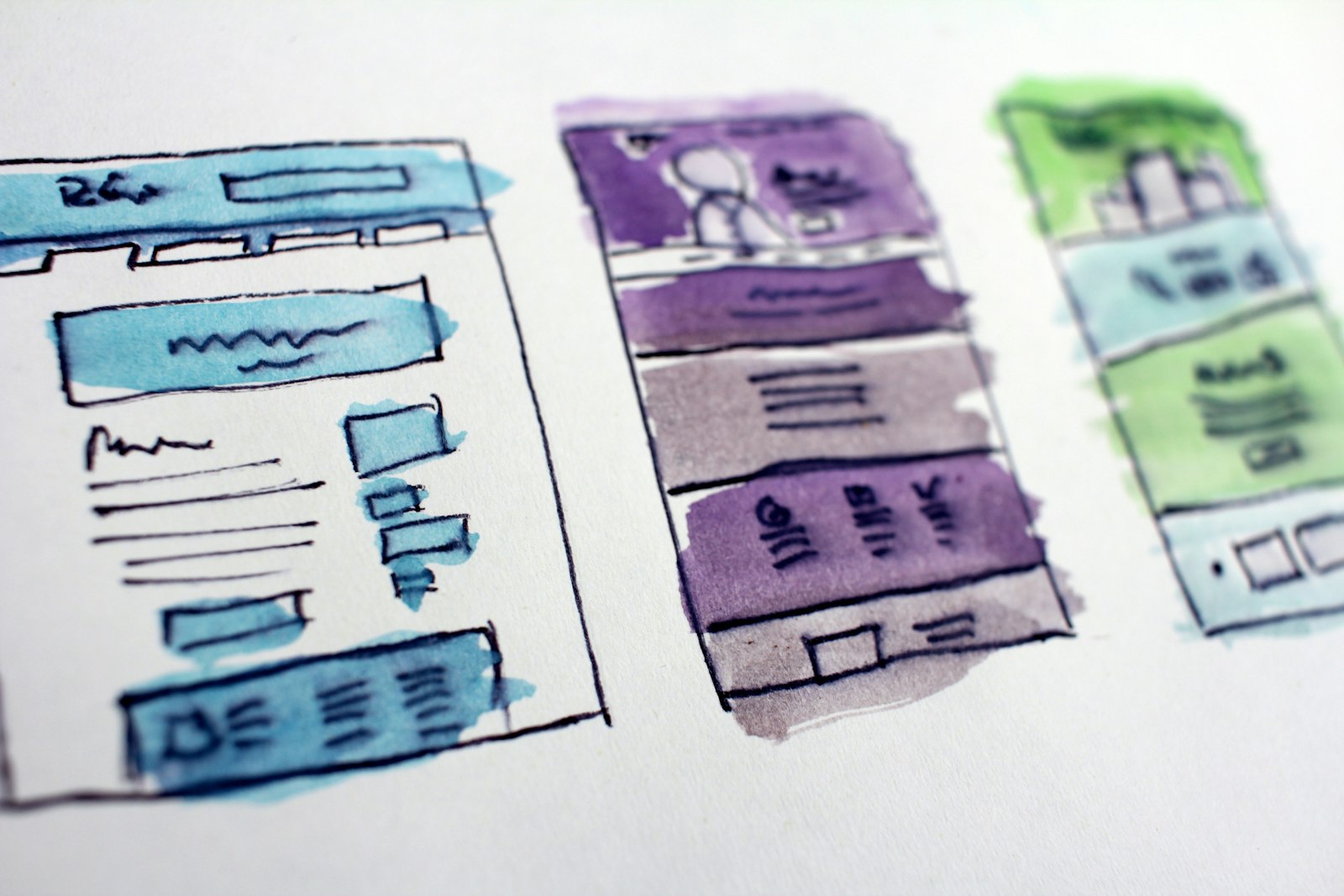
Pinterest is search: start from keywords, not content
Every other platform in this series starts with "what should we make?" Pinterest starts with "what are people searching?" The research loop takes twenty minutes:
- Type your seed term into Pinterest search and harvest the autocomplete suggestions; those are ranked by real query volume.
- Use the guided-search chips (the colored refinement tiles under the search bar) to map how Pinterest's own taxonomy breaks your niche down.
- Check Pinterest Trends for seasonality; Pinterest users plan 45 to 90 days ahead, so "Christmas gift wrap ideas" peaks in October and "patio makeover" in February–March. You publish ahead of the season, like an SEO editor, not on it.
Each keyword cluster becomes a video brief. A cookware brand doesn't brainstorm content; it works down the list: "one pan dinner ideas," "cast iron care," "small kitchen organization," each with search demand already proven.
What video actually works on Pinterest
Pinterest video has its own grammar, closer to a magazine page than a feed clip:
- Vertical 9:16 or 2:3, always. Pinterest is a mobile grid; widescreen pins render as slivers.
- 6 to 15 seconds for standard video pins, up to 30–60 for multi-step idea content. The video's job is to earn a save or a click, not to hold retention for minutes.
- Design for silent autoplay in a grid. Pins autoplay muted in search results. The first frame must work as a static image, because that's how it appears in many placements; text overlay stating the payoff ("5-minute meal prep hack") is standard practice, not a hack.
- Loops outperform narratives. A seamless 8-second loop of a process; batter folding, a shelf being styled, fabric draping, reads beautifully in the grid and rewatches automatically.
- Aesthetic consistency matters more than personality. Unlike TikTok, polish helps here. Pinterest users are collecting a mood.
Content genres that reliably rank: step-by-step mini-tutorials, before/after transformations, styled product-in-context shots, seasonal ideas lists, and "X ways to" compilations.
The AI production system for pin volume
Pinterest rewards volume and consistency; established accounts publish 5 to 15 pins daily, most of it variations. Hand-producing that is absurd; generating it is trivial:
- One keyword, five pins. Take "small balcony garden ideas": generate five distinct 8-second vertical clips, different plants, palettes, and layouts, each with its own text overlay and its own pin title/description targeting the keyword's variants. Image-to-video is the workhorse here; still a product or scene shot, then animate it with a model like Kling O3 Pro image-to-video for smooth, loop-friendly motion, or Vidu Q3 when you want ambient audio baked in for the sound-on minority.
- Slideshow pins from image sets. The AI slideshow maker turns a set of generated stills into a paced idea-pin video with text overlays and music; ideal for "7 ways to" formats, and much faster than editing.
- Product pins from your catalog. Animate real product photography rather than generating fictional product; Pinterest traffic converts because what people see is what they buy. Background variations via text-to-image let one product live in a dozen seasonal contexts.
- Text overlays with real typography. Pinterest video leans hard on legible on-image text; generate title cards with Seedream 5 Pro, which renders clean typography reliably.
The deeper tool rundown lives in best AI tools for Pinterest Idea Pins; the strategy point is simpler: your production unit is the keyword cluster, not the individual pin.
Board architecture and pin SEO
Boards are your site structure; Pinterest reads them to understand what your pins are about.
| Element | Treat it as | Practice |
|---|---|---|
| Board title | Category page H1 | Exact keyword ("Small Kitchen Ideas"), not clever names |
| Board description | Category page copy | 2–3 sentences, natural keyword variants |
| Pin title | Page title | Keyword-first, under 100 chars |
| Pin description | Meta description | 1–2 sentences + context terms; no hashtag stuffing |
| Destination link | The conversion | Every video pin links out; a pin without a link is a donated impression |
Ten to twenty well-kept keyword boards beat fifty scattershot ones. And pin your video to the most relevant board first; Pinterest weights the first board's context in indexing.
Cadence, patience, and measurement
The honest timeline: Pinterest is slow. New accounts typically see negligible traffic for 2 to 4 months while the index warms up, then a compounding curve. This is why the platform suits scheduled, batched publishing better than any other; a scheduled workflow that generates and publishes pins daily fits Pinterest's rhythm exactly, and the platform explicitly favors fresh pins over re-pins of old content.
Measure like an SEO channel, not a social one:
- Outbound clicks — the only metric that pays; Pinterest is a traffic channel.
- Saves — the ranking signal; saves tell Pinterest the pin deserves search placement.
- Impressions by pin age — your compounding check; a healthy account's 90-day-old pins still earn impressions.
- Top search terms in Pinterest Analytics — feeds next month's keyword list.
Ignore comments and followers almost entirely; neither drives distribution here.
Who should skip Pinterest: pure B2B SaaS, local services without visual product, and anyone unwilling to wait a quarter for returns. Who should overweight it: home, food, fashion, beauty, weddings, fitness, crafts, travel, and any e-commerce brand whose product photographs well.
FAQ
Is Pinterest still worth it for brands in 2026?
For visual, planning-driven categories — home, food, fashion, beauty, weddings, travel, e-commerce generally — yes, and it's underpriced because most brands chase faster feedback loops elsewhere. Content compounds for months, and the audience arrives with purchase intent. B2B and non-visual services should mostly skip it.
How long should Pinterest videos be?
Six to fifteen seconds for standard video pins, with seamless loops performing especially well in the search grid. Multi-step idea content can run 30 to 60 seconds. The first frame must communicate the payoff as a static image with text overlay, since pins render silently in a grid.
How many pins should a brand publish per day?
Work up to five to fifteen fresh pins daily, which sounds unhinged until you treat variations as distinct pins: one keyword cluster yields five videos with different visuals, titles, and descriptions. Batch generation and scheduled publishing make this a few hours of setup per month.
How long does Pinterest take to drive traffic?
Two to four months before meaningful outbound clicks for a new account, with compounding after that. Judge the channel at the six-month mark on outbound clicks and saves, not at week three on impressions.
Should Pinterest videos have sound?
Design for silence, since pins autoplay muted, but include a light audio track for the minority who tap in — models with native audio generation cover this without extra work. Never make sound necessary to understand the pin.
Turn one keyword list into a month of video pins: generate loops and idea-pin slideshows with the AI slideshow maker, then schedule daily publishing through Versely. Credits start at $9 a week, no long-term contract.