

Storyboarding Brand Videos With AI Images First
Why storyboarding brand videos with AI images first saves money: frame every scene as a still, approve cheap, then animate only what's locked.
Video generation credits cost roughly 10–30x what image credits cost, per attempt. That single ratio should reshape how every brand team plans video — and at most teams, it hasn't. They write a script, prompt video models scene by scene, and burn through regenerations discovering that scene 4's framing is wrong, the product's the wrong color, and the stakeholder "imagined it differently."
The fix is old film discipline wearing new tools: storyboard first, animate second. Generate every scene as a still image, iterate at image prices, get sign-off on a board everyone can see, and only then convert locked frames to motion with image-to-video. My rough accounting across recent brand projects: images-first cuts total generation spend by 40–60% and cuts stakeholder revision rounds roughly in half, because people can point at a frame and say "that one, but warmer" before any expensive motion exists.
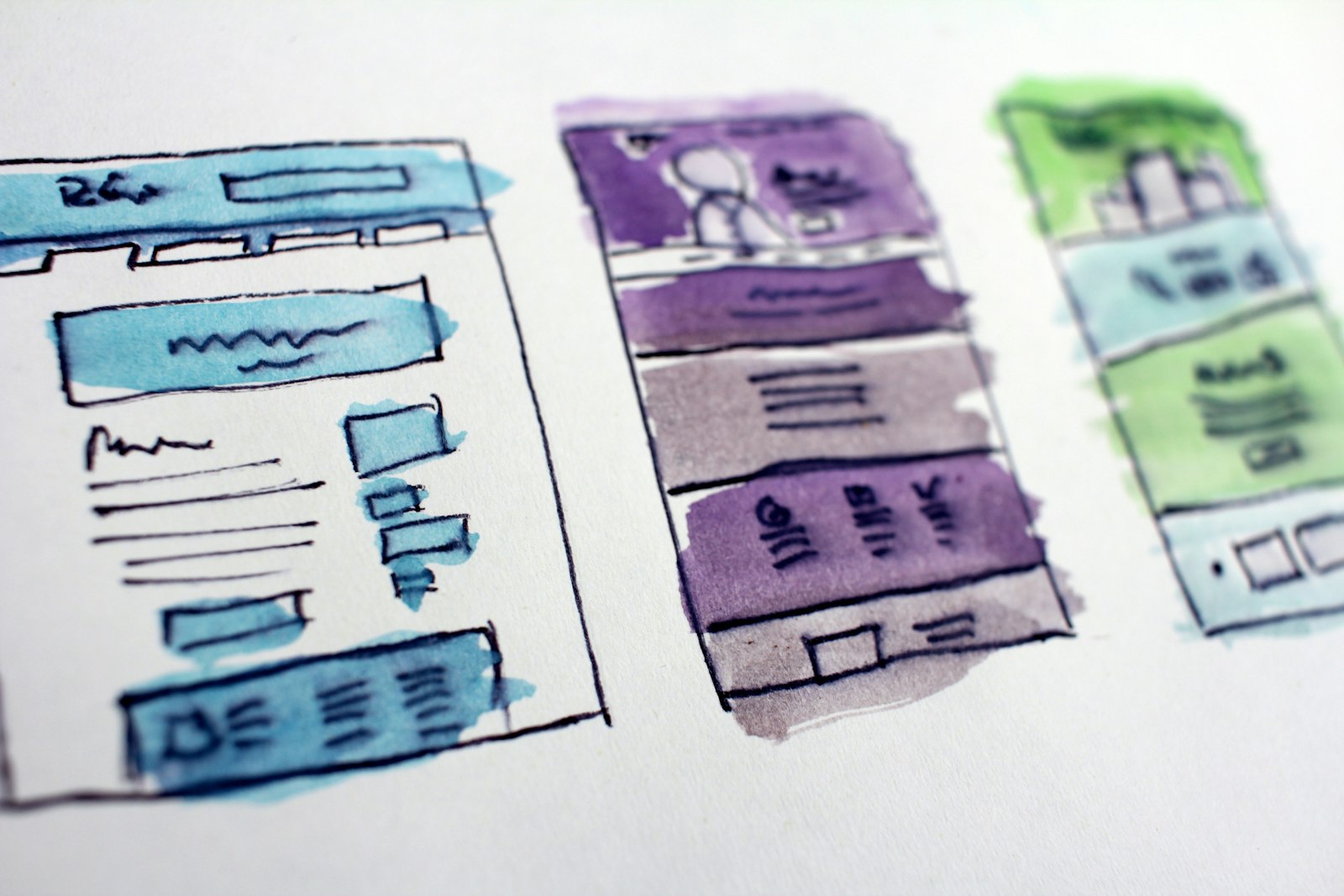
The core economics: iterate where iteration is cheap
An image generation costs pennies and lands in seconds. A video generation costs dollars-equivalent in credits and takes minutes. Every creative decision you can move from the video stage to the image stage gets 10x cheaper and 10x faster to iterate:
- Composition and framing
- Product appearance and placement
- Character look, wardrobe, casting
- Color grade and lighting mood
- Set/environment details
- Text and packaging legibility
What you can't decide at the image stage: motion quality, pacing, physics, lip sync. That's maybe 30% of the decisions. Moving the other 70% upstream is the whole trick.
The five-step images-first workflow
1. Script to shot list
Break the script into shots, not scenes — one board frame per camera setup. A 45-second brand video is typically 8–14 shots. For each shot write one line: subject, action, framing, and what it must communicate. This list is your board's skeleton.
2. Generate the board
One image per shot in the text-to-image studio. Keep a shared prompt suffix across all frames — grade, lens, lighting language — so the board reads as one film instead of fourteen unrelated pictures. Model choice matters here: Seedream 5.0 Pro is my default when frames include packaging or on-screen text (its typography rendering means the board shows real labels, not alphabet soup), while Flux 1.1 Pro is the fast workhorse for everything else.
Generate 2–3 candidates per shot and pick. At image prices, breadth is nearly free.
3. Assemble and pressure-test
Lay the frames in order — a slideshow works fine, and the AI slideshow maker with a scratch voiceover gives you an animatic: the board playing at intended pacing with the script read over it. This ten-minute artifact catches pacing problems (shot 6 needs 4 seconds of VO but it's a 1-second visual idea) that a static board hides.
4. Approve on stills
Send the board, not a description, for sign-off. Stakeholders revise concretely against images — "swap the kitchen for an outdoor table" is a 30-second regeneration, not a re-shoot of a rendered video. Lock the board before any motion. Frames approved at this stage should be treated as contracts.
5. Animate locked frames
Convert each approved frame via image-to-video, where the still becomes the first frame and your motion prompt describes only movement — camera push, subject action, atmosphere. Because composition is already solved, motion prompts get short and success rates jump. For shots where you know both the opening and closing composition, first-last-frame generation (feeding two board frames) buys even tighter control over where the shot travels.
Choosing the animation model per shot
Not every locked frame needs the same engine. The pattern I use:
| Shot type | Model | Why |
|---|---|---|
| Hero product shots | Kling O3 Pro I2V | Camera control, premium motion quality |
| Character dialogue moments | Vidu Q3 I2V | Native audio with the video |
| Quick cutaways / inserts | Hailuo 2.3 Fast | Cheap, fast, good enough for 2-second shots |
| Ambient/atmosphere shots | PixVerse 5.6 I2V | Handles subtle motion gracefully |
| Fixing one bad segment | LTX 2.3 Retake | Re-generate a segment without redoing the shot |
Spending premium credits only on hero shots while cutaways run on fast models is the second-biggest saving in this whole workflow, after the board itself. The model rankings are worth a look each project — image-to-video leaderboard positions have shifted several times this year.
Keeping characters and products consistent across the board
The board-first approach has a hidden superpower: consistency becomes an image problem, which is far more solvable than a video problem.
- Products: generate one definitive product image, then use it as a reference input for every board frame it appears in. Same bottle, same label, all fourteen frames.
- Characters: create your character once, then reference that image across frames. When you animate, reference-to-video models carry the same face into motion. The deeper fallback chains for stubborn cases are covered in the character consistency guide.
- Environments: for multiple shots in one location, generate a wide establishing frame first, then prompt closer frames as crops/angles of that established space, referencing it.
Do this at the still stage and the motion stage inherits it. Try to bolt consistency on during video generation and you'll pay video prices for every attempt.
Where images-first breaks down
Honesty section. Three cases where I skip or shorten the board:
- Motion-defined concepts. If the idea is the motion — a whip-pan transition trend, a physics gag, dance content — stills can't evaluate it. Board loosely, prototype the motion early on a cheap fast model instead.
- Single-shot content. A one-scene talking-avatar clip or a template-driven trend video doesn't need a board. Boards earn their keep at 4+ shots.
- Deadline-critical trend response. When the trend window is measured in hours, a two-frame board is all you get. Accept the regeneration waste; speed is the point.
For everything else — launch films, explainer series, ad variants, brand storytelling — I haven't found a case where skipping the board saved money. The full narrative treatment of pre-production thinking is in the AI storyboarding guide; this post's workflow is the brand-team-shaped version of it.
FAQ
How many image generations should I budget for a 10-shot board?
Plan 25–35 image generations: two to three candidates per shot plus a handful of revision frames after stakeholder review. That entire board typically costs less than one or two video generations, which is exactly why the process works.
Does the animated result actually match the approved still?
Closely, with image-to-video — your approved frame literally is frame one. Motion can drift late in longer clips, so keep shots at 4–6 seconds and cut, rather than generating 10-second shots and hoping. For shots that must land on a specific end composition, use first-last-frame with two board frames.
What about the voiceover and music — where do they fit?
Record or generate a scratch VO at the animatic stage (step 3) because pacing decisions depend on it. Final VO and music come after picture lock, same as traditional post. Doing final audio before the board is locked guarantees redoing it.
Can I storyboard with sketches or reference photos instead of generated images?
Yes, and hybrid boards are common — a phone photo of the real product on a desk can anchor frames that generated images riff on. The requirement is only that every frame shows real composition and grade. What you can't do is animate from a rough sketch and expect brand-quality output; convert sketches to finished stills before the I2V step.
Does this work for long videos, like a 60-second multi-scene film?
It works better as length grows, because the cost of unplanned video generation scales with shot count. For multi-scene films, run the same board process and then execute scene chaining in the AI movie maker, which handles per-scene prompts and previous-frame continuity from your locked frames.
Board your next brand video before you animate a single frame — start in text-to-image, lock the look, then let image-to-video do the expensive part once. A $1 pack is enough to try it.