

The Future of AI-Assisted Sound Design for Video
Explore how AI-assisted sound design is transforming video production, from smarter audio editing and mixing to richer, more immersive soundscapes.
Sponsored: invideo paid for this post.
TL;DR: AI sound design is moving beyond generating music or effects on request. New tools can help shape a full sound bed around footage, place sounds on a timeline, and revise them based on feedback. The best results still depend on human choices about mood, timing, and clarity. Start with the scene’s purpose, build the sound in layers, and listen back before sharing.
A scene can look polished and still feel unfinished when its audio doesn’t fit. Music may cover a line, a quiet room may feel empty, or an effect may land after the action. AI sound design could make those details faster to shape, but a useful result still needs clear direction and a careful listen.
The shift is already visible in music tools. A Forbes Technology Council article reported that Deezer said nearly 75,000 fully AI-generated tracks arrived on its platform each day in April 2026. That figure shows how quickly audio generation is growing, but it doesn’t mean creators can skip editing or judgment. The Forbes report on AI-generated music uploads also points to a wider pattern: professionals use AI to explore ideas and assist their work, while people shape the final result.
This article looks at where AI sound design may go next, how it can fit into a video workflow, and what creators should listen for. The aim is practical: understand what to delegate, what to refine yourself, and how to keep the sound tied to the story.
AI sound design will become contextual
AI sound design will increasingly respond to what is happening in a scene, not just to a request for “music” or “rain.” A creator can describe the mood, the action, and the moment a sound should support. The system can then suggest or arrange audio around those cues for a person to review.
That change matters because sound works through relationships. A low room tone can make dialogue feel grounded. A soft impact can help a visual reveal land. Music may need to rise toward a turning point, then leave space for a spoken line.
A future tool could look at a scene’s audio and video together, then offer a first pass that matches the action. For instance, it might suggest steady wind under an outdoor conversation, then lower the music while someone speaks. These are useful starting points, not rules. A tense scene may need silence, while a quiet moment may work better without added effects.
The direction can be specific:
- Name the feeling the scene should create.
- Describe the sounds that belong in the setting.
- Point to actions or moments that need an effect.
- Say which parts of the dialogue must stay clear.
Clear direction gives AI sound design a better chance of supporting the story instead of filling every pause.
A smarter sound workflow takes shape
A sound workflow with AI can move from rough direction to an editable mix. It can help create or find audio, place layers around footage, and respond to notes. The editor still listens, adjusts levels, and decides whether each sound belongs.
A useful process has four steps:
- Set the scene’s sound goal. Describe the mood and what the audience should notice.
- Build a first pass. Add ambience, music, effects, and dialogue in separate layers.
- Listen with the picture. Check whether the timing and balance support the action.
- Refine the weak spots. Ask for a quieter effect, a different music feel, or a longer pause.
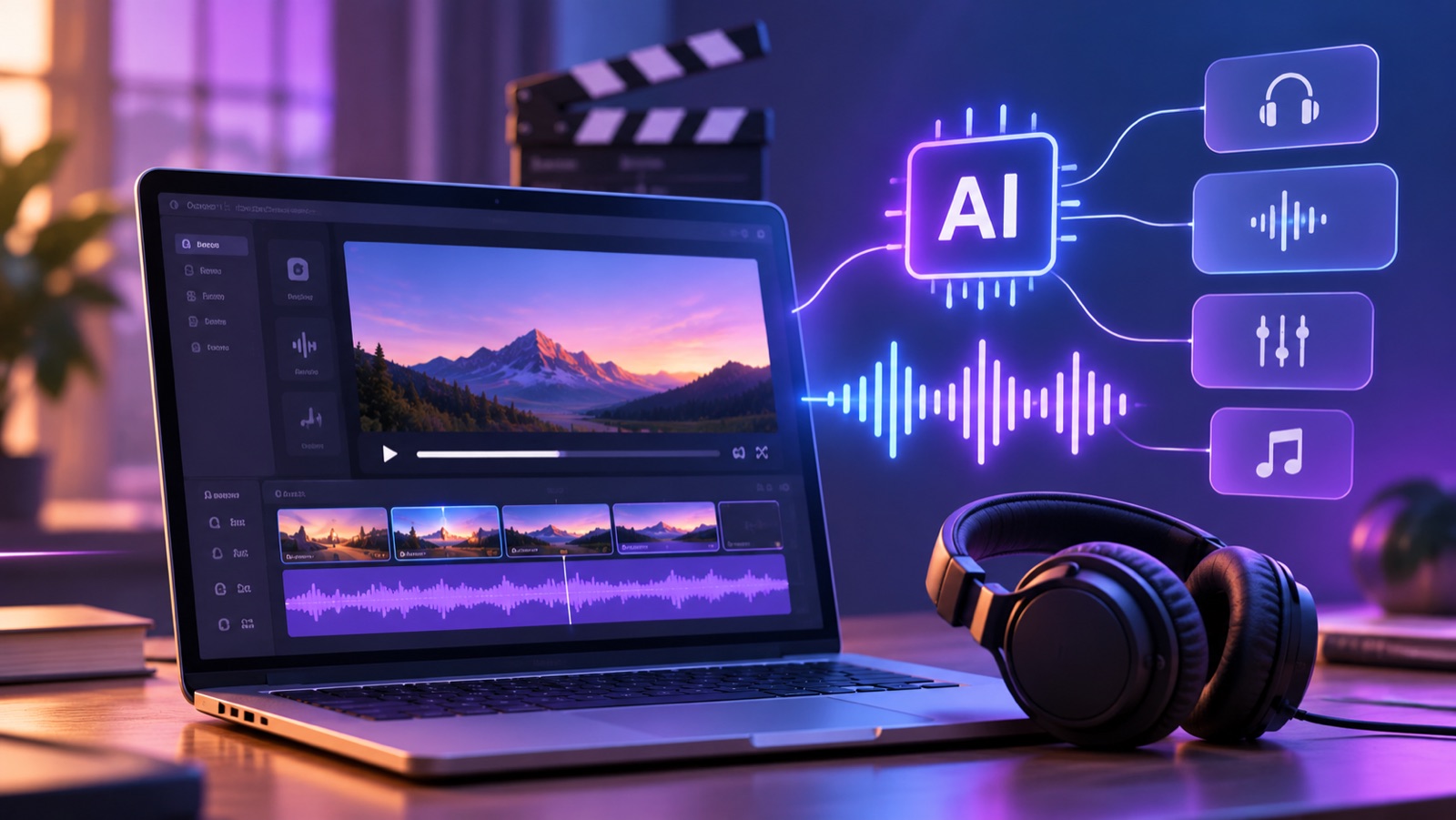
Invideo Editor is one example of this approach. Its agent can generate music or effects, find audio in its built-in library, place layers on the timeline, and make changes from feedback. The audio remains editable, so the creator can fine-tune timing, volume, and fades. Its AI sound design workflow is agentic: you give an AI agent creative direction, and it carries out sound work inside your edit. You can explore the online video editing timeline to see how audio can sit alongside the picture.
AI sound design keeps humans in control
AI sound design is most useful when it takes on repeatable work and leaves creative decisions with the editor. A person can judge whether a sound fits the scene’s emotion, whether dialogue stays clear, and whether the mix feels natural for the audience.
That balance is important because a technically clean mix can still feel wrong. A dramatic impact may pull attention from an actor’s reaction. A music cue may tell viewers what to feel too soon. The editor needs to decide when a sound adds meaning and when silence says more.
For example, an editor could ask an agent to add low street ambience beneath a conversation, footsteps as a character leaves, and a gradual music build toward a reveal. Then the editor can keep the atmosphere, soften the footsteps, or remove the build if it feels too obvious.
Invideo Editor keeps the result on an editable timeline. That lets a creator inspect each layer and continue shaping the scene by hand. More broadly, an agentic video editing workflow can pair AI assistance with a timeline that keeps the work visible.
What creators can do today
Creators don’t need to wait for future tools to make sound more intentional. A simple scene plan can help with any editing setup, whether audio comes from a recording, a library, or a generative tool.
Before adding sound, ask:
- What should the viewer feel here?
- Which sounds belong in this place?
- What needs to be heard clearly?
- Where should music or effects begin and end?
Where the technology needs care
Generated audio can save time, but it still needs review. A sound may feel too strong, repeat in an unnatural way, or clash with a voice. Music can also shift the mood of a scene in a direction the editor didn’t intend.
Rights and project rules need attention, too. Before publishing, check the terms for any generated or sourced audio, especially when the video is for a client or business. Keep a copy of the source details and project versions when your team needs to track how the audio changed.
AI sound design also depends on clear feedback. “Make it better” gives the tool little to act on. Notes such as “lower the music under the second answer” or “make the room tone less noticeable” point to a specific fix.
The next stage is collaborative
AI sound design is probably going to become a more integrated aspect of video editing. Instead of generating audio in a separate step, tools may help creators plan, place, and revise sound beside the footage. That could make it easier to try options while the editor still sees how each choice affects the scene.
For creators, the useful next step is to treat AI as a sound assistant. Give it direction, review what it adds, and keep control of the final mix. Use ambience to establish a place, music to guide pace, and effects to support action. Then listen to the whole scene before deciding it is done.
Invideo Editor offers one current example, with an agent that can generate or source audio, arrange layers around footage, and revise the edit from feedback. Try AI sound design on a short scene first, then compare the result with your own mix. Which part of your video’s sound would you want help shaping?
FAQs
What is AI sound design?
Artificial intelligence is used in AI sound design to produce, locate, organize, or enhance audio for a video. Music, ambiance, effects, and sound balance could all benefit from it. The editor still decides whether each sound fits the scene and should remain in the final mix.
Can AI create sound effects for a video?
Yes. Some editing tools can generate sound effects from a description or help find audio that matches a scene. The result needs review for timing, tone, and fit with the picture. Check the tool’s audio terms before using the sound in a published project.
How does agentic sound design work?
With agentic sound design, a creator gives an AI agent direction for audio work inside an edit. The agent can generate or source sounds, arrange them around footage, and revise the layers from feedback. The creator can then review and refine the result on the timeline.
Will AI replace human sound designers?
AI can take on parts of the audio workflow, such as producing a first pass or adjusting layers from clear notes. Human judgment still matters for emotion, timing, and story. Automated tasks and human creativity are increasingly likely to coexist in the future.
How can I make AI-generated audio sound natural?
Give the tool details about the scene, including its mood, setting, actions, and important dialogue. Use separate layers for speech, ambience, music, and effects. Listen with the video, then adjust timing and volume until each sound supports the scene without taking attention away from it.
Versely AI Weekly
New AI models, every Thursday.
The image, video, audio and LLM models released that week, what each is good for, and what's new on Versely.