

How to Make Music Videos With AI
Learn how to make music videos with AI, from turning songs into visuals to creating cinematic scenes, animations, and polished edits.
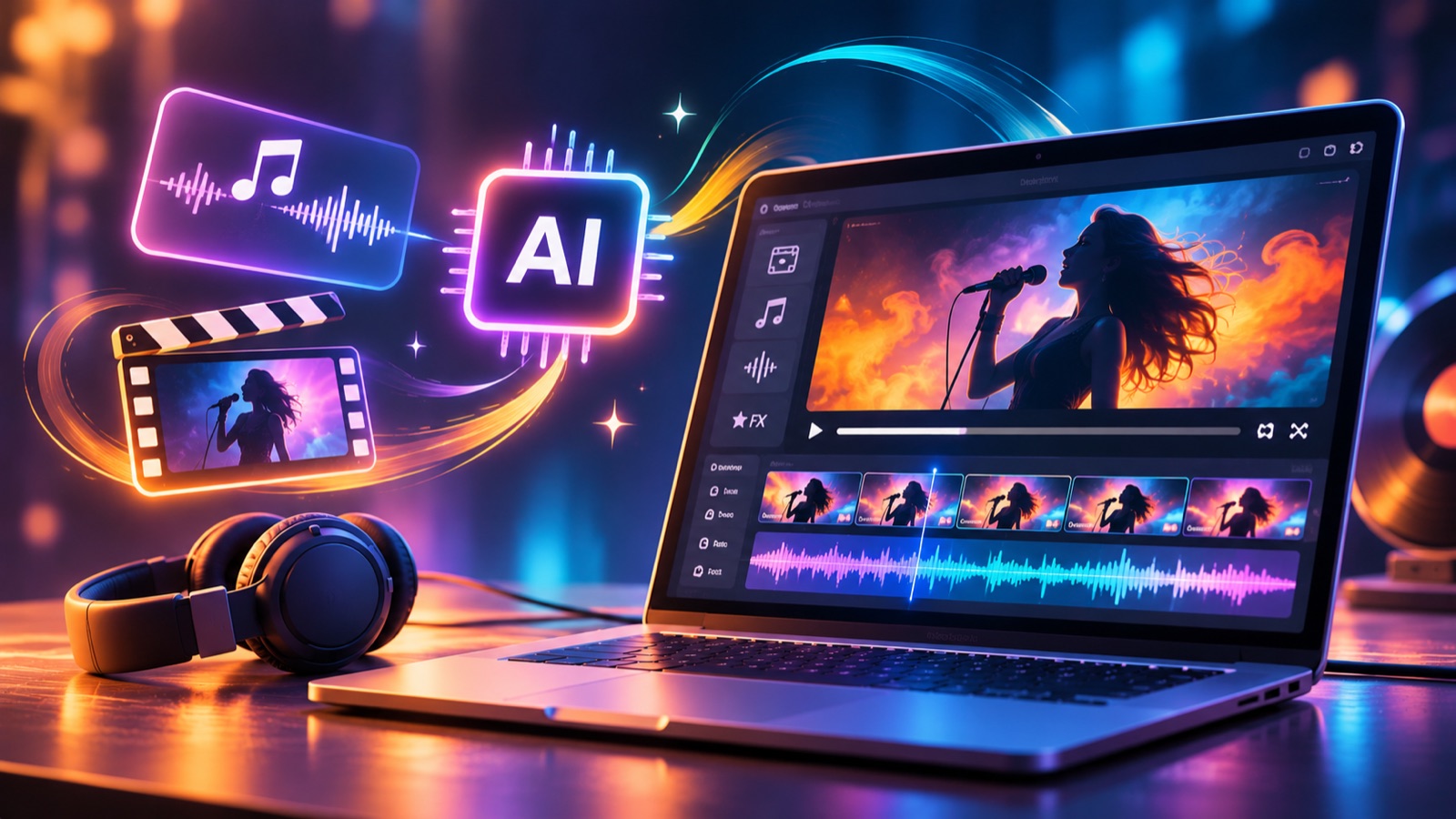
Sponsored: invideo paid for this post.
You've finished a song, but turning its mood into pictures still feels like a separate project. Consider a real production example. In 2024, Forbes reported that Paul Trillo's video for Washed Out's “The Hardest Part” included 55 selected shots from 700 generations. My takeaway is simple: give choosing and refining shots as much attention as generating them.
For your own video, decide what listeners should feel before describing what they should see. You might follow a character through an empty city, build around a performance, or create an abstract world. Pick a direction you can carry through the whole track.
This guide walks through planning, prompts, scene selection, editing, and final checks. You'll also see where chat-connected editing fits into the process.
What should you prepare before generating?
Prepare your finished song, its lyrics, a simple visual idea, and any footage or images you want included. Choose whether you're making a full video or a short teaser. Write down the mood, setting, and main subject before generating scenes.
Start an AI music video maker project with a small, organized folder:
- Your final audio file and a copy of the lyrics.
- Performance clips or images you've cleared for the project.
- Notes on colors, lighting, clothing, and locations.
Set a generation budget and decide how many alternatives you'll review before choosing a shot.
Map your song into visual scenes
Listen to the track and note where its energy changes. Give each section a visual purpose before opening your AI music video maker.
For a practice project, imagine a three-minute song about returning home. Try this scene plan:
- Opening: show an empty station and introduce the traveler.
- Verse: follow the traveler through familiar streets.
- Chorus: move into open spaces with brighter light.
- Ending: return to the station with someone waiting.
Treat these as creative choices for this example. Adjust the story to your lyrics, and repeat a visual detail, such as a red scarf, across the sequence.
How does an AI music video maker work?
An AI music video maker can follow a text-to-video process, generating visuals from written scene descriptions. Describe the subject, setting, lighting, and movement. Review the clips, then arrange your chosen scenes around the song and refine their timing.
Write each prompt as a camera instruction. Try this original example: “Show a traveler wearing a red scarf beside an empty station at sunrise. Move slowly toward the traveler. Keep the light warm and the mood hopeful.”
Keep the scarf, setting, and lighting descriptions consistent in later prompts. Change the action or camera view when the story calls for it.
Generate a small test sequence first. Compare its faces, movement, and overall look before expanding the idea across the full track.
Choose your AI music video maker
Compare tools with the same short scene and audio excerpt. Check how easily you can revise the results and continue editing.
Prioritize these controls:
- Uploading your own song and performance footage.
- Adjusting individual shots after generation.
- Checking costs, export options, and permitted uses.
One relevant option is invideo editor, whose AI editing agents assemble footage on an editable timeline. A timeline displays clips in playback order so you can inspect the sequence.
During your test, try replacing a shot and changing its length. Choose the workflow you feel comfortable directing.
Can you build scenes through chat?
Yes. With invideo MCP's chat connection, a compatible AI assistant can generate media and edit a project in invideo editor. MCP means Model Context Protocol, a standard for connecting AI assistants to tools. Your assistant applies changes to a timeline you can review and edit.
Connect invideo MCP to your preferred compatible LLM, the language model behind your chat assistant. In invideo editor, the AI music video maker workflow lets you create visuals from chat, generate or arrange scenes around your track, and refine the cuts on the timeline.
Try this direction: “Build a 20-second chorus sequence around my uploaded song. Show the traveler reaching the station. Keep the red scarf visible, move from wide views to closer shots, and preserve my original audio.”
Review the result before requesting another change. Give precise notes about the shot, its position, and the change you want.
Shape the rhythm on your timeline
Refine your AI music video maker sequence while listening to the track. Try holding a shot through a quiet vocal line, then changing views as the chorus opens.
Invideo Editor includes clip trimming and audio mixing controls. Adjust the picture and sound in separate passes, keeping your original song as the main reference.
During those passes:
- Move each cut until it feels right against the music.
- Check that the subject's appearance stays consistent.
- Lower or mute unwanted sound from performance footage.
- Review any lyrics on screen against your lyric sheet.
Try both faster and slower versions of the chorus before choosing one.
What should you check before exporting?
Watch the whole music video and check its story, visual consistency, shot timing, and sound balance. Read every title and lyric line. Export a test file, play it on another screen, and confirm that the opening and ending feel complete before sharing.
For an AI music video maker project in invideo editor, keep a short revision list beside the playback. Write specific notes such as “hold the station shot longer” or “lower the train sound.”
Check the permissions for your song and visuals, along with the tool's terms. Review your chosen platform's upload and AI disclosure requirements before publishing.
Conclusion
Start your AI music video creation workflow with a clear idea and a manageable part of the song. Plan the scenes, test your prompts, and choose shots that support the same story. Give the final edit time and attention, especially where the music changes mood.
If you're trying invideo editor, begin with one chorus and review every cut before extending the sequence. Keep your original track at the center, then refine the picture and any added sounds around it.
Open a new project, upload your finished song, and build that first chorus today. Aim for a sequence that feels connected from its opening image to its final note.
FAQs
Can I create visuals without filming anything?
Yes. A prompt-based video generator can create scenes from written descriptions. For a first AI music video maker project, choose a small set of locations and keep the same visual style across them. Test a short sequence with your track, then review how well the images carry the song's mood before continuing.
How should I keep characters visually consistent?
Write a character description covering clothing, hair, key accessories, and the overall look. Repeat those details in every relevant prompt, and keep an approved image nearby while reviewing clips. Where the tool accepts reference images, try the same reference across scenes. Compare adjacent shots before deciding which ones belong in the final sequence.
Should every cut land on a beat?
Treat beat-based cuts as a creative choice. Try placing a change of shot on a strong musical accent, then compare it with a version that holds through the moment. Listen to the vocal phrase and watch the movement within the picture. Choose the timing that best supports the feeling you want to create.
How should I plan time and costs?
Start your AI music video maker with a quick test, then note how long it takes and how many credits it takes. Include reviewing clips, making revisions, and exporting in your estimate. Set a spending limit before expanding to the full song. Check the selected tool's current pricing and generation limits as part of that planning.
Can I change an AI-assembled edit?
Yes, when the workflow provides an editable timeline. Invideo Editor lets you reorder, trim, and revise agent edits by hand. Review the first sequence as a starting point, then adjust individual moments against the song. Keep a clear note of each change you want before asking an agent to revise the next section.
What story would you build around your song's first chorus?
Versely AI Weekly
New AI models, every Thursday.
The image, video, audio and LLM models released that week, what each is good for, and what's new on Versely.