

Best AI Tools for Turning Podcasts Into Video
Compare six tools for turning podcast audio or footage into video, with features, fit, export limits, pricing, and advice for choosing.
Sponsored: invideo paid for this post.
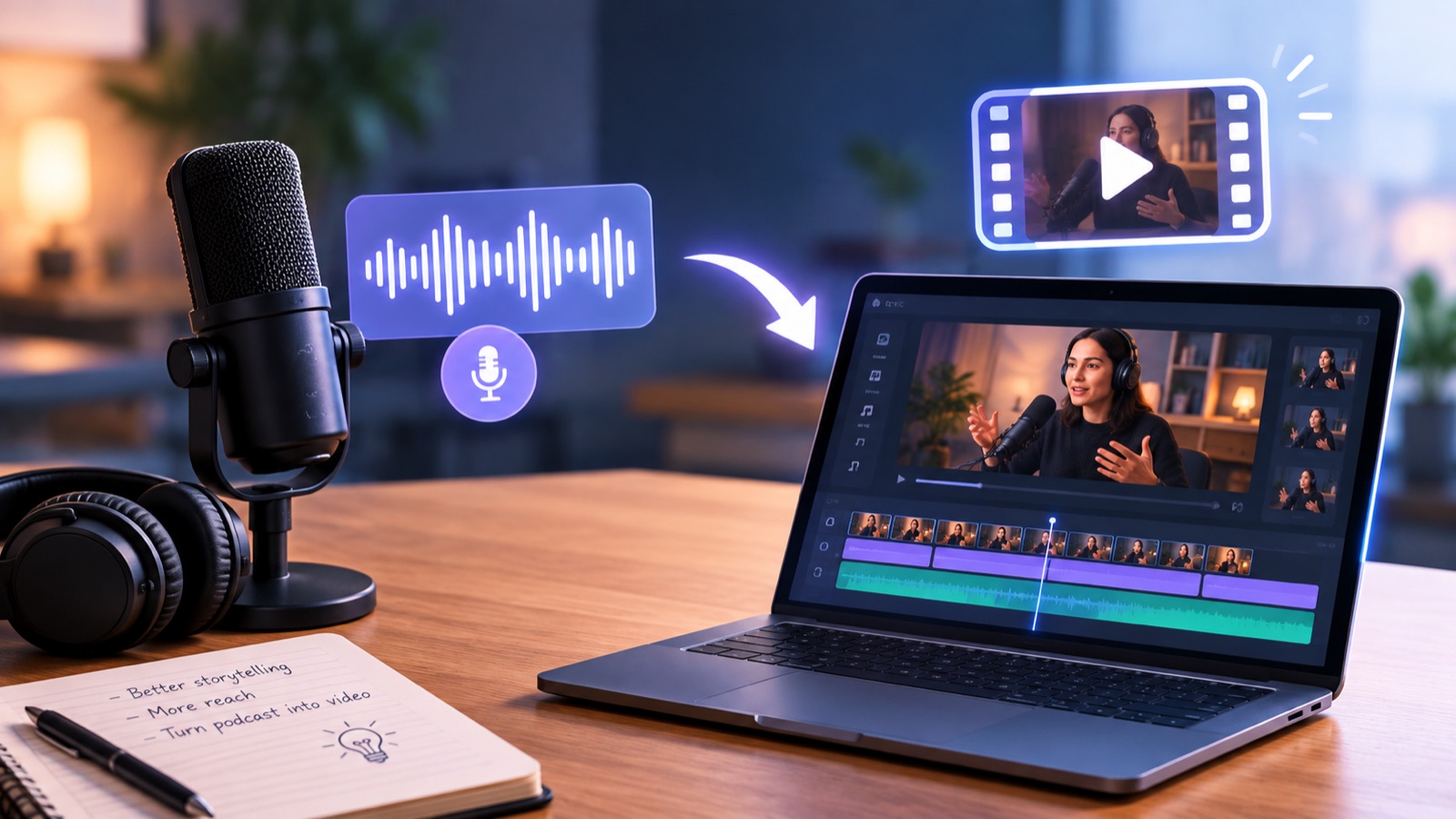
A podcast can often hold a great conversation and still be hard to share on video platforms. Finding visuals can take time. Turning audio into a full episode or short clips usually means finding usable moments, shaping visuals, adding captions, and checking every cut. Video is worth considering: Edison Research reported that 37% of Americans aged 12 and older watched a video podcast in the past month in its 2025 study. The right tool depends on whether you already record video or need to create visuals from audio alone. This guide compares six options and where each fits.
Which tool should you choose?
For a filmed show that needs camera sync, cleanup, a full episode, and social clips, invideo is the most complete choice here. Its built-in agent can assemble a first cut on a multitrack timeline; review angles, adjust pacing, and mix sound yourself. For audio-only shows, Podeo builds a visual episode, and Wavve makes waveform clips. Flowjin and Choppity focus on social excerpts; Podswitch prepares multicamera edits for desktop software. Choose by starting material and output, not feature count. A clip maker may not finish an episode, and an audio visualizer cannot preserve camera footage. Check export limits and sample the workflow first. A focused setup can reduce repeated work. Think of the process in stages: import, find moments, assemble, refine picture and sound, then export. These tools cover different parts of that path, so compare whether you need visuals from an audio file or edits to camera footage.
How we evaluated these tools
We compared accepted media, full episode or clip output, remaining editing, and export limits. Features and prices were checked on November 18, 2026. This is a researched comparison, not a matched hands-on test.
Comparison at a glance
| Tool | Input | Main output | Best suited to and limits |
|---|---|---|---|
| invideo | Audio and video | Editable episode and clips | Full episode; agent work uses credits |
| Podeo | Audio | Visual episode | Audio to YouTube; paid export |
| Flowjin | Audio or video | Clips and audiograms | Social excerpts; free plan is 720p |
| Choppity | Audio or video | Short clips | Social posting; free downloads unavailable |
| Wavve | Audio | Waveform clips | Branded posts; two free minutes monthly |
| Podswitch | Multicamera video and mic tracks | Desktop edit and clips | Multicam finishing; desktop editor required |
1. Invideo
Invideo’s podcast editor pairs an agent with a multitrack timeline. It can sync cameras, select speaker angles, remove fillers and silences, and clean voices. Review changes, refine the cut and mix, then make clips.
Key features: sync, cleanup, timeline, clips. Best for: filmed shows needing a full edit. Use case: assemble and refine episodes. Where it falls short: agent tasks and generated media use credits. Pricing: manual editing and exports are free; agent work uses credits.
2. Podeo
Podeo turns audio episodes into scene-based video that you can revise. It suits shows seeking a visual YouTube version without cameras. Review generated images and names before release.
Key features: scene-based video, timeline editor, plain language revisions. Best for: audio-only full episodes. Use case: publish an episode as video. Where it falls short: less suited to recorded camera angles. Pricing: one five-minute trial; paid plans start at $49 per month.
3. Flowjin
Flowjin analyzes audio or video and proposes captioned excerpts, waveform videos, or reframed clips. Vertical crops can focus on speakers. It is aimed at highlights rather than fully edited long episodes.
Key features: highlights, captions, reframing, audiograms. Best for: clipping episodes. Use case: prepare short posts. Where it falls short: the free plan has one-time 60-minute processing and 720p exports. Pricing: free plan includes one-time 60 minutes; paid plans start at $19 per month.
4. Choppity
Choppity finds moments in podcast video and makes short clips with captions, speaker tracking, and transcript editing. It supports clip refinement and profanity censoring. Use a separate editor for a complete episode.
Key features: clip selection, tracking, captions, transcript edits. Best for: social clips from filmed shows. Use case: create vertical excerpts. Where it falls short: the free plan does not include downloads. Pricing: free includes one analysis hour; Starter is $19 monthly.
5. Wavve
Wavve turns audio into waveform videos with captions, excerpt detection, and social sizing. It makes shareable clips without a camera recording. An uploaded MP4 contributes its audio, not its original shots.
Key features: waveform visuals, captions, audio highlights. Best for: visual posts from audio-only shows. Use case: share an audiogram. Where it falls short: it does not edit camera footage. Pricing: free plan gives two video minutes monthly; Creator starts at $12.99 per month.
6. Podswitch
Podswitch switches multicamera recordings using speaker microphone tracks, removes long pauses, and prepares timelines for Final Cut Pro, Premiere Pro, or Resolve. It suits editors who finish in desktop software.
Key features: mic-based switching, pause removal, project handoff. Best for: filmed multicamera shows. Use case: prepare an initial switched edit. Where it falls short: finishing needs a desktop editor. Pricing: three free projects monthly; paid options start at £7.99 per month.
How to choose the right tool
Match the tool to the recording and deliverable:
- Audio only: Podeo for a full video, Wavve for waveform posts, Flowjin for excerpts.
- Filmed: Invideo for full edits, Choppity or Flowjin for clips, Podswitch for desktop multicamera work.
Common mistakes to avoid
Do not assume a clip maker can finish an episode. Confirm audio, video, and camera track support before subscribing. Check export limits, listen around removed pauses, and preview vertical crops and captions on a phone.
FAQs
Can AI turn an audio-only podcast into a full video?
Yes. Podeo can build a scene-based video from an episode, while Wavve creates waveform clips. Audio-only results have no real camera angles to switch between. Review generated visuals for accuracy and choose a format that suits the platform. These tools do not recreate footage of the hosts unless you supply a visual recording.
Which tool is best for a video podcast with multiple cameras?
Use a timeline editor like invideo that syncs camera footage and keeps changes editable for a full episode. Podswitch prepares speaker switching for desktop finishing. Choppity or Flowjin may be enough when you only need short clips. Compare the length and number of clips each plan allows. Confirm whether the tool accepts isolated mic tracks before uploading.
Can these tools remove silences and filler words?
Some can detect pauses and fillers, but automatic cuts can change the tone. Review each join and keep pauses that help a reaction or answer feel natural. Podswitch lists pause removal; other editors offer transcript or timeline review. Always watch the surrounding exchange before approving an edit. This also catches abrupt changes in room tone.
Will a social clip tool replace my podcast editor?
Not always. Clip tools find moments, crop for vertical viewing, and add captions, but may not refine a full episode, mix microphones, or deliver a layered project. Check export and handoff options before deciding one covers the whole production. Teams with long-form shows may need another editor. Test an export before committing.
What should I check before paying?
Check processing time, download access, resolution, storage, and social publishing. A free plan may allow editing but block exports. Compare paid allowances with episode length and posting frequency, then confirm current prices and billing terms with the provider before choosing. Also check the retention period for projects you may revise later.
Final thoughts
Choose by input: audio-only shows need a video or audiogram tool; filmed shows need camera editing or clip makers. What takes the longest?
Versely AI Weekly
New AI models, every Thursday.
The image, video, audio and LLM models released that week, what each is good for, and what's new on Versely.