

How to Make Recipe Videos With AI
How to make recipe videos with AI: image-first food styling, step-by-step overlays, sizzle sound design, and the ingredient card trick that boosts saves.
Recipe videos are the most saved content format on Instagram — people bookmark them the way they bookmark shopping lists — and saves are the engagement signal algorithms reward most heavily. That makes recipes one of the highest-ROI niches to produce, and one of the friendliest to AI production, because a recipe video is really a sequence of short, self-contained food shots: the pour, the sizzle, the stir, the reveal. No continuous human performance to fake, no anatomy to get wrong. Just food looking irresistible for two seconds at a time.
The recipe for making recipe videos, then: build every shot as a styled image first, animate second, and let overlays carry the actual instructions.
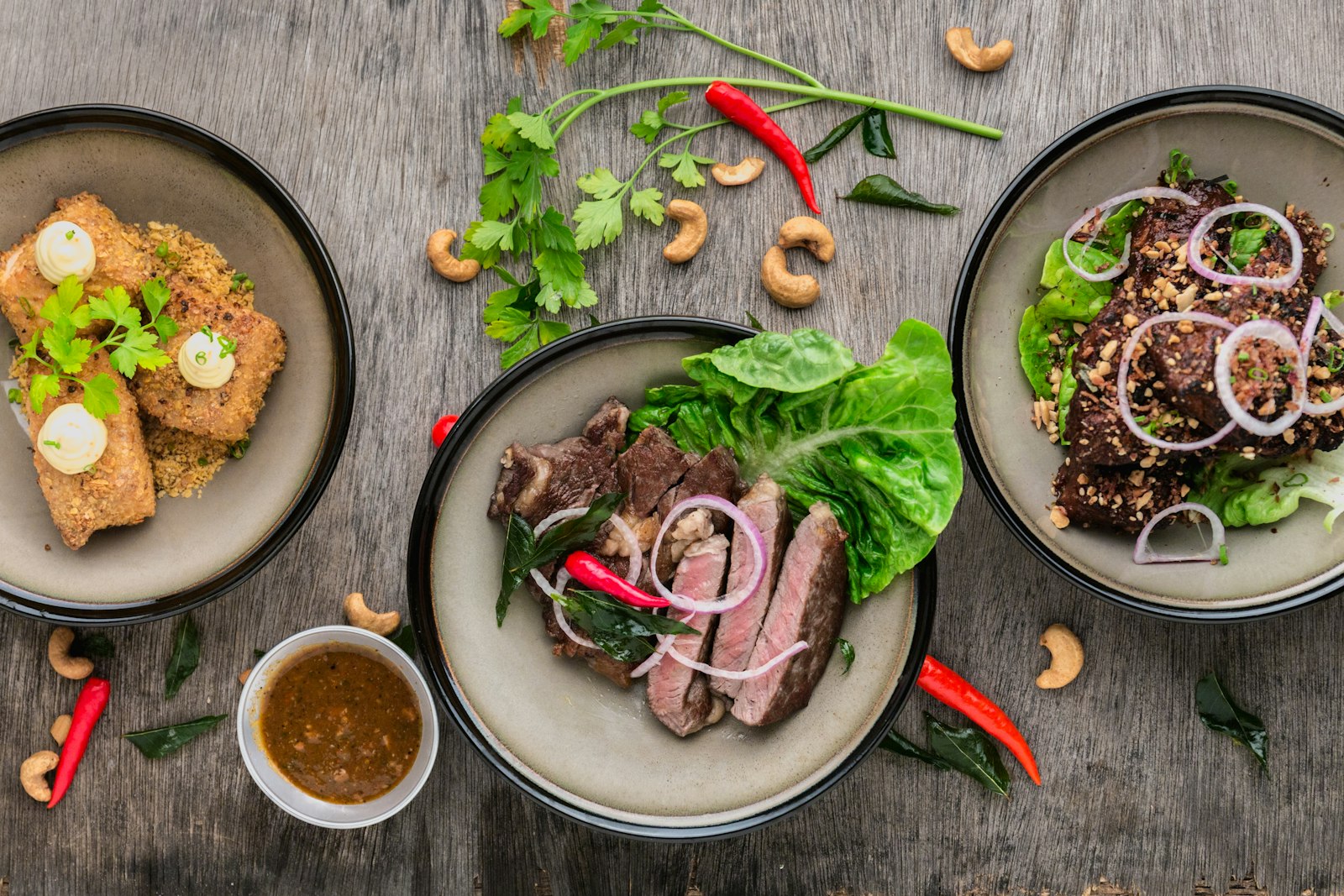
Why image-first beats text-to-video for food
You could prompt a video model directly with "butter melting in a cast iron pan, overhead shot." Sometimes it'll nail it. But food is a styling-sensitive subject — the difference between appetizing and unsettling is glossiness, color temperature, steam, and composition — and you want to approve the plate before you animate it.
So the pipeline is: generate a still of each shot with text-to-image, iterate cheaply until the food looks perfect, then animate the winning frames with AI image-to-video. Image generations cost a fraction of video generations, so you might run eight stills to find the perfect golden-brown sear and only pay for one video generation of it. Prompt stills with food-photography language:
"Overhead macro shot of garlic butter shrimp in a cast iron skillet, glossy sauce, visible steam, scattered parsley, warm directional light, shallow depth of field, food magazine styling"
Then animate with motion-specific prompts: "gentle simmer, steam rising, slow bubbling, static overhead camera." Keep motion subtle — food shots need life, not action. A model with good texture handling like PixVerse 5.6 image-to-video does simmer-and-steam motion well at short-form-friendly speeds.
Storyboard the recipe as 8–12 beats
A short-form recipe video is a fixed narrative shape. Storyboard it before generating anything:
- Hero shot (0–2s): The finished dish, best angle. Lead with the payoff — never open on raw ingredients.
- Ingredient card (2–5s): All ingredients in one styled overhead flat-lay with text labels.
- Steps (5–35s): One shot per step — chop, sizzle, pour, stir, flip, plate. Two to three seconds each.
- Reveal (35–45s): The finished dish again — the pull-apart, the cheese stretch, the sauce drizzle.
- Serving suggestion (45–50s): Plated in context, garnished.
That's 8–12 generated shots total. Generate them all as stills in one batch session, review as a set for visual consistency (same lighting warmth, same tableware style — put "same rustic wooden table, warm kitchen light" in every prompt), then animate only the shots that need motion. Static shots like the ingredient flat-lay can stay still for a beat or get a slow push-in.
Overlays do the teaching, audio does the selling
Here's the structural insight of the genre: in a recipe video, the video makes people hungry and the text teaches the recipe. Viewers watch muted, screenshot the ingredient card, and read the steps. So your overlay layer is not decoration — it's the actual recipe:
| Overlay | Content | Timing |
|---|---|---|
| Title card | Dish name + one hook ("15-minute dinner") | Over the hero shot |
| Ingredient card | Full list with quantities, legible type | Held 3 seconds — screenshot length |
| Step captions | "2. Sear 3 min per side" — numbered, terse | One per step shot |
| Save prompt | "Save this for dinner this week" | Over the reveal |
Typography legibility matters more here than in any other niche — a garbled quantity ruins the recipe. If you're generating the ingredient card as a designed image rather than a plain text overlay, use a typography-strong model like Seedream 5.0 Pro, which renders clean, readable text inside styled imagery; otherwise, plain high-contrast text overlays added in assembly are the safe route.
Audio is the opposite of ASMR restraint but borrows its trick: layer real cooking sounds — sizzle, chop, pour — as generated sound effects under an upbeat music bed. The sizzle is what triggers appetite; recipe videos with cooking-sound layers consistently out-engage music-only edits. Add a short voiceover only if you're building a personality-led channel; the format works fully faceless.
Assembly: pace to the beat, end on the stretch
Cut the beats together at 2–3 seconds per shot, snapping cuts to the music where you can. Two pacing rules from the format's best performers: never let a single shot run past 4 seconds before the reveal, and always end on the most physically appetizing moment — the cheese pull, the yolk break, the sauce pour. That final shot is what gets looped, and loops read as re-watches to the algorithm.
Render 9:16 for Reels, TikTok, and Shorts. For YouTube long-form (full tutorials with narration), re-storyboard at 16:9 with longer step shots — but start with short-form; it's where recipe content compounds fastest.
Publish where saves live, then series-ify
Distribute natively to Instagram first — it's the save-driven platform where recipes over-perform — then TikTok and Shorts. Put the full written recipe in the caption: caption-complete recipes earn more saves and shares because the post becomes self-contained. Versely can auto-publish the same render across all nine connected platforms with per-platform captions.
Then build in series, because recipe audiences subscribe to formats, not dishes: "15-minute dinners," "one-pan meals," "5-ingredient desserts." Same beat structure, same overlay template, new dish twice a week. Series consistency is also what makes AI production efficient — your prompts, styling language, and overlay template are already built, so episode ten takes a third of the time episode one did. For the broader channel strategy in this niche, see AI video for food creators.
One honesty note: AI recipe content should be real recipes you've validated. Generated visuals of a dish are presentation; publishing untested ingredient ratios is how food channels lose trust permanently. Test the recipe, then let AI handle the cinematography.
FAQ
Can AI make realistic food videos?
Yes — food is one of AI video's strongest subjects because shots are short, close-up, and don't involve complex human motion. The quality lever is working image-first: perfect the styled still cheaply, then animate only approved frames with subtle simmer-steam-pour motion.
Do I need to actually cook the dish?
You should test every recipe you publish — the visuals can be AI-generated, but untested quantities and times destroy audience trust the first time someone's dinner fails. Validate the recipe once in your kitchen, then produce the video entirely with AI.
What makes recipe videos get saved?
A screenshot-able ingredient card, numbered step captions, and a caption containing the full written recipe. Saves happen when the post works as a reference document later — design for the person planning Thursday's dinner, not just the person scrolling.
How long should a recipe video be?
Thirty to fifty seconds for short-form: hero shot, ingredient card, 6–8 step beats, reveal. If a recipe genuinely needs more steps, split it — "part 2" recipe videos retain better than 90-second single cuts in feed placement.
What audio should recipe videos use?
Layered cooking sounds — sizzle, chopping, pouring — under an upbeat music bed. The cooking-sound layer is the appetite trigger and consistently outperforms music-only edits. Voiceover is optional; the format works faceless with text overlays carrying the instructions.
Storyboard one dish tonight — eight stills, four animations, one ingredient card. Versely's text-to-image, image-to-video, and overlay tools run the whole pipeline in one place: start at AI image-to-video.