

Wan 3.0 Prompting Guide
Prompt Wan 3.0 in six layers: subject, scene, motion, camera, sound, references. End states, dialogue, exclusions. Run on Versely.
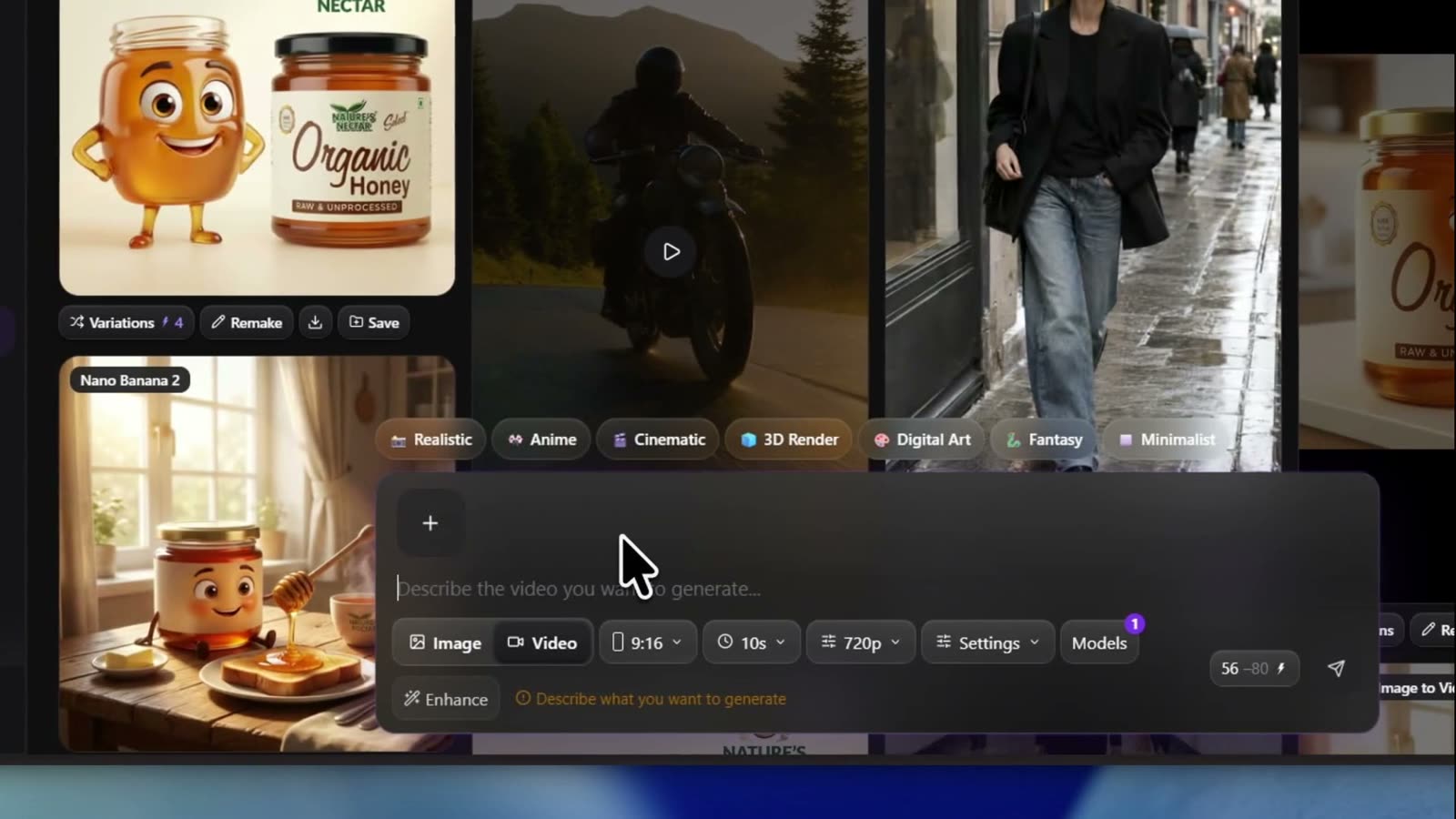
Wan 3.0 prompting is a six-layer brief, not a one-line vibe. Name the subject, the scene, the motion, the camera, the sound, and any reference jobs (Image 1 / Video 1 / Audio 1), then give longer clips timestamped stages with observable end states. On Versely you run the standard rows at 6 credits and the Prime rows at 11 credits (Wan 3.0 Text to Video, Wan 3.0 Prime Text to Video), then iterate the brief instead of restacking adjectives.
This guide is the technique layer. For web and iOS click-path see how to make trending videos with Wan 3.0. For the older three-mode dialect see Wan 2.7 prompting. For routing against Seedance and H3 see Seedance 2.5 vs Wan 3.0 vs MiniMax H3.
The six layers
- Subject - who or what must stay readable
- Scene - place, light, materials, color
- Motion - how the subject moves (start, accelerate, stop)
- Camera - shot size, angle, move, or hard cuts
- Sound - dialogue, SFX, ambience, music (or silence)
- Reference -
Image 1/Video 1/Audio 1jobs when assets are attached
Wan fills gaps confidently. A thin one-liner can look competent while inventing coverage you did not ask for. Full layers buy obedience: the camera move you named, the end state you can point at, the line the named speaker says.
Timestamped stages with observable end states
For multi-beat clips, split the take into contiguous stages. Give each stage one primary change and say what a viewer could point at when it ends. End states are checkpoints. Mood words are not.
Weak: A mechanic fixes a wheel and hangs it on the wall.
Stronger:
Stage 1 (0-6s): Bent wheel on the bench; stand empty. Mechanic seats the wheel.
End state: wheel upright in the stand; bench empty.
Stage 2 (6-14s): Wheel spins while she tightens spokes.
End state: no wobble; spoke wrench still in her right hand.
Stage 3 (14-20s): She hangs the wheel on a wall hook.
End state: wheel on the hook; stand empty.
Carry each end state into the next initial state. One primary change per stage. Treat second ranges as pacing budgets, not frame-accurate cuts.
Worked prompt 1 (text-to-video)
SUBJECT: A barista in a navy apron with a cream logo patch.
SCENE: Narrow cafe counter at sunrise. Warm window light from the left. Matte ceramic and brushed steel.
MOTION: She pours hot water in slow spirals over a paper filter, then lifts the kettle away. Steam rises and catches the light.
CAMERA: Medium shot on her hands, then a slow push to a close-up of the coffee bed blooming. One continuous take.
SOUND: Trickle of water, low hiss of steam, quiet morning room tone. No music. No dialogue.
CONSTRAINTS: No subtitles, no text overlay, no extra characters, no warped hands.
Worked prompt 2 (stages + dialogue)
SUBJECT: A lighthouse keeper in a yellow raincoat.
SCENE: Gallery at the top of a lighthouse in wind and rain.
MOTION / TIMELINE:
0-5s: He pushes open the heavy door and steps onto the gallery. End state: both boots on the wet deck.
5-10s: He turns to camera, holds the rail, and speaks. End state: face toward camera; mouth closed after the line.
CAMERA: Medium close-up, slight handheld shake from wind.
SOUND: Wind gusts, rain on metal. Slow low strings under. The keeper says, calm and worn: "The light is still turning." British English, low gravelly voice, slow pace.
CONSTRAINTS: No subtitles, no title cards, no extra people.
Sound: quote dialogue and name the speaker
Wan 3.0 generates picture and audio in the same pass. Split sound into dialogue, action SFX, ambience, and music (or silence). Write spoken lines in quotes and identify who speaks. Prefer two to four observable delivery cues over bare emotion words. To silence a channel: No dialogue throughout. No background music. No subtitles.
There is no negative prompt field. Every exclusion is a sentence in the prompt. Avoid bracket dialects from other models. On-screen text is unreliable; if a caption is load-bearing, burn it after with /tools/ai-caption-generator or /free-tools/burn-captions.
prompt_extend: thin prompts get rewritten
On the Alibaba stack, prompt_extend is often on by default, so a one-line brief can be expanded before generation. That helps rough ideas and hurts locked briefs. Write the six layers when you care about obedience. If Versely exposes an extend or rewrite control in the generation panel, turn it off when you need literal wording. Check the panel; do not invent a toggle that is not there.
References vs first and last frames
Reference mode and first/last-frame mode are mutually exclusive. Pick one contract per generate.
Reference-to-video: address assets by type order (Image 1, Video 1, Audio 1). Images, videos, and audio count separately. Give each asset one job and state what not to copy.
REFERENCE:
Image 1 defines the knight's face, hair, and armor only. Do not use Image 1's background.
Image 2 defines the dock's pilings, rope, water, and mountains only. Do not use the person in Image 2.
Video 1 supplies walking pace only. Do not copy its location.
Audio 1 supplies voice timbre for one short line only. Do not copy its music bed.
SUBJECT + MOTION: The knight walks slowly along the dock toward camera and stops at the boards' end.
CAMERA: Locked-off wide shot.
SOUND: Soft bootsteps on wet wood, light harbor water. No dialogue. No music.
CONSTRAINTS: No blossoming trees from Image 1, no extra fisherman, no subtitles.
First / last frame: use when open (and land) must match approved stills. Prompt the continuous action between them. A first frame anchors the open, not the whole clip, so say what must not change.
Worked prompt 3 (first frame)
From the first frame: she looks up from the book, closes it softly, and glances toward the window. Curtain stirs in a breeze.
CAMERA: Nearly locked with a slight slow push.
SOUND: Soft paper close, distant street under. No music. No dialogue.
CONSTRAINTS: Keep her face, hair, and sweater from the first frame. No new room. No subtitles.
Separate subject motion from camera motion. Describe start, accelerate, and stop. Plain moves work: push-in, pan, orbit, handheld, locked-off. Named tricks need the visible change written out or they often do nothing.
Failure modes
| Failure | Likely cause | Fix in the brief |
|---|---|---|
| Pretty wallpaper, no story | Missing motion and end states | Stages; one change each; pointable end states |
| Events pile into the first half | No timeline | Contiguous second ranges; cut micro-actions |
| Unwanted music or titles | Silent Sound layer | Explicit No BGM / No subtitles / No dialogue |
| Wrong speaker or mumbled line | Dialogue without name or quotes | Name says: "exact line" plus timbre and pace |
| Reference leaks background | Role not narrowed | One job per Image N; name what not to copy |
| Generate rejected or confused | Refs + first/last together | Choose reference OR first/last, not both |
| Brief ignored, random coverage | Thin prompt + extend rewrite | Write full layers; check panel for extend off |
| On-screen text wrong or missing | Asking the model to typeset | Burn captions after the take |
Skip the dialect: brief the Versely agent
You can learn this stack. On Versely you can also skip memorizing every Wan dialect and brief the agent instead of writing prompts: content type, photos or references, the edits you will accept, target platforms, and a budget ceiling. Name the row when it matters ("use Wan 3.0 Reference to Video" or "Wan 3.0 Prime Image to Video"). The agent matches model names literally. It plans the job; you approve the plan instead of babysitting clause order.
A hand-tuned six-layer prompt still wins for one hero take. A job brief wins for variants, captions, and a post path with a spend cap.
After the take: edit, post, collections
When the Wan pass is close enough:
- Light trim if a beat overruns. Do not ask the model to be CapCut.
- Burn mute-proof captions with /tools/ai-caption-generator or /free-tools/burn-captions.
- Upload or schedule to connected social accounts, or export the mp4.
- Save keepers into a Versely collection so the next brief reuses stills, refs, and winning lines.
Honest limit: board separate generates when you need separate setups, then stitch. Prefer reference mode for identity stacks; first/last when open and land must match approved stills.
FAQ
What is the best Wan 3.0 prompt formula?
Subject, Scene, Motion, Camera, Sound, and Reference when assets are attached. Add timestamped stages with observable end states for longer clips. Put exclusions in the prompt text.
Does Wan 3.0 support negative prompts?
No. Write exclusions as sentences: no subtitles, no extra characters, no BGM, no warped hands.
How do I write dialogue for Wan 3.0?
Name the speaker, quote the exact line, and add voice notes (pace, timbre, accent, delivery). Keep music under the line or say No music.
Can I use reference images and a first frame together?
No. Reference materials and first/last frames are mutually exclusive. Choose one mode per generate.
What does prompt_extend do?
It rewrites thin prompts before generation and is often on by default on Alibaba's stack. Write full layers for locked briefs; check the Versely generation panel if you need extend off.
How much do the Wan 3.0 rows cost on Versely?
Standard rows 6 credits; Prime rows 11 credits. Totals still depend on length and quality. See /models/wan-3-0-text-to-video and /models/wan-3-0-prime-text-to-video.
Where do I run this?
Open the AI video generator. Use the trending how-to for clicks; this page for the brief.
Takeaway
Prompt Wan 3.0 like a short shoot: six layers, timestamped stages with end states you can point at, quoted dialogue with a named speaker, and exclusions in the prompt because there is no negative field. Keep references and first/last frames on separate generates. Write full layers when extend might rewrite a thin line. Run the 6-credit or 11-credit rows on Versely, or hand the agent a job brief when you would rather not memorize the dialect. Then caption, post where the product supports it, and file keepers in a collection so the next take starts warmer.
Versely AI Weekly
New AI models, every Thursday.
The image, video, audio and LLM models released that week, what each is good for, and what's new on Versely.