

How to Make a Book Trailer With AI
How to make a book trailer with AI: build the book's world in stills, animate them into slow atmospheric shots, and lead with narration, not spectacle.
Book trailers fail when they try to be movie trailers. A film has footage; a book has atmosphere, voice, and a promise — and a trailer that fast-cuts through generic dramatic shots sells none of those. The book trailers that actually move preorders work more like perfume ads: slow, textural, narrated, built around a feeling the reader will get to live inside for four hundred pages.
That calls for a completely different production recipe than a movie trailer: stills-first instead of shots-first, narration-led instead of montage-led, six shots instead of twenty-five, dissolves instead of hard cuts. Here's the whole build, which an author can realistically finish in a weekend.
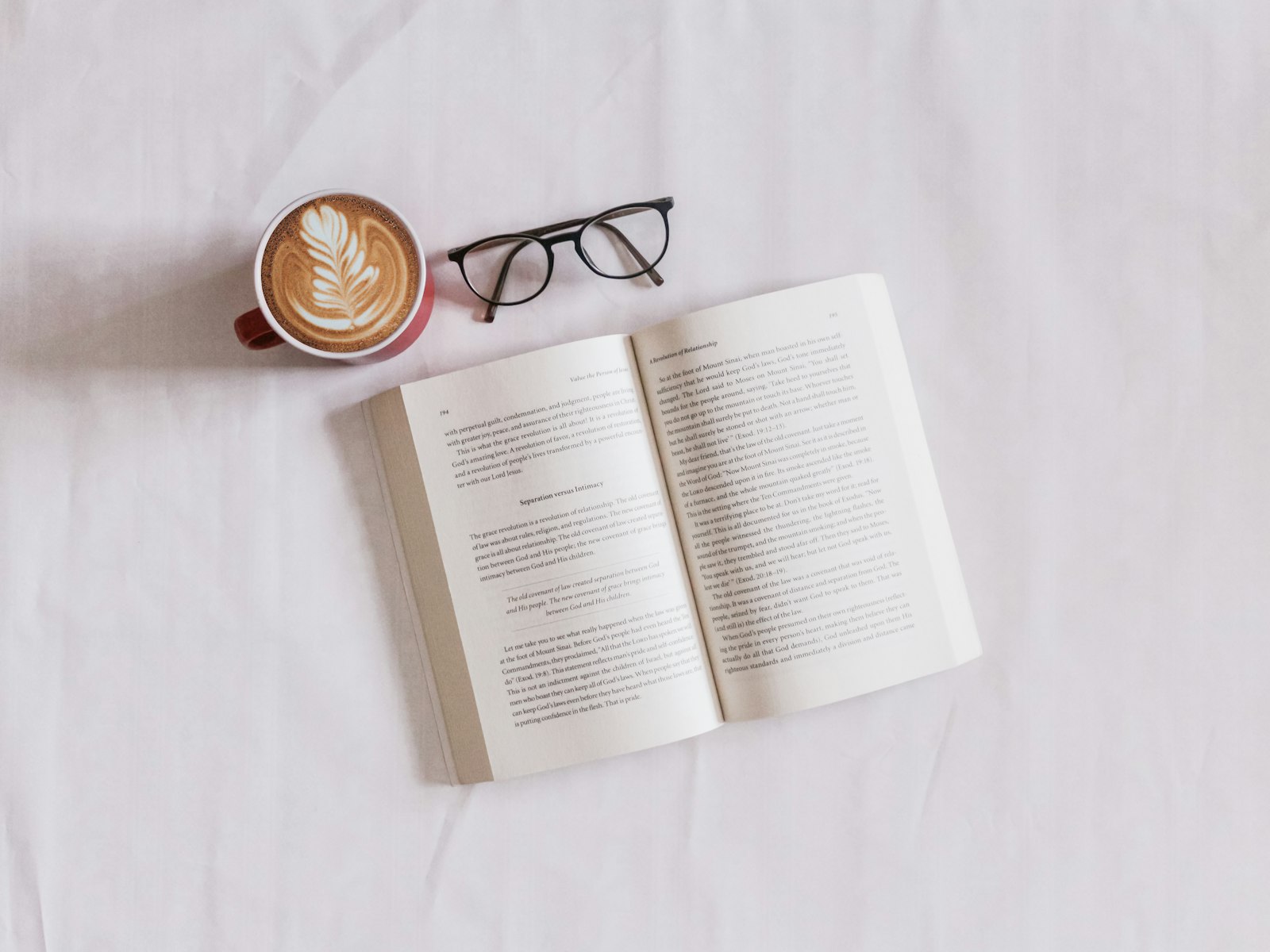
Step 1: Write the narration first — it's the trailer's spine
A book trailer is an audio piece with pictures. Before any visuals, write 60–90 words of narration in the book's own voice: the hook question, a fragment of the world, the promise, the title. Structure that works:
[Atmosphere line — where we are] / [The disturbance — what breaks] / [The stakes question] / [Title, author, "available now"]
Pull phrases from the actual manuscript where you can; readers of the genre can smell copywriter-speak. Then give it a voice with AI text-to-speech — the voice is the casting decision. A slow, low, close-mic read for thrillers; something warmer and lighter for romance; measured and precise for literary fiction. Generate three voice options and listen with your eyes closed; the right one is obvious. The narration's final runtime (usually 35–50 seconds) now defines the trailer's length. Everything else fits to it.
Step 2: Build the book's world as stills, not video prompts
Here's the structural trick: don't prompt video scenes. Prompt 6–8 paintings of the book's world as still images first — the lighthouse at dusk, the empty kitchen with two teacups, the road into the pines. Stills give you three things video-first can't: total art direction control at image prices, cheap iteration until every frame is right, and a locked visual identity before a single video credit is spent.
Anchor the set to the book's existing visual identity — cover palette, era, season — with one repeated style block ("muted slate blues, overcast coastal light, 35mm film still, quiet composition, no people's faces"). Faceless or face-averted figures are the genre norm and the practical choice: readers cast the characters themselves, and you avoid the consistency problem entirely.
Step 3: Animate the stills into breathing shots
Now convert each still into 5–8 seconds of barely-moving footage via image-to-video. The prompt for every shot is a variation of the same sentence: the world breathes, nothing happens.
- "curtains shifting slightly in the breeze, dust motes in the light shaft, camera drifting forward almost imperceptibly"
- "rain beginning on the window, focus steady, slow push toward the glass"
- "waves rolling in the distance, grass moving, static camera"
Vidu Q3 image-to-video suits this recipe well — it's strong at preserving a source frame's composition and atmosphere while adding subtle coherent motion, which is the entire job here. The discipline is restraint: any shot where something happens (a figure turns, a door opens) should be exactly one shot, placed at the narration's disturbance line. One moving thing in a trailer of stillness detonates; six moving things cancel out.
Step 4: Assemble to the narration's rhythm
The edit logic, mapped to your narration:
| Narration beat | Visual | Transition | Duration |
|---|---|---|---|
| Atmosphere line | 2 establishing world shots | Slow 1s dissolves | 12–16s |
| The disturbance | The single "something happens" shot | Hard cut in | 5–6s |
| Stakes question | Most striking still, slow push | Dissolve | 6–8s |
| Title + author | Text card over darkened final frame | Fade | 6–8s |
| "Available now" + cover | The actual book cover, front and center | Cut | 4–5s |
Dissolves, not cuts, everywhere except the disturbance — the one hard cut lands because it's the only one. Under it all: a sparse generated music bed (solo piano, ambient pads, or a low drone by genre — nothing with drums) mixed well under the voice, plus one or two placed sounds (the wave, the door) synced to their shots. End on the cover for a full 4–5 seconds with preorder text; the cover is the product shot, and trailers that bury it are ads for nothing.
If assembling shots, voiceover, music, and text cards in a timeline sounds like the barrier, story-to-video collapses the pipeline: feed it the narration script and it drafts the scene sequence with voiceover attached, which you then swap shots into. It's the fastest route from manuscript to first draft trailer.
Step 5: Cut the platform versions
The 16:9 master (45–60s) lives on your website, YouTube, and email list. Then cut two derivatives: a 9:16 version for Reels/TikTok that opens with the disturbance shot first (vertical feeds won't wait 15 seconds for atmosphere), and a 15-second version — one world shot, stakes line, cover — for use as a paid ad and a pinned comment. Same assets, three lengths; the stills-first pipeline makes recomposition cheap since you can re-crop the source images natively rather than zooming into video. For the broader campaign around the trailer — where to post it, launch sequencing, ARC-reader content — see the author video marketing guide.
FAQ
How is a book trailer different from a movie trailer?
Opposite grammar. Movie trailers are montage-led: twenty-plus shots, accelerating cuts, spectacle. Book trailers are narration-led: six to eight slow atmospheric shots, dissolves, one deliberate moment of action, and the cover as the final product shot. A book trailer that fast-cuts reads as generic because it's selling footage the book doesn't have — the product is a feeling and a voice.
What's the ideal length for a book trailer?
Forty-five to sixty seconds for the master — long enough for atmosphere to accumulate, short enough that the narration stays tight. Let the narration define it: write 60–90 words, record the voiceover, and fit the visuals to that runtime. Then cut 30-second vertical and 15-second ad versions from the same assets.
Do I need to show the book's characters?
Generally no — faceless or face-averted figures are both the genre convention and the practical choice. Readers prefer casting characters in their own heads, and avoiding faces sidesteps AI's cross-shot consistency problem entirely. Silhouettes, hands, figures walking away, and empty rooms that imply a person carry more atmosphere than a rendered face that "isn't how I pictured her."
Why generate stills first instead of prompting video directly?
Control and cost. Stills let you art-direct every frame at image-generation prices, iterating until the world is exactly right, then spend video credits only on animating approved frames with subtle motion. Video-first prompting gambles composition, palette, and motion simultaneously on every generation — and book trailers need so little motion that stills-plus-breath covers it.
What music works under a book trailer?
Sparse and drumless: solo piano, ambient pads, a low drone, a slow string swell by genre. The voiceover is the lead instrument; the music's job is floor, not melody. Generate a track with a quiet arc and one gentle swell timed to the stakes line, mixed clearly under the narration, with one or two placed sound effects synced to their shots.
Your manuscript already contains the trailer — pull the lines, cast the voice, and build the world's first six frames with story-to-video in Versely this weekend.