

Made with GPT Image 2.6 Flare Edit on Versely
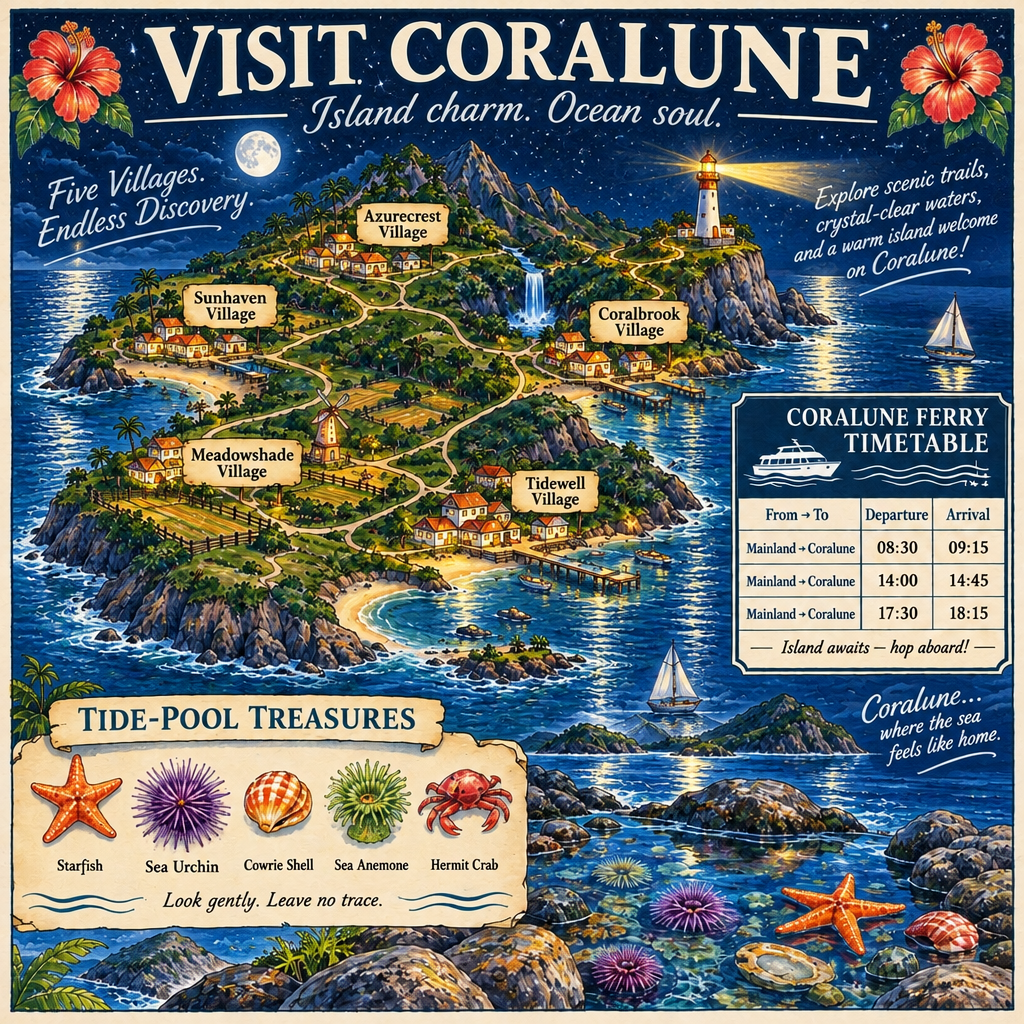
One real generation, straight from the model. No edits.
What GPT Image 2.6 Flare Edit is best at
Pricing
GPT Image 2.6 Flare Edit costs 7 credits on Versely. It bills quality resolution flat, so a full job runs 7 to 11 credits depending on output resolution.
| Option | Price |
|---|---|
| SD/HD | 7 credits |
| 4K | 11 credits |
Prices are Versely credits. Your plan's credit allowance is on the pricing page.
GPT Image 2.6 Flare Edit variants
Versely runs 4 versions of this model - tiers and input modes share the same underlying model, so they live here rather than on 4 near-identical pages. Prices range from 5 to 7 credits.
| Variant | Mode | Tier | Credits | Max resolution | Durations |
|---|---|---|---|---|---|
| GPT Image 2.6 Flare EditThis page | edit | Flare | 7 | - | - |
| GPT Image 2.6 Sunburst Edit | edit | Sunburst | 7 | - | - |
| GPT Image 2.6 Flare Text to Image | text to image | Flare | 5 | - | - |
| GPT Image 2.6 Sunburst Text to Image | text to image | Sunburst | 5 | - | - |
Specs
- Aspect ratios
- auto1:13:22:34:33:416:99:162:11:23:11:321:99:215:44:5
- Qualities
- 1K2K4K
Inputs
Starting image
Required - you must upload a starting image.
Release
GPT Image 2.6 Flare Edit was released on November 4, 2026 (released yesterday).
Other image models
Use GPT Image 2.6 Flare Edit inside these tools
Frequently asked questions
How much does GPT Image 2.6 Flare Edit cost on Versely?+
GPT Image 2.6 Flare Edit costs 7 credits on Versely. A full job runs 7-11 credits depending on output resolution.
What is GPT Image 2.6 Flare Edit best for?+
Fast image editing with OpenAI's GPT Image 2.6 Flare: changes only what the prompt asks while keeping the subject, composition and background intact. Up to 16 input images, an optional mask, output up to 4K. On Versely it is filed as a OpenAI image model for edit image, image to image.
How many versions of GPT Image 2.6 Flare Edit are there?+
Versely runs 4 GPT Image 2.6 Flare Edit variants - GPT Image 2.6 Flare Edit (edit, 7 credits); GPT Image 2.6 Flare Text to Image (text to image, 5 credits); GPT Image 2.6 Sunburst Edit (edit, 7 credits); GPT Image 2.6 Sunburst Text to Image (text to image, 5 credits). They range from 5 to 7 credits.
What resolution does GPT Image 2.6 Flare Edit output?+
GPT Image 2.6 Flare Edit supports output up to 4K (available qualities: 1K, 2K, 4K).
Does GPT Image 2.6 Flare Edit need a reference image or video?+
GPT Image 2.6 Flare Edit requires a starting image.
Try GPT Image 2.6 Flare Edit inside Versely
The all-in-one AI studio for creators. 60+ models for video, image, voice, music and lipsync, in your browser or on your phone.
Free on the web and on iPhone, one account.
Guides
GPT-Image-2.5 Creator Workflow
Draft high-volume stills on Flare, polish campaigns on Sunburst, use Sketch for layout. Stay on GPT-Image-2 when it already wins.
GPT-Image-2.5 Flare vs Sunburst
Flare is the default API pick for speed; Sunburst is for precision edits that take longer. ChatGPT Images 2.5 shipped 8 Sept 2026.
GPT Image 2 vs Nano Banana 2
GPT Image 2 is the arena stills pick; Nano Banana 2 is Google’s daily edit still. Choose by job, not brand loyalty.
GPT Image 1.5 vs GPT Image 2
GPT Image 1.5 is 2 credits with edit paths. GPT Image 2 T2I is 4 credits and 4K generate-only. Pick the contract.